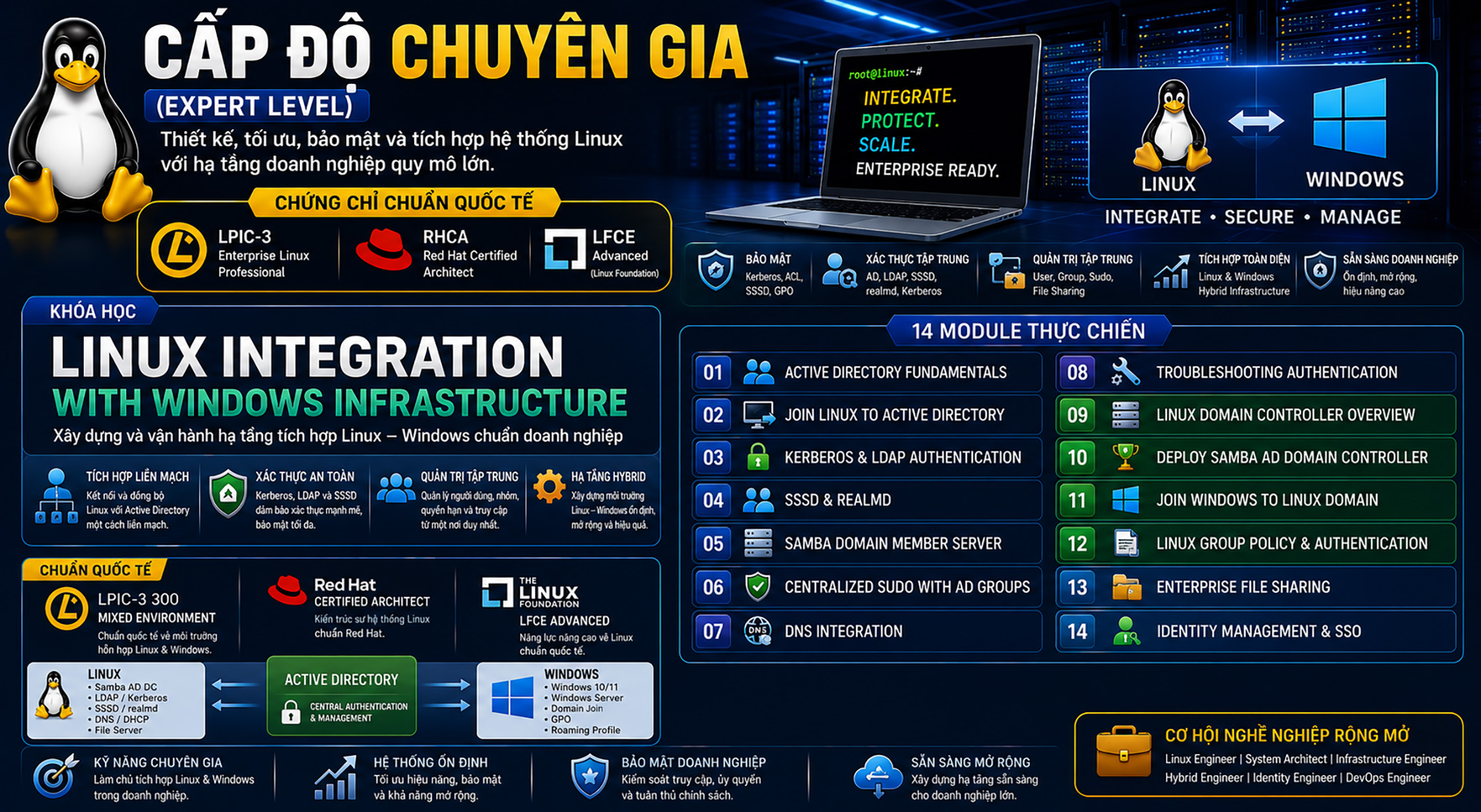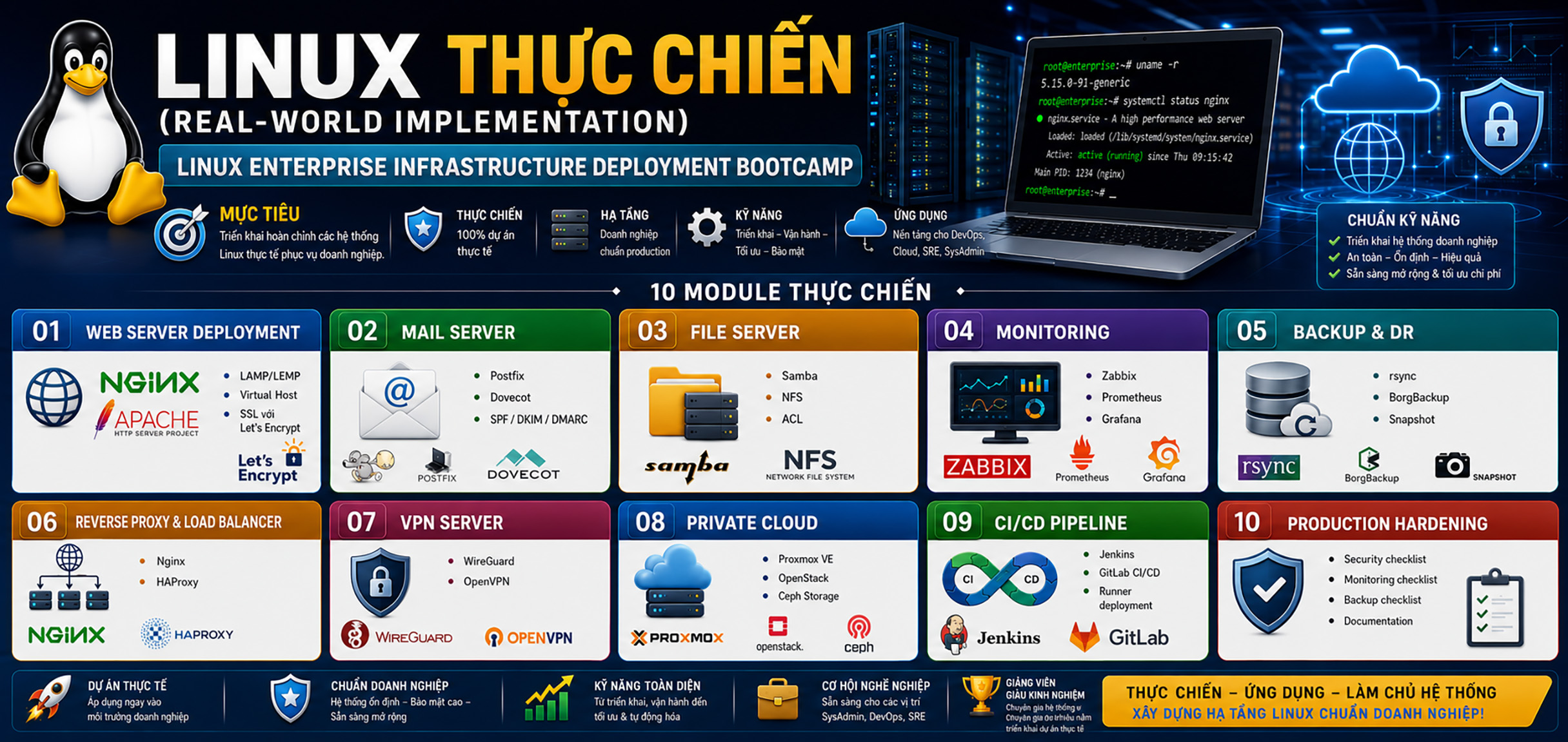

Linux Administrator
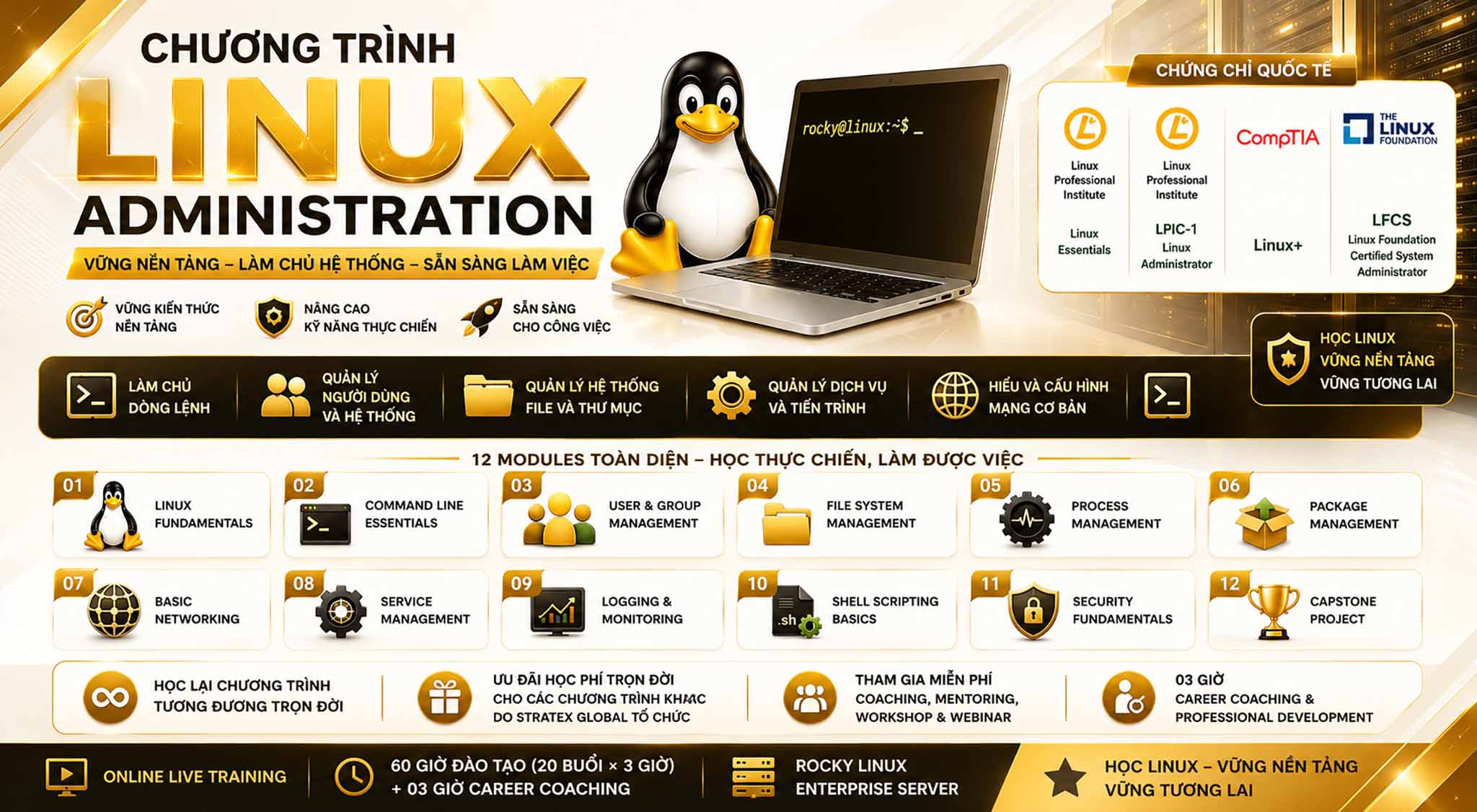
Thông tin học phí và các ưu đãi

Linux là nền tảng cốt lõi của Data Center, Cloud Computing, DevOps, Cybersecurity và hạ tầng CNTT doanh nghiệp trên toàn cầu. Làm chủ Linux không chỉ giúp xây dựng năng lực quản trị hệ thống chuyên nghiệp mà còn mở ra lộ trình phát triển lâu dài trong nhiều lĩnh vực công nghệ hiện đại.
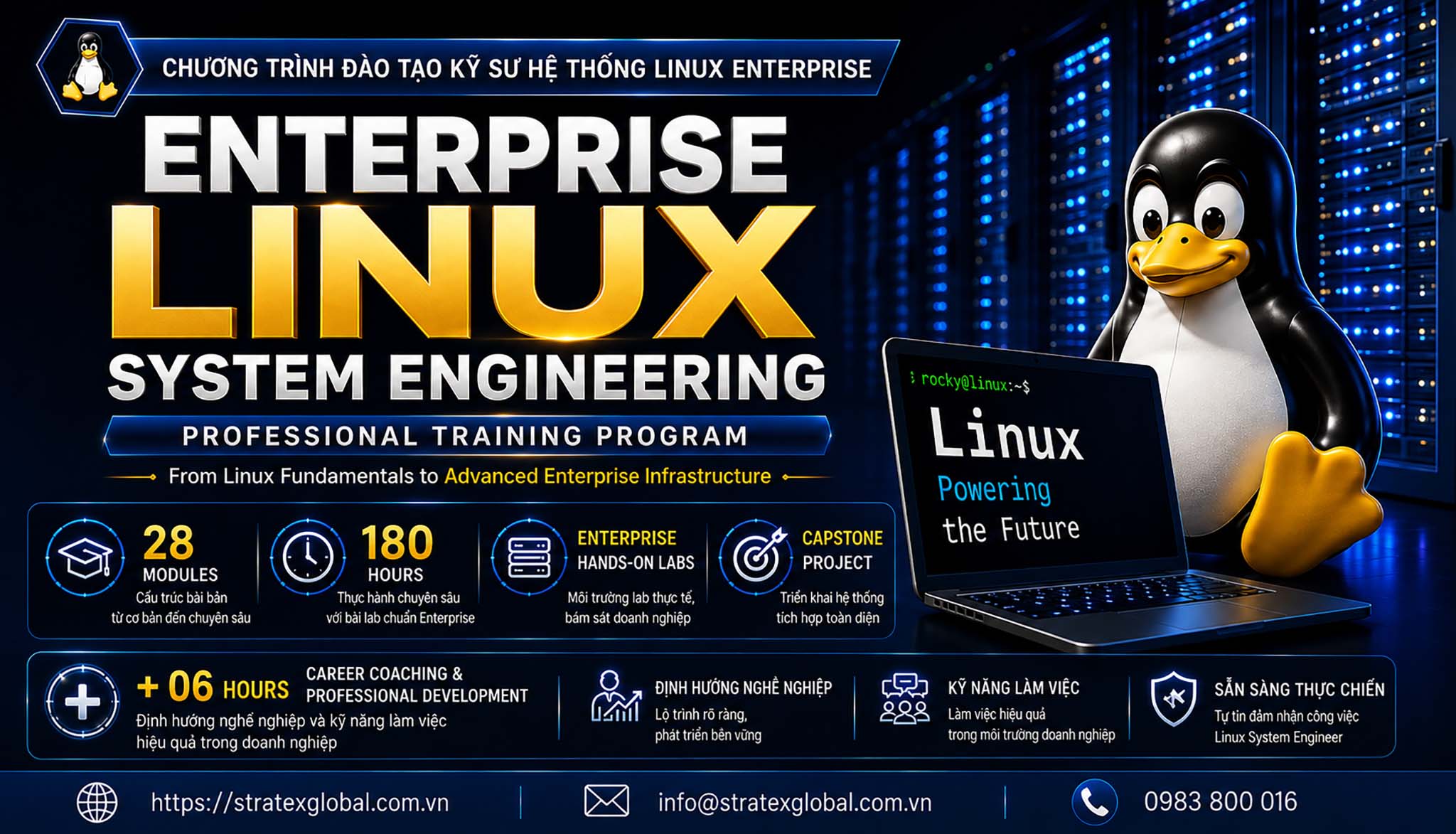
Chương trình Linux Administration tại Stratex Global được thiết kế từ nền tảng đến năng lực quản trị Linux trong môi trường doanh nghiệp, kết hợp kiến thức theo định hướng LPIC-1 với 80% Hands-on Labs & Enterprise Scenarios trên Rocky Linux Enterprise Server. Học viên được rèn luyện toàn diện về triển khai, quản trị, vận hành, bảo mật, automation và troubleshooting, đồng thời xây dựng tư duy System Engineering để sẵn sàng làm việc ở vị trí Linux Administrator và phát triển chuyên sâu lên Linux System Engineering, Enterprise Infrastructure, Cloud, DevOps và Cybersecurity.
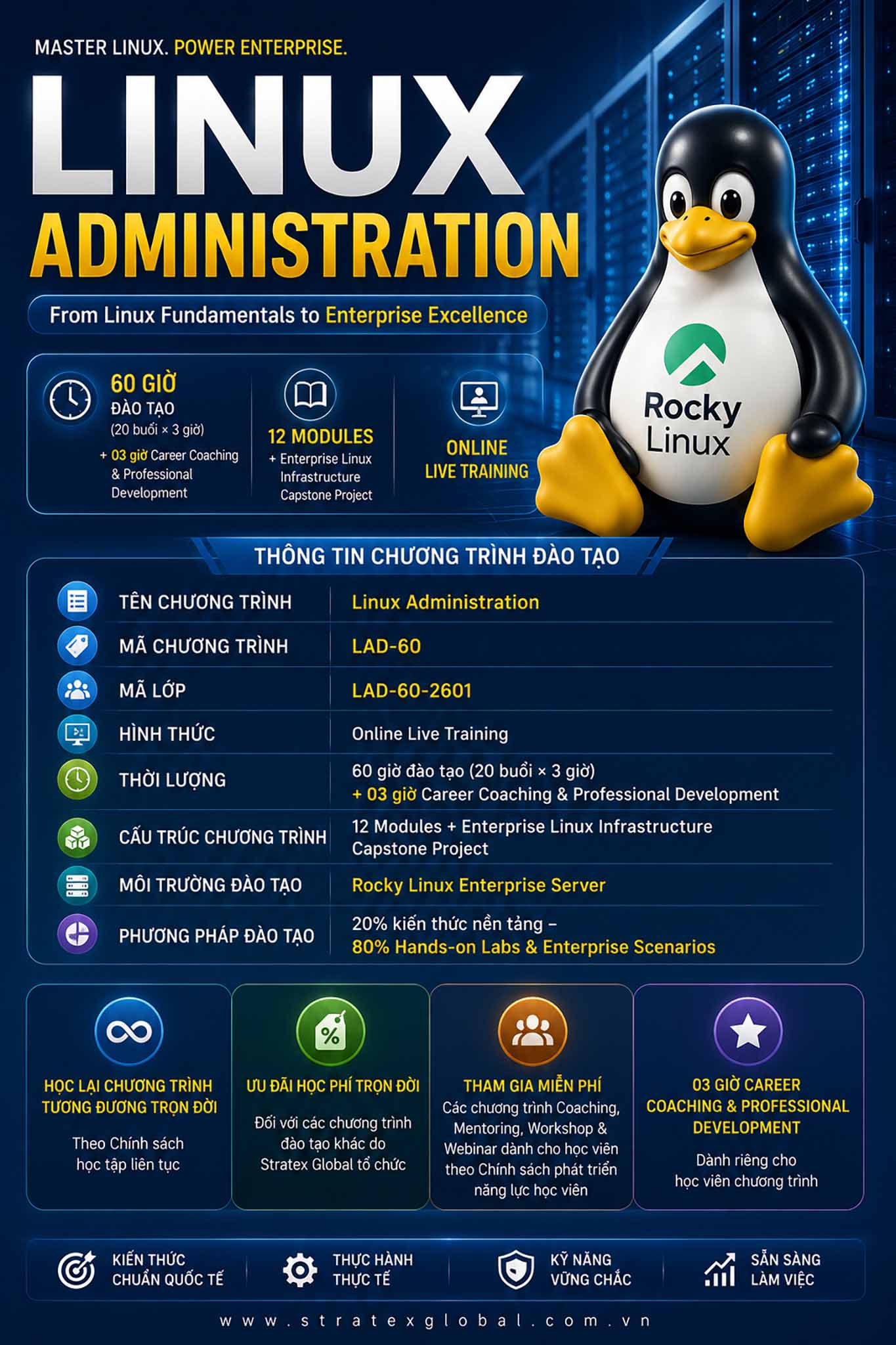
Thông tin chương trình đào tạo:
- Tên chương trình đào tạo: Linux Administration
- Mã chương trình đào tạo: LAD-60
- Mã lớp: LAD-60-2601
- Hình thức: Online Live Training
- Thời lượng: 60 giờ đào tạo (20 buổi × 3 giờ) + 03 giờ Final Capstone Project
- Cấu trúc chương trình: 12 Modules + Enterprise Linux Infrastructure Capstone Project
- Môi trường đào tạo: Rocky Linux Enterprise Server
- Phương pháp đào tạo: 20% kiến thức nền tảng – 80% Hands-on Labs & Enterprise Scenarios
- Học lại chương trình tương đương trọn đời theo Chính sách học tập liên tục.
- Ưu đãi học phí trọn đời đối với các chương trình đào tạo khác do Stratex Global tổ chức.
- Tham gia miễn phí các chương trình Coaching, Mentoring, Workshop & Webinar dành cho học viên theo Chính sách phát triển năng lực học viên.
- 03 giờ Career Coaching & Professional Development dành riêng cho học viên chương trình.
Thời lượng
- Tổng thời lượng: 60 giờ đào tạo (20 buổi × 3 giờ)
- Cấu trúc chương trình: 12 Modules, xây dựng năng lực nền tảng để làm việc ở vị trí Linux Administrator
- Capstone Project: Enterprise Linux Infrastructure Capstone Project tích hợp kiến thức và kỹ năng toàn chương trình
- Career Coaching: 03 giờ Career Coaching & Professional Development
- Final Project: 01 buổi Final Capstone Project
- Môi trường đào tạo: Rocky Linux Enterprise Server
- Phương pháp đào tạo: 20% kiến thức nền tảng – 80% Hands-on Labs & Enterprise Scenarios
- Định hướng đào tạo: System Engineering – Enterprise Infrastructure – Troubleshooting – Automation – Security
- Mục tiêu đầu ra: Phát triển năng lực triển khai, quản trị, vận hành, bảo mật và xử lý sự cố hệ thống Linux trong môi trường doanh nghiệp.
Định hướng sau khóa học
Sau khi hoàn thành chương trình, học viên được định hướng phát triển từ Linux Administration đến năng lực triển khai, quản trị, vận hành, bảo mật và xử lý sự cố hệ thống Linux trong môi trường doanh nghiệp, tạo nền tảng để đảm nhiệm các vị trí như Linux Administrator, System Administrator và IT Infrastructure Engineer. Trên nền tảng kiến thức theo định hướng LPIC-1, kết hợp tư duy System Engineering và năng lực thực hành thực tế, học viên có thể tiếp tục phát triển chuyên sâu theo lộ trình Linux System Engineering → Enterprise Infrastructure → Cloud Computing → DevOps → Cybersecurity, từng bước nâng cao năng lực nghề nghiệp và sẵn sàng thích ứng với các môi trường hạ tầng CNTT hiện đại.
Nội dung đào tạo
LPIC-1 Knowledge:
- Linux and GNU
- Open Source Software
- Linux Distributions
- Hardware Architecture
- Linux Kernel and User Space
- Linux Boot Process
- Runlevels and Systemd Targets
Enterprise Skills:
- Rocky Linux in Enterprise Environments
- Linux Server Standardization and Best Practices
- Enterprise Linux Server Deployment Models
- VMware Workstation for Lab and Testing Environments
Hands-on Labs:
- Deploy Rocky Linux on a Virtual Machine
- Configure Hostname and System Identity
- Configure SSH Remote Access
- Configure Network Settings
- Perform System Snapshot and Rollback Operations
LPIC-1 Knowledge:
- Linux File System Hierarchy Standard (FHS)
- Devices and Device Files
- Inode Concepts
- Partitioning Concepts
- Linux File Systems
- Mount Points
- UUID and Labels
- fstab Configuration
- Logical Volume Manager (LVM) Fundamentals
Enterprise Skills:
- ext4 and XFS File Systems
- Enterprise Storage Management
- Linux Server Partitioning Design
- Storage Capacity Planning
- Logical Volume Management (LVM)
- Online Storage Expansion
- Snapshot and Recovery Operations
Hands-on Labs:
- Disk and Partition Management
- File System Creation and Formatting
- Mount and Unmount Storage Devices
- Persistent Mount Configuration with fstab
- Disk Usage Monitoring
- Create Physical Volumes (PV)
- Create Volume Groups (VG)
- Create Logical Volumes (LV)
- Extend and Resize Logical Volumes
- Create and Restore LVM Snapshots
LPIC-1 Knowledge:
- Bash Shell
- Command History
- Streams
- Pipes
- Redirection
- Environment Variables
- Command Substitution
Enterprise Skills:
- Linux CLI Productivity
- File Compression and Archiving
- Data Search Techniques
- Administrative Command Workflow
Hands-on Labs:
- File Management
- Data Processing
- Archive Management
- Search and Filtering
- Enterprise Directory Structure Project
LPIC-1 Knowledge:
- User Accounts
- Group Management
- Password Management
- Account Configuration Files
Enterprise Skills:
- Organizational User Management
- Administrative Delegation
- Shared Resource Access Design
Hands-on Labs:
- User Administration
- Group Administration
- Password Policies
- Sudo Configuration
- Department-Based Access Control
LPIC-1 Knowledge:
- Standard Linux Permissions
- File and Directory Ownership
- SUID (Set User ID)
- SGID (Set Group ID)
- Sticky Bit
Enterprise Skills:
- Access Control List (ACL) Implementation
- Linux Hardening Fundamentals
- SSH Security Best Practices
- Secure Access Management
Hands-on Labs:
- Permission Management
- Ownership Management
- ACL Configuration
- SSH Hardening
- Secure File Sharing
- Troubleshoot Permission Issues
LPIC-1 Knowledge:
- grep
- sed
- awk
- sort
- uniq
- cut
- wc
- Regular Expressions
Enterprise Skills:
- Syslog Architecture
- Journalctl
- Log Analysis Techniques
- Event Investigation
- Security Log Monitoring
- Troubleshooting Through Log Analysis
Hands-on Labs:
- SSH Log Analysis
- Service Log Analysis
- Security Event Investigation
- Root Cause Identification
- Real-Time Log Monitoring
- Failed Login Investigation
- System Event Correlation
LPIC-1 Knowledge:
- Process Management
- Foreground and Background Jobs
- Job Control
- Process Priorities
- Scheduling Tasks
- Cron Jobs
- At Jobs
- System Monitoring Tools
Enterprise Skills:
- systemd Fundamentals
- Service Lifecycle Management
- Service Recovery Procedures
- Resource Monitoring and Performance Analysis
- System Startup Management
- Service Dependency Management
Hands-on Labs:
- Process Monitoring and Management
- Foreground and Background Job Control
- Configure Cron Jobs
- Configure At Jobs
- Service Administration with systemctl
- Enable and Disable Services
- Failed Service Recovery
- Resource Troubleshooting
- Analyze System Performance Issues
LPIC-1 Knowledge:
- RPM Package Management
- DNF Package Management
- Software Repositories
- Package Installation and Removal
- Package Query and Verification
- Package Dependencies
- Repository Configuration
Enterprise Skills:
- Enterprise Package Deployment
- Repository Administration
- Patch Management
- System Update Management
- Software Lifecycle Management
- Package Troubleshooting
Hands-on Labs:
- Package Installation
- Package Removal
- Package Query and Verification
- Repository Configuration
- Create and Manage Local Repositories
- System Updates and Upgrades
- Troubleshoot Package Dependencies
- Patch Management Operations
LPIC-1 Knowledge:
- TCP/IP Fundamentals
- IPv4 Addressing
- Subnetting Concepts
- Routing Concepts
- DNS Fundamentals
- Hostname Resolution
- Network Configuration Files
- Basic Network Diagnostic Tools
Enterprise Skills:
- NetworkManager Administration
- Static Network Configuration
- Enterprise Network Design Fundamentals
- Linux Network Troubleshooting
- Service Connectivity Verification
- Network Performance Analysis
Hands-on Labs:
- Configure Static IP Addresses
- Configure DNS Settings
- Configure Hostname Resolution
- Verify Routing Configuration
- Connectivity Testing
- Service Port Analysis
- Troubleshoot Network Connectivity Issues
- Analyze Listening Services and Open Ports
- Network Diagnostic and Recovery Exercises
LPIC-1 Knowledge:
- Host Security Concepts
- Access Control Mechanisms
- Secure Authentication
- User and Group Security
- Password Security Policies
- Security Best Practices
Enterprise Skills:
- Firewalld Administration
- SELinux Fundamentals
- SSH Key Authentication
- Linux Server Hardening
- Secure Remote Access Management
- Security Compliance Fundamentals
Hands-on Labs:
- Firewall Configuration with Firewalld
- Configure and Manage SELinux
- Deploy SSH Key Authentication
- Implement Password Security Policies
- Secure SSH Server Configuration
- Perform Linux Security Validation
- Troubleshoot Firewall and SELinux Issues
LPIC-1 Knowledge:
- Shell Scripting Fundamentals
- Variables and Environment Variables
- Conditional Statements
- Loops
- Functions
- Script Execution and Permissions
- Command-Line Arguments
- Exit Codes and Error Handling
Enterprise Skills:
- Administrative Automation
- Monitoring Scripts
- Backup Scripts
- Health Check Scripts
- Log Management Automation
- System Maintenance Automation
Hands-on Labs:
- Create Basic Bash Scripts
- Automated Backup
- Service Monitoring
- Disk Monitoring
- Log Monitoring
- Daily Administration Automation
- System Health Check Script
- Automated Alert and Reporting Script
LPIC-1 Knowledge:
- Troubleshooting Methodology
- Diagnostic Tools
- System Recovery Techniques
- Boot Process Recovery
- Log-Based Troubleshooting
- Service and Network Diagnostics
Enterprise Skills:
- Incident Response Procedures
- Root Cause Analysis (RCA)
- Production Environment Troubleshooting
- Service Recovery Procedures
- System Health Assessment
- Enterprise Troubleshooting Framework
Hands-on Labs:
- Boot Failure Recovery
- Service Failure Recovery
- Network Failure Recovery
- DNS Troubleshooting
- Permission Troubleshooting
- Storage Troubleshooting
- Log Analysis and Incident Investigation
- Root Cause Identification and Resolution
CAPSTONE PROJECT:
Design, deploy, secure, monitor, and troubleshoot a complete Rocky Linux server environment following enterprise operational standards.
- Operating System Installation and Configuration
- Storage and LVM Management
- User and Permission Management
- SSH Security Hardening
- Firewall Configuration and Access Control
- System and Service Management
- Bash Scripting and Automation
- System Monitoring and Log Analysis
- Enterprise Troubleshooting Scenarios
- Documentation and Operational Best Practices
CAPSTONE PROJECT:
Students will design, deploy, secure, automate, monitor, and troubleshoot a complete Rocky Linux server environment following enterprise operational standards. The project integrates all knowledge and skills acquired throughout the course into a real-world Linux administration scenario.
- Rocky Linux Installation and Initial Configuration
- Storage and LVM Management
- User, Group, and Permission Management
- SSH Security Hardening
- Firewall Configuration and Access Control
- System and Service Management
- Bash Scripting and Automation
- System Monitoring and Log Analysis
- Enterprise Troubleshooting Scenarios
- System Documentation and Operational Best Practices
Kết quả đạt được sau khóa học
Sau khi hoàn thành khóa học, học viên có khả năng:
✓ Triển khai, vận hành và quản trị máy chủ Linux theo tiêu chuẩn doanh nghiệp
✓ Quản lý người dùng, nhóm và phân quyền truy cập hệ thống
✓ Quản lý tiến trình, dịch vụ và Systemd trong môi trường Linux Server
✓ Quản lý lưu trữ, File System, Partition và LVM
✓ Cấu hình, vận hành và xử lý sự cố mạng trên Linux
✓ Triển khai các cấu hình bảo mật cơ bản với Firewall, SSH và SELinux
✓ Xây dựng Bash Script để tự động hóa các tác vụ quản trị hệ thống
✓ Phân tích log, giám sát hệ thống và xử lý sự cố theo quy trình vận hành thực tế
✓ Nắm vững 100% kiến thức theo chuẩn chứng chỉ quốc tế LPIC-1
✓ Sở hữu thêm các kỹ năng thực chiến về vận hành, bảo mật, tự động hóa và Troubleshooting trong môi trường doanh nghiệp
✓ Sẵn sàng đảm nhiệm các vị trí Linux System Administrator, Infrastructure Engineer hoặc tiếp tục phát triển theo lộ trình DevOps
✓ Đủ nền tảng để chinh phục các chứng chỉ quốc tế LPIC-1, RHCSA và LFCS

Thông tin học phí & ưu đãi
- Học phí niêm yết: 9.900.000 VNĐ
(Đã bao gồm VAT 8%) - Ưu đãi đăng ký sớm – Giảm 40%: 5.940.000 VNĐ
(Đã bao gồm VAT 8%) - Ưu đãi dành cho sinh viên – Giảm 45%: 5.445.000 VNĐ
(Đã bao gồm VAT 8% – áp dụng khi cung cấp giấy tờ chứng minh sinh viên hợp lệ) - Thời hạn ưu đãi: Đến hết ngày 08/09/2026
- Đào tạo doanh nghiệp: Học phí và điều kiện đào tạo được thỏa thuận riêng.
Đăng ký học
Chương trình đào tạo Linux Administrator

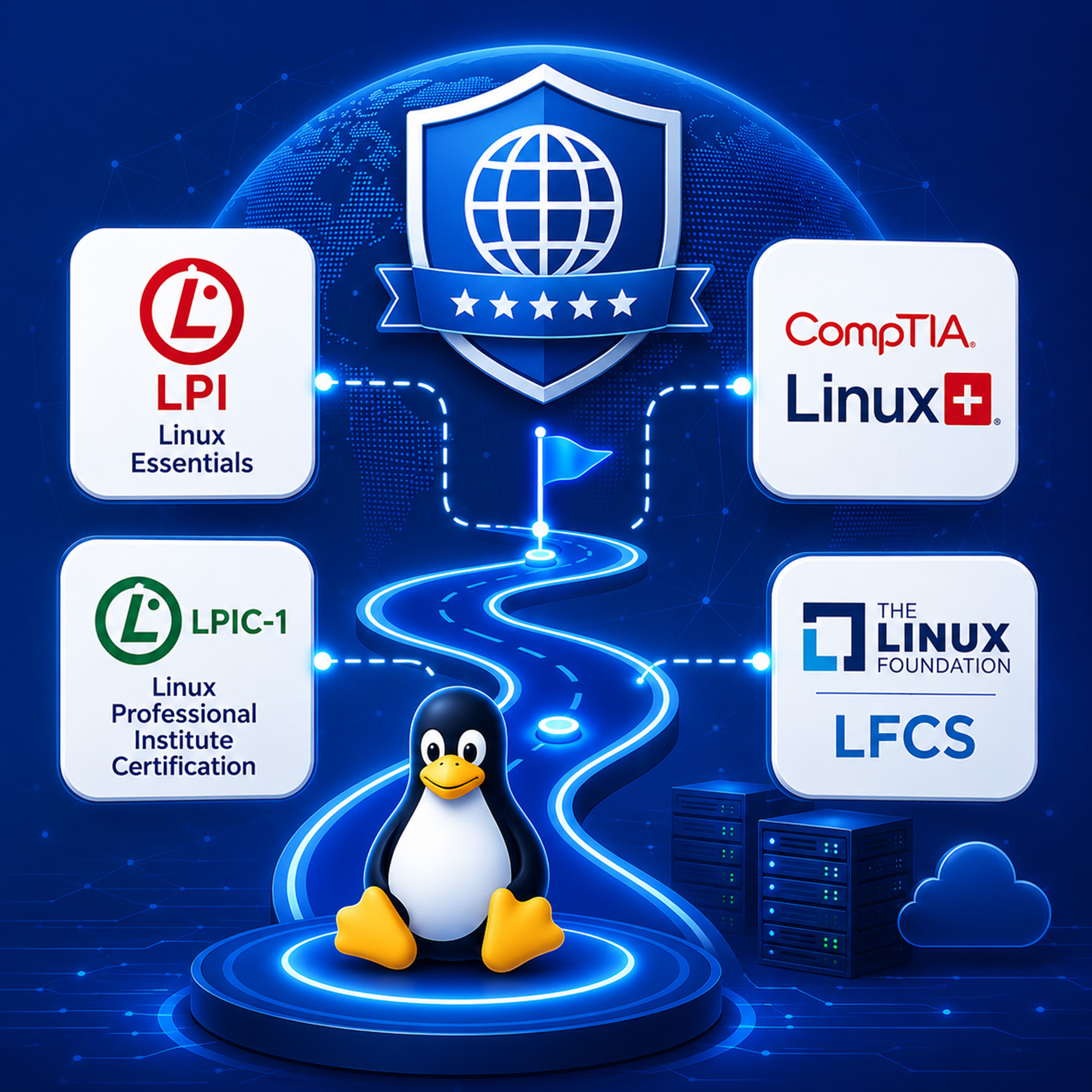
Lộ trình chuẩn quốc tế
Được xây dựng theo các chứng chỉ uy tín như LPI Linux Essentials, LPIC-1, CompTIA Linux+ và LFCS.
Học từ con số 0
Phù hợp cho người mới bắt đầu, chưa có nền tảng Linux hoặc chưa từng làm việc với hệ điều hành máy chủ.
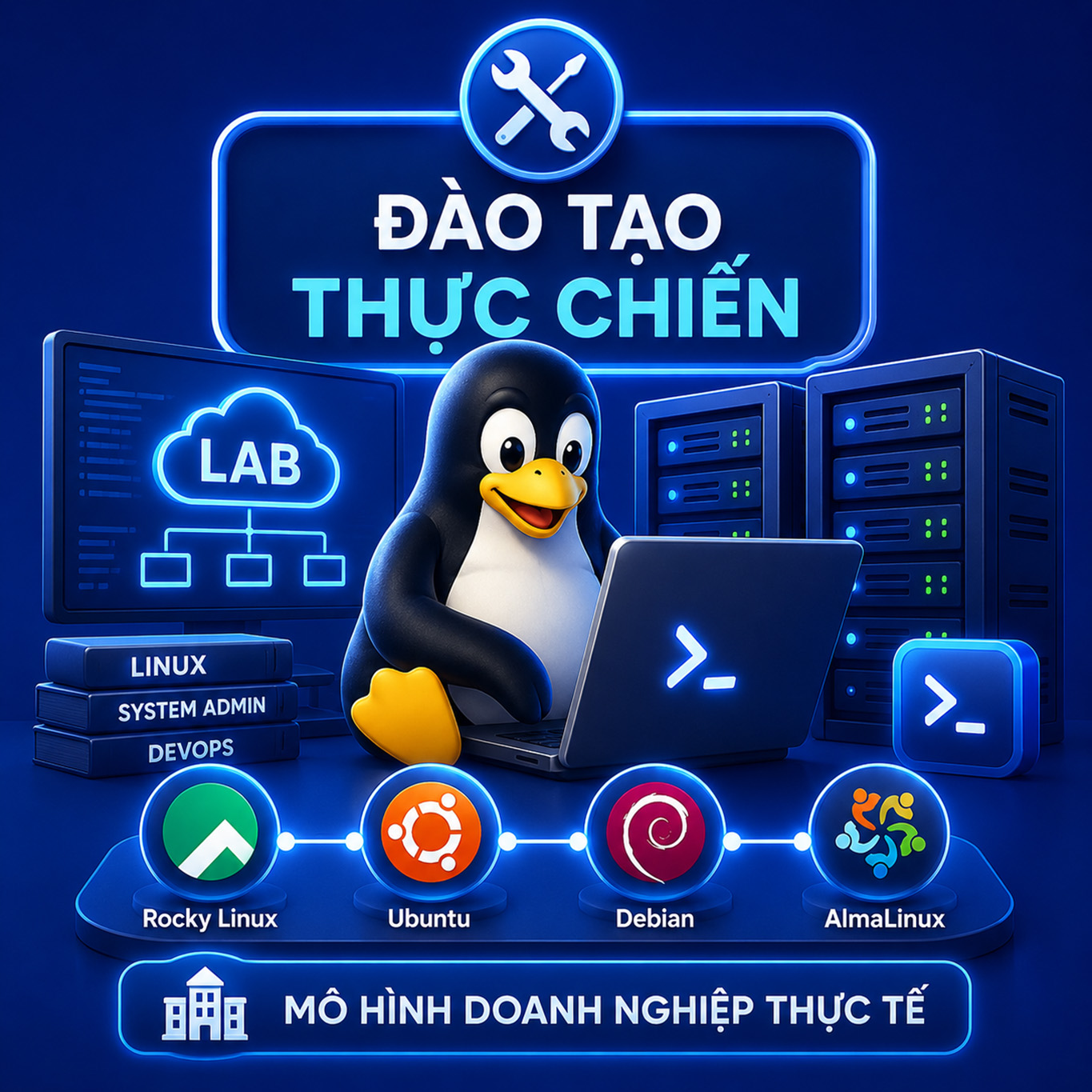
Đào tạo thực chiến
Học viên được thực hành trực tiếp trên môi trường LAB với Rocky Linux, Ubuntu theo mô hình doanh nghiệp thực tế.
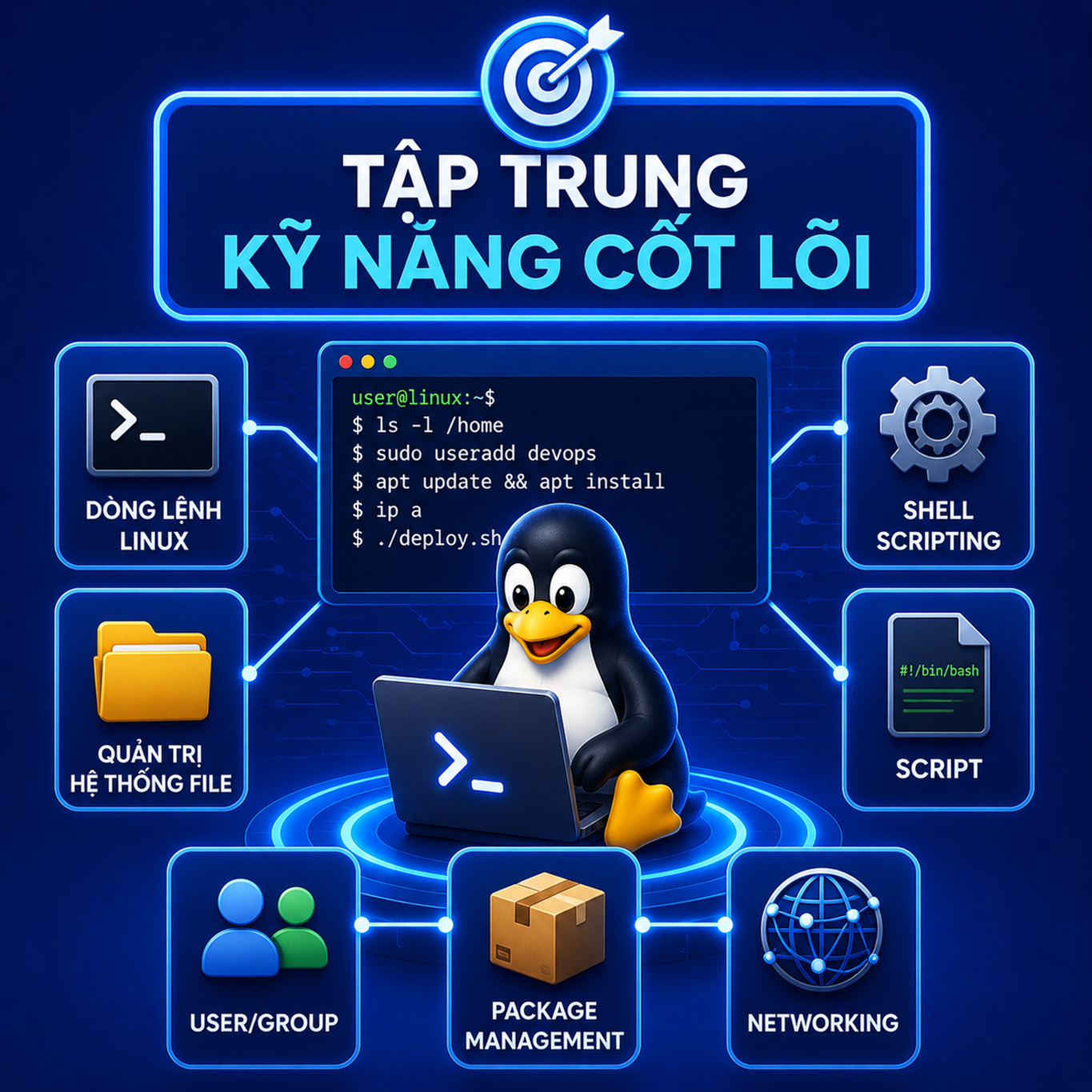
Tập trung kỹ năng cốt lõi
Làm chủ dòng lệnh Linux, quản trị hệ thống file, user/group, package management, networking và shell scripting.
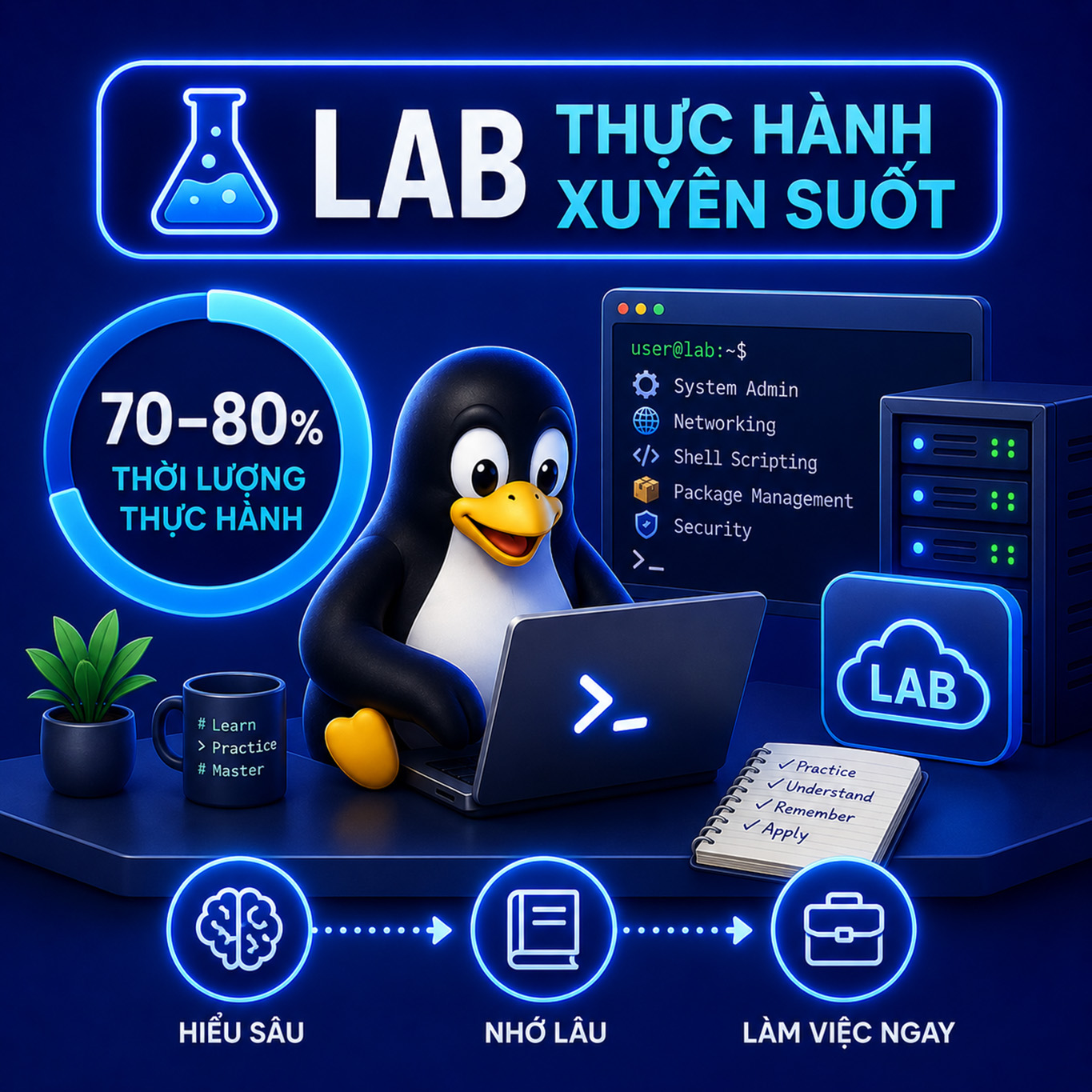
LAB thực hành xuyên suốt
70–80% thời lượng khóa học là thực hành giúp học viên hiểu sâu, nhớ lâu và có thể làm việc ngay sau khóa học trong môi trường thực tế.
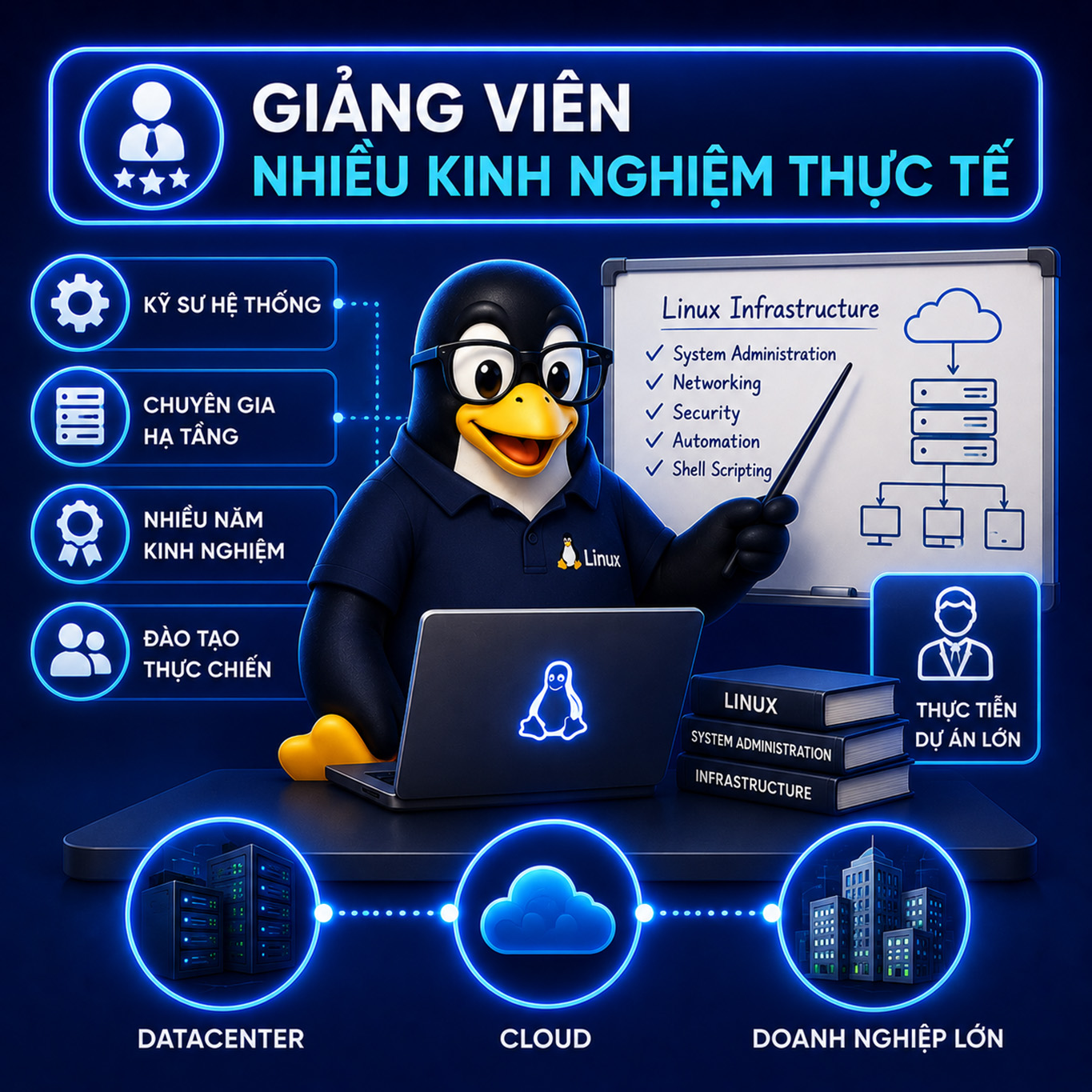
GV nhiều kinh nghiệm thực tế
Đội ngũ giảng viên là các kỹ sư hệ thống và chuyên gia hạ tầng đã triển khai Linux cho Datacenter, Cloud và doanh nghiệp lớn.
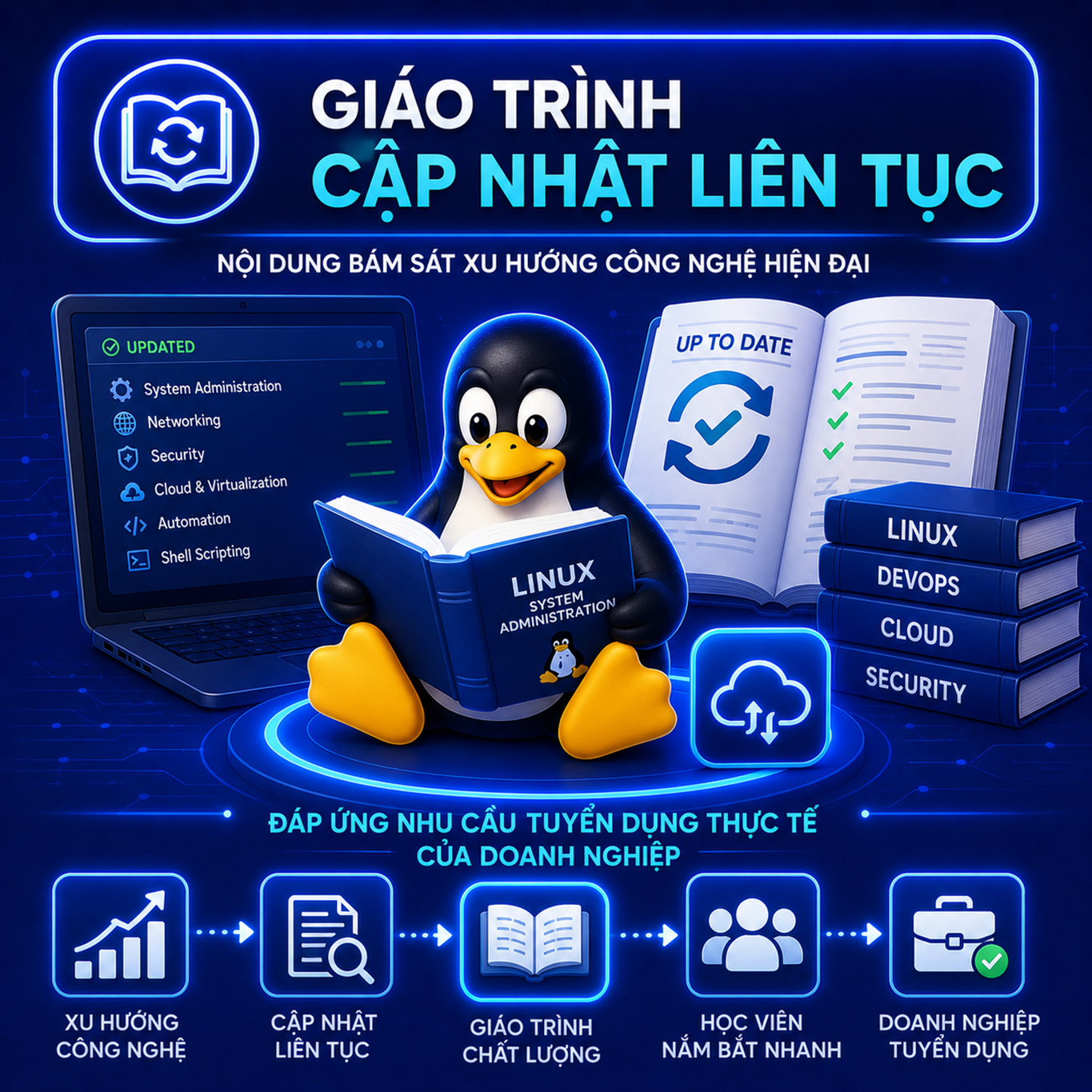
Giáo trình cập nhật liên tục
Nội dung bám sát xu hướng công nghệ hiện đại, đáp ứng nhu cầu tuyển dụng thực tế của doanh nghiệp.
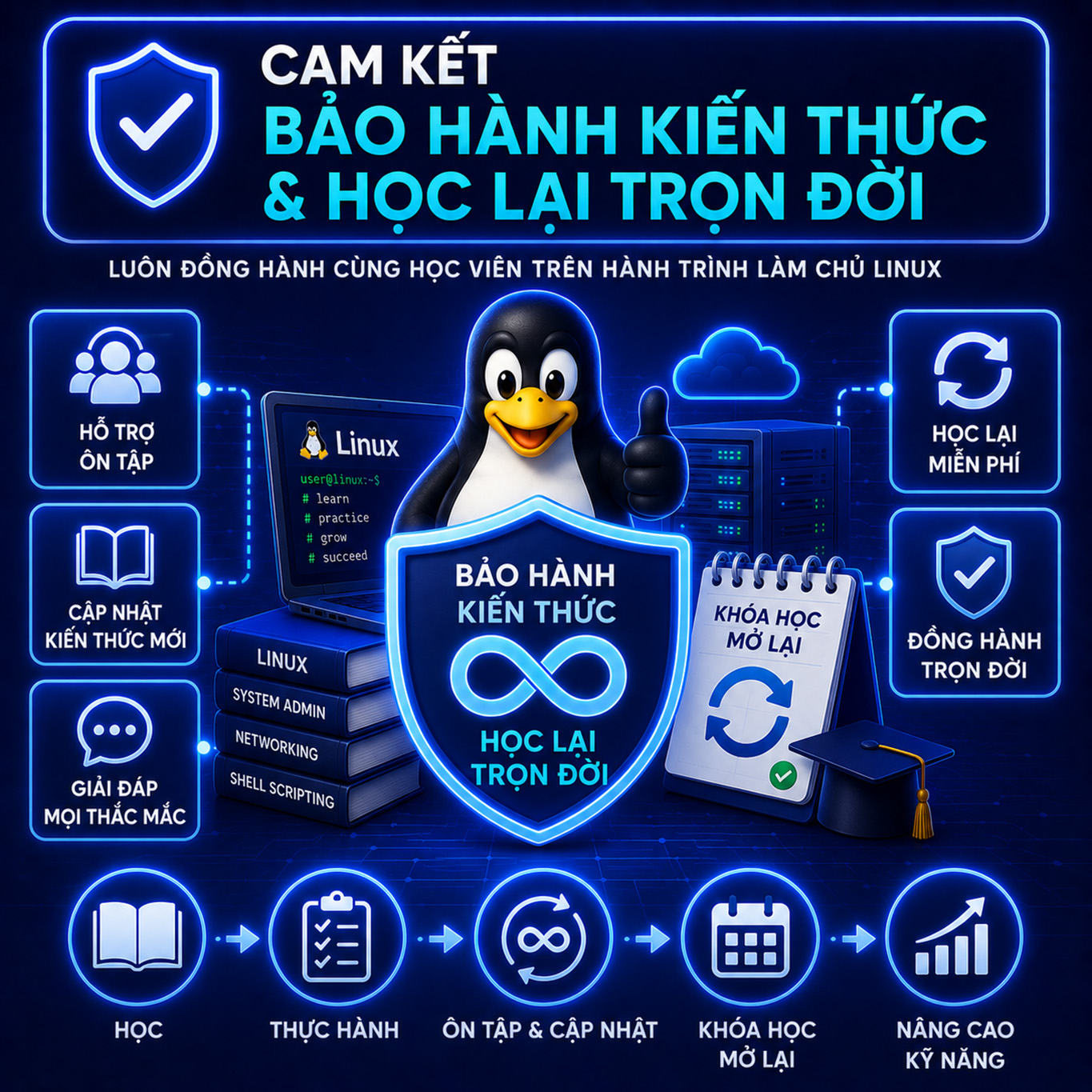
Bảo hành kiến thức trọn đời
Học viên được hỗ trợ ôn tập, cập nhật kiến thức mới và học lại miễn phí để luôn nâng cao kỹ năng Linux.
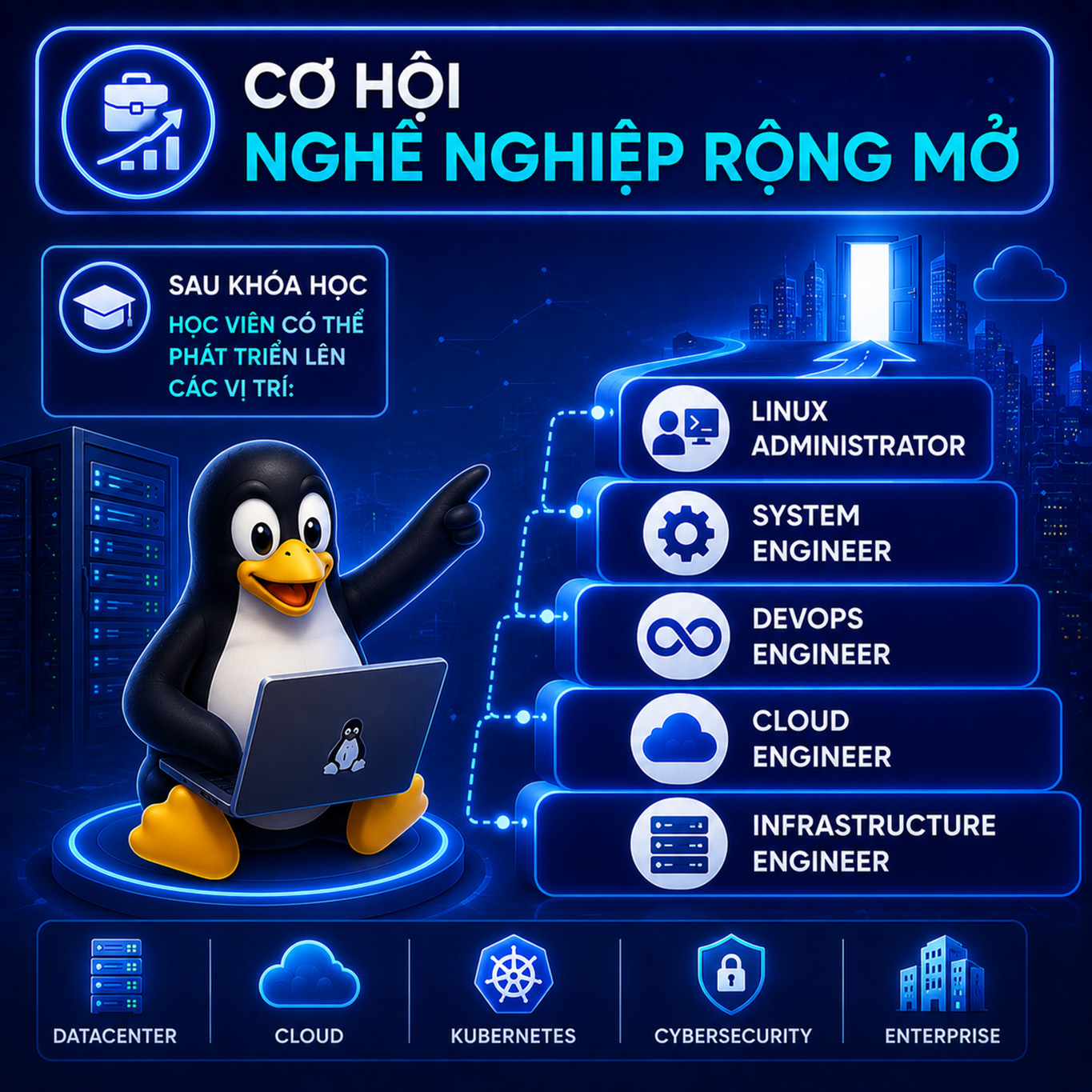
Cơ hội nghề nghiệp rộng mở
Sau khóa học, học viên có thể phát triển lên các vị trí: Linux Administrator, System Engineer, …

Điều kiện tham gia học
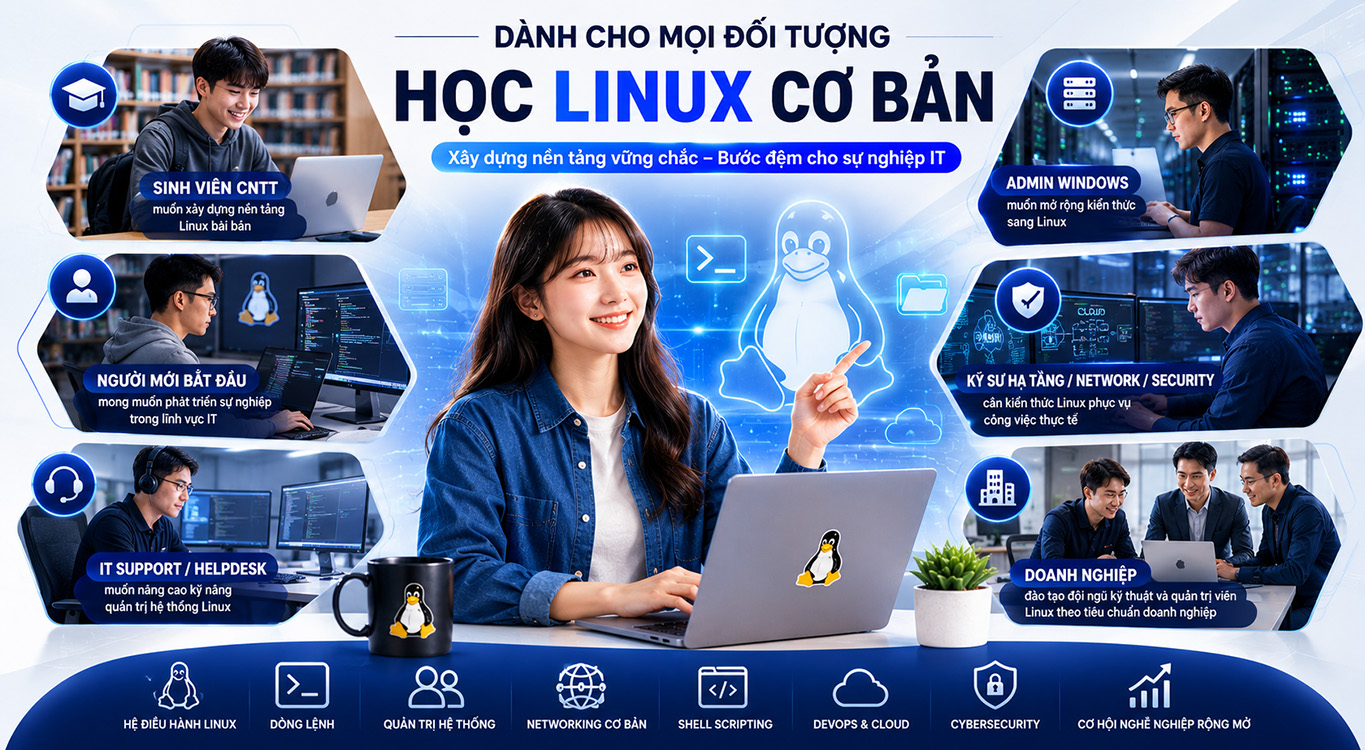
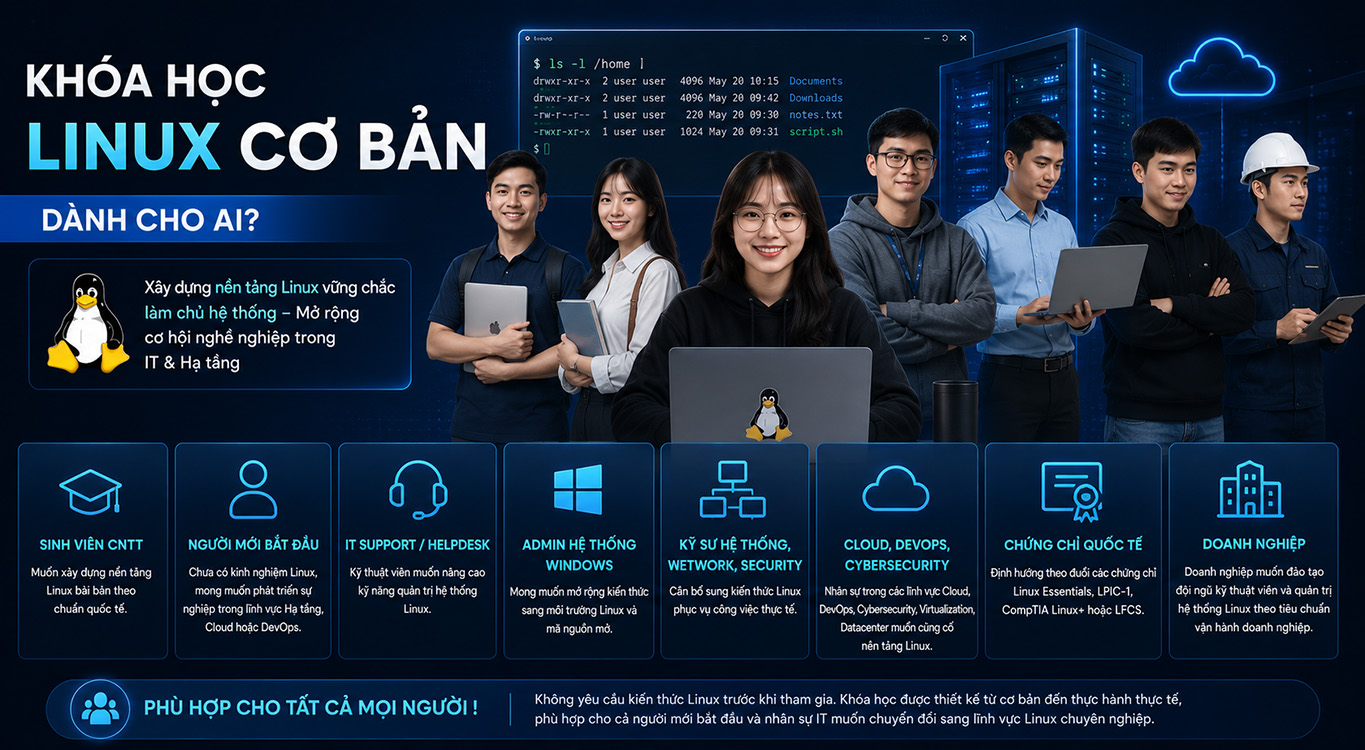
Không yêu cầu kiến thức Linux trước khi tham gia. Khóa học được thiết kế từ cơ bản đến thực hành thực tế, phù hợp cho cả người mới bắt đầu và nhân sự IT muốn chuyển đổi sang lĩnh vực Linux chuyên nghiệp.
Đối tượng học viên

Sinh viên CNTT
Sinh viên CNTT muốn xây dựng nền tảng Linux bài bản, chuyên nghiệp theo chuẩn quốc tế.

Người mới bắt đầu
Người mới muốn phát triển sự nghiệp Linux, Cloud, DevOps.

Kỹ thuật viên
Kỹ thuật viên IT Support, Helpdesk muốn nâng cao kỹ năng quản trị hệ thống Linux.

Quản trị viên
Quản trị viên hệ thống Windows mong muốn mở rộng kiến thức sang môi trường Linux.

Kỹ sư hệ thống
Kỹ sư hệ thống, Network Engineer, Security Engineer cần bổ sung kiến thức Linux phục vụ công việc thực tế.

Nhân sự khác
Nhân sự Cloud, DevOps, Cybersecurity, Virtualization và Datacenter muốn củng cố nền tảng Linux.

Chinh phục chứng chỉ
Cá nhân có định hướng thi các chứng chỉ quốc tế như Linux Essentials, LPIC-1, CompTIA Linux+ hoặc LFCS.
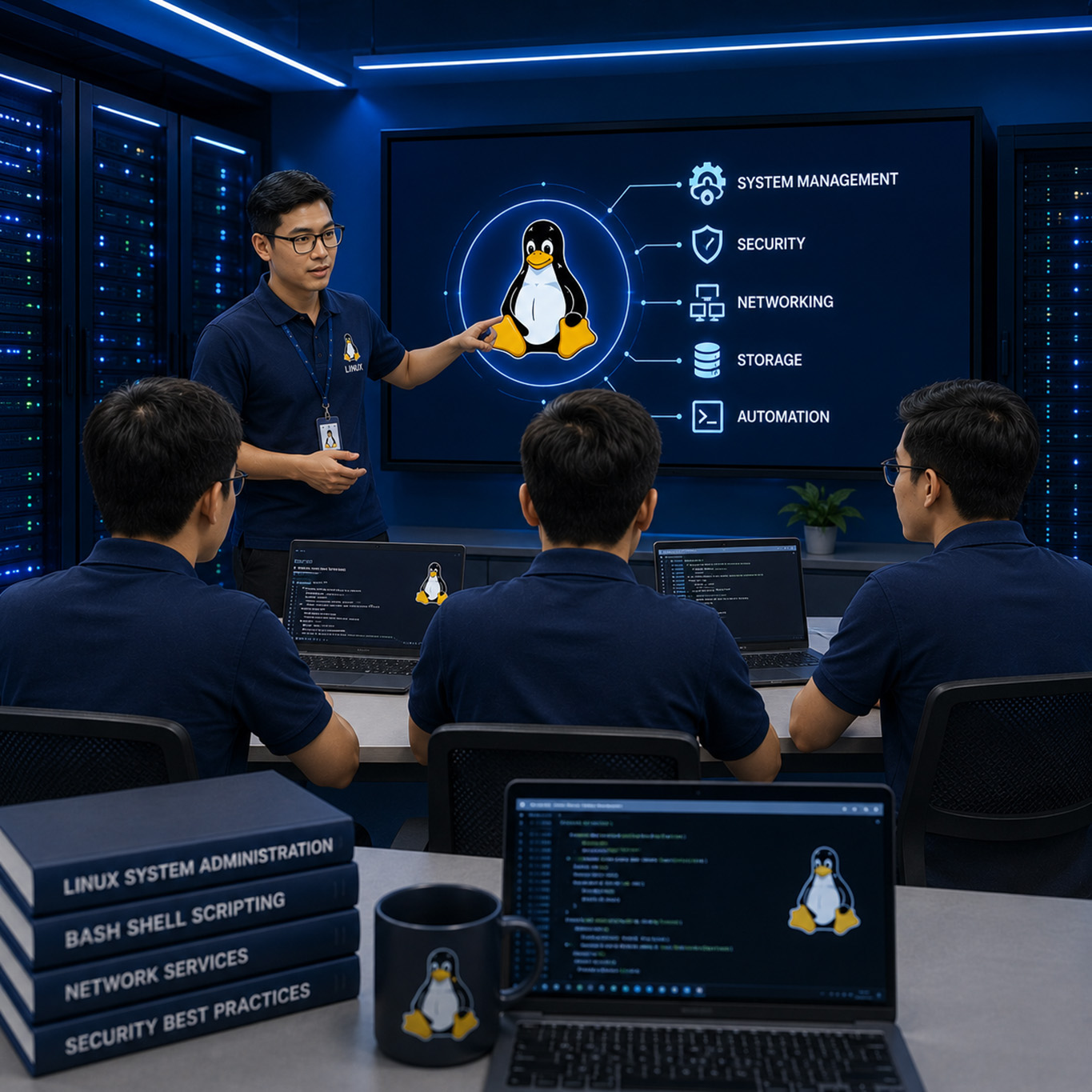
Đào tạo doanh nghiệp
Doanh nghiệp muốn đào tạo đội ngũ kỹ thuật viên và quản trị viên hệ thống Linux theo tiêu chuẩn vận hành doanh nghiệp.
Câu hỏi thường gặp (FAQ)
Có. Khóa học được thiết kế dành cho người mới bắt đầu từ con số 0, không yêu cầu kiến thức Linux trước đó.
Không. Giảng viên sẽ hướng dẫn từng bước từ các khái niệm cơ bản đến thực hành thực tế, giúp học viên chuyển đổi từ môi trường Windows sang Linux một cách dễ dàng.
Học viên sẽ được thực hành trên các bản phân phối phổ biến trong doanh nghiệp như Ubuntu, Debian, Rocky Linux và AlmaLinux.
Có. Khoảng 70–80% thời lượng khóa học là thực hành trên môi trường LAB hiện đại theo mô hình doanh nghiệp thực tế.
Rất phù hợp. Đây là khóa học nền tảng giúp sinh viên chuẩn bị kiến thức cho các vị trí Linux Administrator, System Engineer, DevOps Engineer và Cloud Engineer.
Có. Khóa học giúp nâng cao kỹ năng quản trị hệ thống và tạo nền tảng để phát triển lên các vị trí kỹ sư hệ thống chuyên nghiệp.
Có. Nội dung được xây dựng tham chiếu theo Linux Essentials, LPIC-1, CompTIA Linux+ và LFCS của The Linux Foundation.
Có. Học viên hoàn thành khóa học sẽ được cấp chứng nhận đào tạo từ Stratex Global.
Học viên được hỗ trợ ôn tập, cập nhật kiến thức mới và tham gia học lại miễn phí khi khóa học được mở lại theo chính sách bảo hành kiến thức của trung tâm.
Không. Chỉ cần laptop có tối thiểu 8GB RAM là có thể học và thực hành hiệu quả. Giảng viên sẽ hướng dẫn cài đặt môi trường LAB phù hợp.
Có. Linux hiện là nền tảng của hầu hết Datacenter, Cloud Computing, DevOps, Kubernetes, AI Infrastructure và Cybersecurity trên toàn thế giới, vì vậy nhu cầu tuyển dụng luôn rất cao.
Một vài Video Lab demo Linux cơ bản
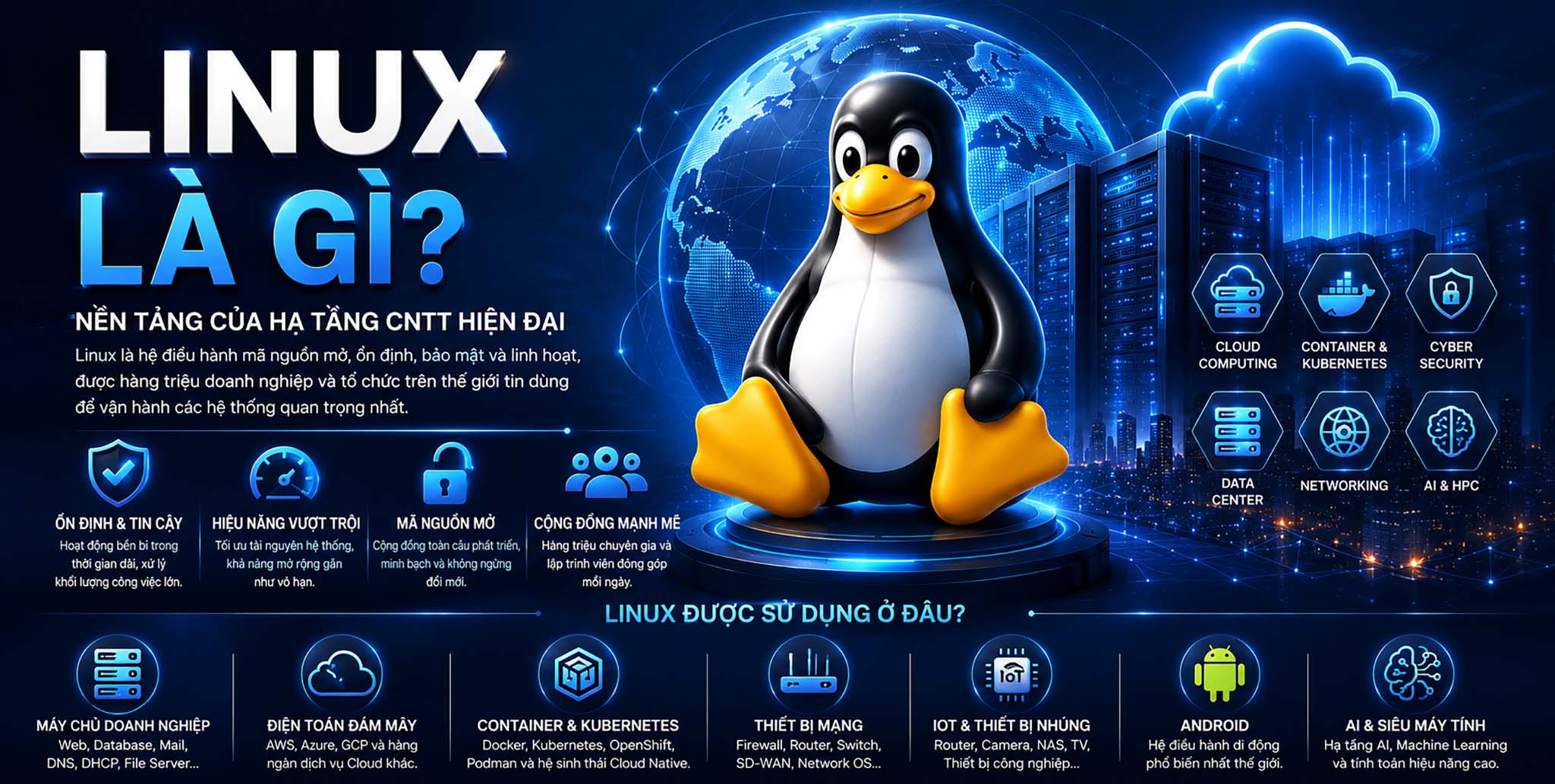
Linux là gì?
Linux là một hệ điều hành mã nguồn mở (Open Source Operating System) được xây dựng dựa trên Linux Kernel – thành phần cốt lõi chịu trách nhiệm quản lý tài nguyên phần cứng và điều phối mọi hoạt động của hệ thống. Tuy nhiên, cần hiểu rằng Linux theo nghĩa mà người dùng cài đặt và sử dụng không chỉ bao gồm Linux Kernel. Một hệ điều hành Linux hoàn chỉnh được hình thành từ sự kết hợp của nhiều thành phần khác nhau, bao gồm: • Linux Kernel • Thư viện hệ thống (System Libraries) • Các công [...]