

ENT Windows Server 2025
Thông tin học phí và các ưu đãi
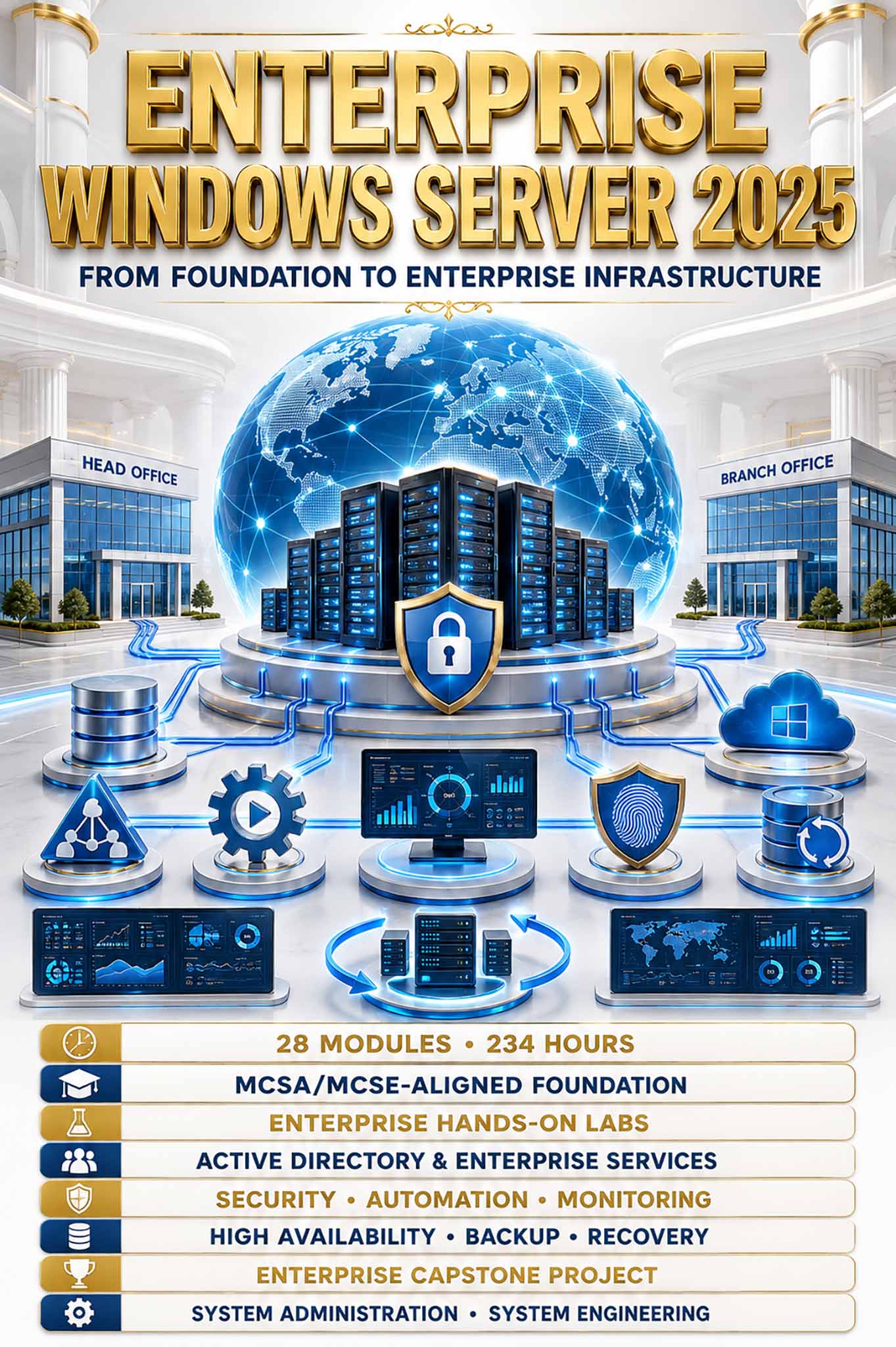
Enterprise Windows Server 2025 là chương trình đào tạo chuyên sâu 28 Modules – 234 giờ, phát triển năng lực toàn diện về thiết kế, triển khai, quản trị, bảo mật, tự động hóa, giám sát và bảo đảm tính liên tục của hạ tầng Windows Server doanh nghiệp. Nội dung được xây dựng trên Windows Server 2025, kết hợp các công nghệ cốt lõi của Microsoft với Security, Automation, High Availability, Disaster Recovery và Infrastructure Operations, hướng đến năng lực quản trị và vận hành hạ tầng CNTT ở cấp độ doanh nghiệp.
Điểm khác biệt nằm ở hệ thống Enterprise Hands-on Labs xuyên suốt và có tính kế thừa, từng bước kiến tạo một hạ tầng doanh nghiệp đa dịch vụ, đa địa điểm, được quản trị tập trung và bảo mật toàn diện. Thông qua Enterprise Scenarios và Capstone Project, học viên phát triển năng lực System Administration & System Engineering, đủ khả năng triển khai, vận hành, bảo mật, giám sát, xử lý sự cố và duy trì tính sẵn sàng của hạ tầng Windows Server doanh nghiệp.
THÔNG TIN CHƯƠNG TRÌNH ĐÀO TẠO
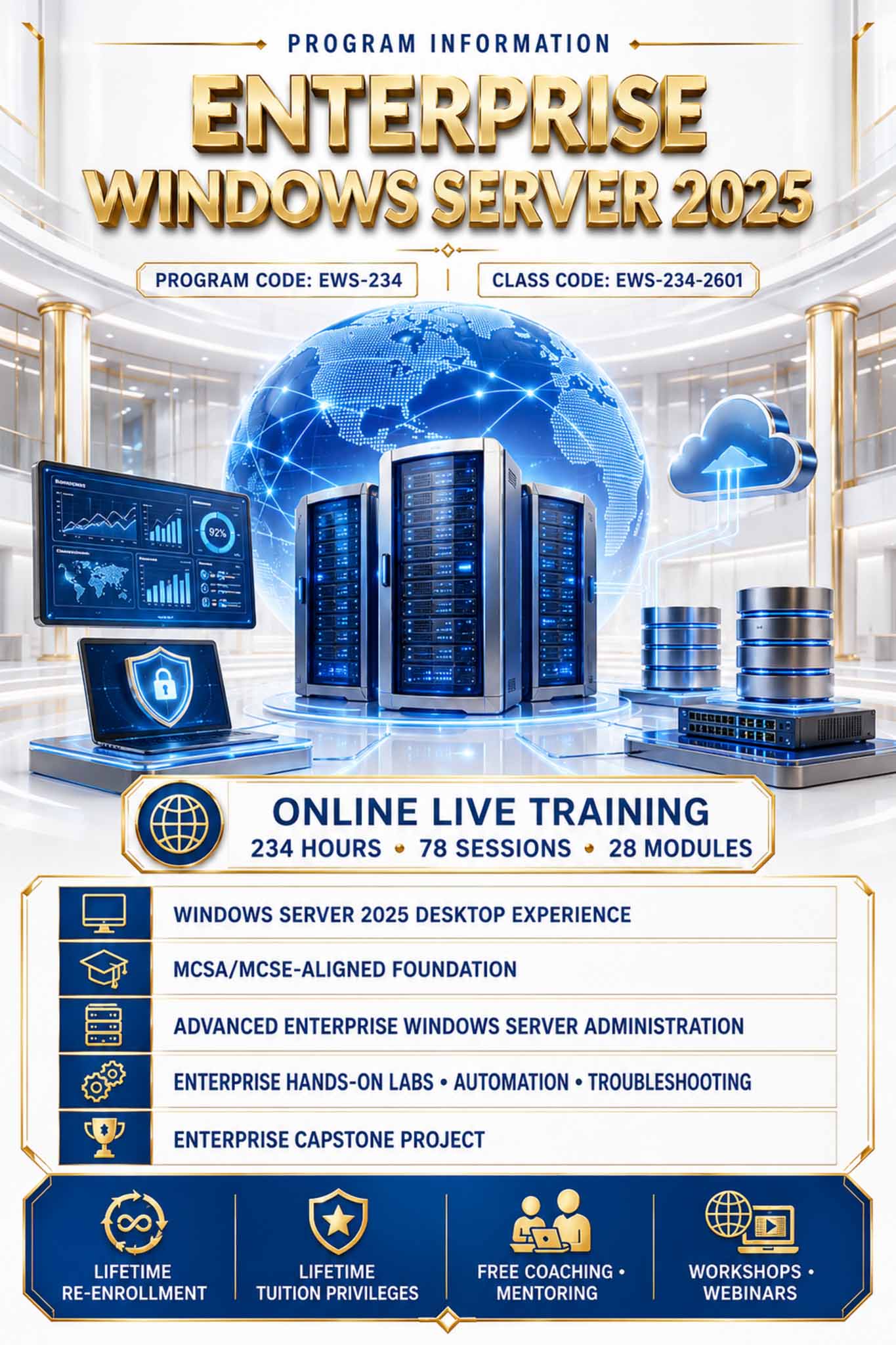
- Chương trình: Enterprise Windows Server 2025 – Mã EWS-234
- Mã lớp: EWS-234-2601
- Hình thức: Online Live Training
- Thời lượng: 234 giờ – 78 buổi × 3 giờ
- Cấu trúc: 28 Modules + Enterprise Windows Server Infrastructure Capstone Project
- Môi trường: Windows Server 2025 Desktop Experience
- Định hướng: Windows Server Administration + Advanced Enterprise Infrastructure + System Engineering Skills
- Phương pháp: Foundation Knowledge, Instructor-led Training, Enterprise Hands-on Labs, Automation, Troubleshooting & Capstone Project
- Quyền lợi học viên: Học lại chương trình tương đương trọn đời; ưu đãi học phí trọn đời đối với các chương trình khác của Stratex Global; tham gia miễn phí Coaching, Mentoring, Workshop & Webinar theo chính sách dành cho học viên.
Thời lượng
Tổng thời lượng: 234 giờ đào tạo chuyên sâu – 78 buổi × 3 giờ
- Cấu trúc chương trình: 28 Modules, phát triển từ Windows Server Fundamentals đến Enterprise Windows Server Infrastructure
- Capstone Project: Enterprise Windows Server Infrastructure Capstone Project tích hợp cuối chương trình
- Môi trường đào tạo: Windows Server 2025 Desktop Experience, Windows Client và hệ thống dịch vụ hạ tầng doanh nghiệp
- Phương pháp đào tạo: Kiến thức nền tảng kết hợp Enterprise Hands-on Labs, Automation, Enterprise Scenarios, Troubleshooting & Root Cause Analysis
- Định hướng kiến thức: Windows Server Administration – Advanced Enterprise Infrastructure – System Engineering Skills
- Định hướng đào tạo: System Administration – System Engineering – Enterprise Infrastructure – Security – Automation – Monitoring – High Availability – Troubleshooting
- Mục tiêu đầu ra: Phát triển toàn diện năng lực phân tích yêu cầu, thiết kế, triển khai, quản trị, bảo mật, tự động hóa, giám sát, sao lưu, phục hồi, bảo đảm tính sẵn sàng và xử lý sự cố hạ tầng Windows Server trong môi trường doanh nghiệp.
ĐỊNH HƯỚNG SAU KHÓA HỌC
Sau khi hoàn thành chương trình Enterprise Windows Server 2025, học viên có nền tảng kiến thức, năng lực thực hành và tư duy hệ thống cần thiết để định hướng phát triển tại các vị trí Windows Server Administrator, System Administrator, IT Infrastructure Administrator, Active Directory Administrator, Technical Support Engineer và Junior System Engineer.
Từ nền tảng đó, học viên có thể tiếp tục nâng cao năng lực theo các lĩnh vực System Engineering, Enterprise Infrastructure, Identity & Access Management, Security, Automation, Monitoring, High Availability, Disaster Recovery, Virtualization, Cloud và Hybrid Infrastructure; từng bước phát triển từ năng lực quản trị từng dịch vụ đến khả năng phân tích yêu cầu, thiết kế giải pháp, vận hành hạ tầng và quản trị hệ thống doanh nghiệp ở cấp độ chuyên sâu. Chương trình đồng thời tạo nền tảng để học viên tiếp cận các công nghệ, chương trình đào tạo và chứng chỉ chuyên môn nâng cao trong hệ sinh thái Microsoft, hướng đến lộ trình nghề nghiệp bền vững trong lĩnh vực System Administration, System Engineering và Enterprise IT Infrastructure.
Nội dung đào tạo
Knowledge Content
- Overview of Windows Server 2025
- The role of Windows Server in enterprise environments
- Standard and Datacenter Editions
- Desktop Experience and Server Core
- Server Roles, Role Services, and Features
- Enterprise Windows Server infrastructure architecture
- Virtualization fundamentals
- VMware Workstation Pro architecture
- Naming conventions and IP address planning
- Enterprise lab topology
Key Hands-on Labs
- Build the VMware Workstation Pro lab environment.
- Configure Custom VMnet networks.
- Create Windows Server and Windows Client virtual machines.
- Allocate CPU, memory, VMDK storage, and virtual network adapters.
- Configure VMware snapshots, clones, and lab-recovery procedures.
- Design and document the initial enterprise topology.
Knowledge Content
- Hardware and virtual-machine requirements
- Windows Server 2025 installation
- Initial server configuration
- Server Manager, MMC, and RSAT
- Roles, Features, and Services
- Server Build Standards
- Golden Images and Sysprep
- Post-deployment validation
- Remote administration of Server Core fundamentals
Key Hands-on Labs
- Install Windows Server 2025 Desktop Experience.
- Configure hostname, IP address, time zone, DNS, and updates.
- Install and manage Roles, Features, and Services.
- Develop a Server Build Standard.
- Create a Golden Image using Sysprep.
- Deploy new servers using VMware Full Clones.
- Perform Server Acceptance Validation.
Knowledge Content
- Local users and groups
- Password and Account Lockout Policies
- Local Security Policy
- User Rights Assignment
- NTFS permissions
- Share permissions
- Ownership and inheritance
- Effective Access
- Permission auditing
Key Hands-on Labs
- Create and manage local users and groups.
- Configure Password and Account Lockout Policies.
- Design a departmental folder structure.
- Configure NTFS and Share permissions.
- Assign permissions through security groups.
- Validate ownership, inheritance, and Effective Access.
- Troubleshoot Access Denied and permission conflicts.
Knowledge Content
- MBR and GPT
- Partitions and volumes
- NTFS and ReFS
- Mount points
- Storage Spaces
- Thin and Fixed Provisioning
- Data Deduplication
- BitLocker
- iSCSI Target and Initiator
- Multipath I/O – MPIO
Key Hands-on Labs
- Manage disks, partitions, and volumes.
- Format volumes using NTFS and ReFS.
- Extend storage capacity.
- Deploy Mirror and Parity Storage Spaces.
- Deploy iSCSI Target and Initiator services.
- Configure multiple storage paths and MPIO.
- Simulate disk and storage-path failures.
- Encrypt data volumes using BitLocker.
Knowledge Content
- IPv4 and IPv6
- Subnets, gateways, and DNS clients
- Routing tables
- NIC Teaming
- VLAN and network-segmentation fundamentals
- VMware Custom VMnet networks
- Windows Server routing
- Network Address Translation – NAT
- Windows Defender Firewall
- Network Quality of Service – QoS
- Packet analysis and troubleshooting
Key Hands-on Labs
- Configure IPv4 and IPv6.
- Analyze and modify routing tables.
- Configure NIC Teaming and adapter failover.
- Simulate VLAN segmentation using VMware Custom VMnets.
- Build a Windows Server router.
- Configure routing and NAT.
- Configure Windows Defender Firewall.
- Analyze traffic using Wireshark and pktmon.
- Troubleshoot IP, routing, DNS client, MTU, VMnet, and firewall issues.
Knowledge Content
- SMB File Services
- Shared folders
- NTFS and Share permission integration
- Access-Based Enumeration
- File Server Resource Manager – FSRM
- Quotas and File Screening
- File classification
- File Management Tasks
- Shadow Copies
- Work Folders
- File-access auditing
Key Hands-on Labs
- Deploy FILE01.
- Build departmental data structures.
- Configure SMB shares and Access-Based Enumeration.
- Implement Hard and Soft Quotas.
- Configure File Screening.
- Automate data classification, movement, and expiration.
- Configure Shadow Copies and Previous Versions.
- Deploy Work Folders.
- Audit file-access activities.
- Troubleshoot File Services and permissions.
Knowledge Content
- Windows Admin Center architecture
- Windows Admin Center Gateway
- Server Manager and RSAT
- Windows Remote Management – WinRM
- WS-Management
- PowerShell Remoting
- OpenSSH
- HTTPS remote management
- Kerberos delegation and Double-Hop
- Just Enough Administration fundamentals
Key Hands-on Labs
- Install Windows Admin Center on MGMT01.
- Centrally manage multiple Windows Servers.
- Manage networking, storage, certificates, events, and updates.
- Configure WinRM and PowerShell Remoting.
- Configure PowerShell Remoting over HTTPS.
- Deploy OpenSSH Server.
- Examine and test a basic JEA endpoint.
- Troubleshoot WinRM, SPNs, firewall rules, certificates, and Double-Hop.
Knowledge Content
- Cmdlets, Help System, and Modules
- Objects and pipelines
- Variables, conditions, and loops
- Functions and parameters
- File and service administration
- Bulk administration
- PowerShell Remoting
- Error handling
- Logging and reporting
- Scheduled automation
Key Hands-on Labs
- Manage services, processes, files, and storage.
- Create local users in bulk from CSV data.
- Collect server, storage, and network information.
- Develop a Server Inventory Script.
- Add error handling and operational logging.
- Export Server Health Reports to CSV and HTML.
- Automate baseline server configuration.
- Schedule administrative scripts.
Knowledge Content
- Event Viewer
- Windows Event Logs
- Resource Monitor
- Performance Monitor
- Performance Counters
- Data Collector Sets
- Task Scheduler
- Performance baselines
- Capacity planning
- System maintenance
Key Hands-on Labs
- Analyze Application, System, and Security logs.
- Create Custom Event Views.
- Build server-performance baselines.
- Create Data Collector Sets.
- Simulate CPU, memory, disk, and network bottlenecks.
- Analyze and optimize server performance.
- Develop a Server Maintenance Plan.
- Prepare a Performance Analysis Report.
Knowledge Content
- Microsoft Security Baselines
- Microsoft Defender Antivirus
- Windows Defender Firewall
- BitLocker
- Advanced Audit Policy
- AppLocker
- TPM and Secure Boot
- Privileged-access fundamentals
- Patch-management fundamentals
- Server hardening
Key Hands-on Labs
- Perform an initial Security Assessment.
- Back up the server configuration before hardening.
- Apply an approved Microsoft Security Baseline.
- Configure Microsoft Defender Antivirus and Firewall.
- Deploy Advanced Audit Policy.
- Implement application control using AppLocker.
- Verify virtual TPM, Secure Boot, and BitLocker where supported.
- Validate business services after hardening.
- Compare the security posture before and after implementation.
Knowledge Content
- Windows Server Backup
- File and volume backup
- System State backup
- Bare-Metal Recovery
- Windows Recovery Environment
- RPO and RTO fundamentals
- Structured troubleshooting
- Fault isolation
- Root Cause Analysis
- Incident documentation
Key Hands-on Labs
- Back up files, volumes, and System State.
- Configure a backup schedule.
- Restore deleted or modified data.
- Perform Bare-Metal Recovery in VMware Workstation Pro.
- Simulate startup and service failures.
- Simulate storage and network failures.
- Perform fault isolation and Root Cause Analysis.
- Prepare Incident and Recovery Reports.
Capstone Scope
Learners integrate Modules 1–11 to:
- Analyze standalone server requirements.
- Design networking, storage, and permissions.
- Install and standardize Windows Server 2025.
- Deploy File Server and FSRM services.
- Administer servers through Windows Admin Center.
- Automate administration using PowerShell.
- Perform security hardening.
- Configure monitoring, backup, and recovery.
- Complete a blind troubleshooting challenge.
- Perform Root Cause Analysis.
- Complete the As-Built Documentation.
- Present and formally hand over the Local Server Project.
Knowledge Content
- Forests, trees, and domains
- Domain Controllers
- Schema and Global Catalog
- Active Directory database and SYSVOL
- Forest and Domain Functional Levels
- Windows Server 2025 Functional Level
- DNS namespaces
- Active Directory–integrated DNS
- Secure Dynamic Updates
- Forwarders and Conditional Forwarders
- Delegation, Aging, and Scavenging
- DNS Policies and Split-Brain DNS
- DNS security and troubleshooting
Key Hands-on Labs
- Design the forest, domain, and DNS namespace.
- Deploy DC01.
- Validate NTDS.dit, SYSVOL, DNS, and Global Catalog.
- Join servers and clients to the domain.
- Create Forward and Reverse Lookup Zones.
- Configure Secure Dynamic Updates.
- Configure Forwarders, Delegation, Aging, and Scavenging.
- Implement DNS Policies and Split-Brain DNS.
- Verify Schema and Functional Levels.
- Troubleshoot DNS and domain-logon failures.
Knowledge Content
- Organizational Units
- Domain users, groups, and computers
- Group types and scopes
- AGDLP and AGUDLP
- Delegation of Control
- Managed Service Accounts
- Group Managed Service Accounts – gMSAs
- Delegated Managed Service Accounts – dMSAs
- Identity lifecycle management
Key Hands-on Labs
- Design the OU structure based on the enterprise organization.
- Create domain users and computers from CSV data.
- Implement AGDLP and AGUDLP.
- Migrate FILE01 permissions to domain security groups.
- Configure Delegation of Control.
- Deploy gMSAs.
- Migrate a traditional service account to a dMSA.
- Troubleshoot service logon and SPN issues.
Knowledge Content
- Kerberos and NTLM
- Kerberos tickets
- Service Principal Names
- Fine-Grained Password Policies
- Protected Users
- Kerberos Constrained Delegation
- Resource-Based Constrained Delegation
- Authentication Policies and Silos
- LDAP Signing
- LDAP Channel Binding
- LDAPS and TLS
- Authentication auditing
Key Hands-on Labs
- Analyze domain authentication.
- Examine Kerberos tickets.
- Configure and troubleshoot SPNs.
- Implement Fine-Grained Password Policies.
- Configure Protected Users.
- Implement constrained and resource-based delegation.
- Configure Authentication Policies and Silos.
- Deploy LDAP Signing and Channel Binding.
- Prepare and complete trusted LDAPS after PKI deployment.
- Audit NTLM usage and authentication failures.
Knowledge Content
- Group Policy architecture
- GPO processing
- Scope, inheritance, and enforcement
- Administrative Templates
- Central Store
- Group Policy Preferences
- Security Policies
- Scripts and software deployment
- Security and WMI Filtering
- Loopback Processing
- GPO backup, restore, and migration
- Group Policy troubleshooting
Key Hands-on Labs
- Develop a GPO linking strategy.
- Deploy desktop and security policies.
- Build the Group Policy Central Store.
- Configure Group Policy Preferences.
- Deploy logon, startup, and PowerShell scripts.
- Deploy MSI applications.
- Configure Security and WMI Filtering.
- Deploy Windows Defender Firewall rules through GPO.
- Deploy Windows LAPS through GPO.
- Back up, restore, and recover GPOs.
- Analyze slow logon and GPO processing.
Knowledge Content
- DHCP architecture
- Scopes, Superscopes, and reservations
- DHCP options and policies
- Vendor Classes and User Classes
- DHCP Relay
- DHCP Failover
- DNS integration
- IP Address Management – IPAM
- DHCP security
Key Hands-on Labs
- Deploy DHCP01 and DHCP02.
- Create scopes, reservations, exclusions, and options.
- Integrate DHCP with Secure Dynamic DNS.
- Configure DHCP Policies.
- Deploy the DHCP Relay Agent.
- Configure DHCP Failover.
- Deploy IPAM01.
- Centrally manage DNS, DHCP, and IP address spaces.
- Detect IP conflicts and Rogue DHCP services.
- Back up, restore, and troubleshoot DHCP.
Knowledge Content
- Active Directory Sites and Subnets
- Site Links
- Intrasite and intersite replication
- Additional Domain Controllers
- Read-Only Domain Controllers
- Global Catalog placement
- FSMO roles
- Domain and Forest Trusts
- Secure channels
- Windows Time Service
Key Hands-on Labs
- Deploy DC02.
- Create Sites, Subnets, and Site Links.
- Configure replication schedules and costs.
- Deploy BR-DC01 as an RODC.
- Configure Password Replication Policy.
- Monitor and troubleshoot replication.
- Perform FSMO role transfer.
- Perform an isolated FSMO seizure exercise.
- Deploy a second forest and configure a Forest Trust.
- Configure the enterprise time hierarchy.
- Troubleshoot trusts, secure channels, and time skew.
Knowledge Content
- Active Directory Recycle Bin
- NTDS.dit and SYSVOL
- Directory Services Restore Mode
- Active Directory snapshots
- Replication metadata
- Metadata Cleanup
- System State backup
- Authoritative Restore
- Non-Authoritative Restore
- SYSVOL recovery
- Forest Recovery
Key Hands-on Labs
- Enable Active Directory Recycle Bin.
- Back up a Domain Controller.
- Restore deleted Active Directory objects.
- Create and examine an Active Directory snapshot.
- Perform Domain Controller Metadata Cleanup.
- Perform Non-Authoritative Restore.
- Perform Authoritative Restore.
- Recover SYSVOL.
- Recover a Domain Controller from System State.
- Perform an isolated Forest-Recovery Scenario.
- Develop an Active Directory Recovery Runbook.
Knowledge Content
- Advanced SMB
- SMB Signing and Encryption
- SMB Compression and Multichannel
- DFS Namespace
- DFS Replication
- Branch File Services
- User and device claims
- Resource Properties
- Central Access Rules
- Central Access Policies
- Information governance
Key Hands-on Labs
- Complete the domain integration of FILE01.
- Harden SMB services.
- Deploy FILE02.
- Build a Domain-Based DFS Namespace.
- Configure Folder Targets.
- Deploy DFS Replication.
- Extend File Services to the Branch Office.
- Configure claims and Resource Properties.
- Deploy Central Access Policies.
- Configure Access-Denied Assistance.
- Troubleshoot DFS, SMB, permissions, and data access.
Knowledge Content
- Enterprise PKI architecture
- Offline Root CA
- Enterprise Subordinate CA
- Certificate Templates
- Auto-Enrollment
- AIA and CRL Distribution Points
- CRL and OCSP
- Key archival and recovery
- Certificate lifecycle
- PKI security, backup, and recovery
Key Hands-on Labs
- Design a two-tier PKI.
- Deploy the offline Root CA ROOTCA01.
- Deploy the Enterprise Subordinate CA CA01.
- Configure AIA and CRL Distribution Points.
- Create Certificate Templates.
- Deploy Auto-Enrollment.
- Issue certificates to users, computers, servers, and Domain Controllers.
- Complete trusted LDAPS deployment.
- Deploy an Online Responder for OCSP.
- Configure key archival and recovery.
- Back up, restore, and harden the enterprise CA.
Knowledge Content
- IIS architecture
- Websites and Application Pools
- HTTP and HTTPS
- Authentication and authorization
- FTP and FTPS
- URL Rewrite and Reverse Proxy
- IIS Web Farms
- Network Load Balancing
- Claims-based authentication
- Active Directory Federation Services
- Relying Party Trusts
- Web Application Proxy
- Application publishing
Key Hands-on Labs
- Deploy WEB01.
- Configure website DNS records.
- Issue HTTPS certificates from CA01.
- Configure IIS websites, Application Pools, bindings, and authentication.
- Deploy FTP and FTPS.
- Deploy WEB02 and build an IIS Web Farm.
- Configure Shared Configuration.
- Deploy a Reverse Proxy.
- Configure Network Load Balancing.
- Deploy ADFS01.
- Configure a Relying Party Trust and Claims Rules.
- Deploy WAP01.
- Publish applications using Pass-through Authentication.
- Publish applications using AD FS Pre-Authentication.
- Troubleshoot IIS, proxy, claims, DNS, and certificate issues.
Knowledge Content
- Routing and Remote Access Service – RRAS
- Routing and NAT
- Remote-Access VPN
- Site-to-Site VPN
- SSTP, IKEv2, and L2TP/IPsec
- Network Policy Server – NPS
- RADIUS
- Certificate-based authentication
- Always On VPN fundamentals
- VPN security
Key Hands-on Labs
- Deploy VPN01.
- Configure RRAS routing and NAT.
- Deploy a Remote-Access VPN.
- Deploy a Site-to-Site VPN to the Branch Office.
- Configure NPS as a RADIUS Server.
- Create Connection Request and Network Policies.
- Integrate VPN services with NPS.
- Deploy certificate-based VPN authentication.
- Configure RADIUS Accounting.
- Examine Always On VPN architecture.
- Troubleshoot VPN tunnels, RADIUS, routing, NPS, and certificates.
Knowledge Content
- RDS architecture
- RD Session Host
- RD Connection Broker
- RD Web Access
- RD Gateway
- RemoteApp
- RDS Collections
- User Profiles
- RDS Farms
- Session load balancing
- High availability fundamentals
- RDS security
Key Hands-on Labs
- Deploy an RDS Session-Based environment.
- Configure RD Session Host and Connection Broker.
- Deploy RD Web Access and RemoteApp.
- Configure RD Gateway.
- Issue and assign certificates to RDS roles.
- Create and manage RDS Collections.
- Configure centralized user profiles.
- Build a multi-Session Host RDS Farm.
- Configure Session Load Balancing.
- Simulate a Session Host failure.
- Harden and troubleshoot RDS.
Knowledge Content
- Answer files
- Windows Deployment Services
- PXE deployment
- Boot and Install Images
- Drivers and Custom Images
- Server Migration
- Storage Migration Service
- Windows Server Update Services
- Update Deployment Rings
- Patch compliance
- KMS
- Active Directory–Based Activation
Key Hands-on Labs
- Create an unattended installation Answer File.
- Deploy WDS.
- Configure PXE deployment on VMware Workstation Pro.
- Manage Boot Images, Install Images, and drivers.
- Capture and deploy a Custom Image.
- Migrate a File Server.
- Migrate DNS or DHCP services.
- Deploy WSUS.
- Configure WSUS clients through Group Policy.
- Build Pilot and Production Update Rings.
- Simulate an update failure and rollback.
- Examine KMS and Active Directory–Based Activation.
- Perform activation only where valid volume-license keys are available.
- Prepare Migration and Patch Compliance Reports.
Knowledge Content
- High-availability architecture
- Single Points of Failure
- RPO and RTO
- Windows Server Failover Clustering
- Cluster Nodes and networks
- Shared iSCSI storage
- Multipath I/O
- Cluster Validation
- Quorum and Witness
- Clustered roles
- Highly Available File Services
- Cluster-Aware Updating
- Planned and unplanned failover
- Storage Spaces Direct and Storage Replica fundamentals
Key Hands-on Labs
- Deploy CLNODE01 and CLNODE02 on VMware Workstation Pro.
- Design Management, Client Access, Cluster, and Storage networks.
- Connect the nodes to shared iSCSI storage on STOR01.
- Configure redundant storage paths and MPIO.
- Perform Cluster Validation.
- Resolve validation warnings and errors.
- Build a two-node Windows Failover Cluster.
- Configure quorum and File Share Witness.
- Deploy Highly Available File Services.
- Configure clustered roles and resource dependencies.
- Integrate Cluster-Aware Updating with WSUS.
- Perform planned failover.
- Simulate node, network, witness, service, and storage-path failures.
- Perform unplanned failover and recovery.
- Validate service availability, RPO, and RTO.
- Prepare a High-Availability Test Report.
This module uses Windows Failover Clustering inside Windows Server virtual machines running on VMware Workstation Pro. It does not require Hyper-V and does not include vSphere technologies such as vMotion or VMware HA.
Knowledge Content
- Windows LAPS
- Credential Guard
- AppLocker and WDAC fundamentals
- Domain Controller hardening
- Privileged access
- Administrative Tiering
- Enterprise Access Model
- Just Enough Administration
- PowerShell automation
- Configuration compliance
- Windows Event Forwarding
- Centralized monitoring
- Structured troubleshooting
- Root Cause Analysis
- Incident and Problem Management
Key Hands-on Labs
- Complete the enterprise Windows LAPS deployment.
- Harden Domain Controllers.
- Configure Credential Guard where supported.
- Design the Administrative Tiering and Enterprise Access Model.
- Deploy a Privileged Access Workstation.
- Configure Just Enough Administration.
- Automate AD, DNS, DHCP, File Services, IIS, and Failover Cluster administration.
- Perform configuration-compliance checks.
- Deploy MON01 as the Windows Event Collector.
- Configure Windows Event Forwarding.
- Collect logs from Domain Controllers, DNS, DHCP, IIS, VPN, RDS, PKI, File Servers, and Cluster Nodes.
- Build an Enterprise Service Health Dashboard.
- Complete blind and multi-service troubleshooting challenges.
- Prepare Root Cause Analysis and Problem Reports.
- Conduct a Post-Incident Review.
Learners complete the project independently before the final review session.
Capstone Scope
- Analyze enterprise business and technical requirements.
- Design the VMware Workstation Pro lab infrastructure.
- Design the forest, domain, OUs, Sites, and Subnets.
- Deploy Domain Controllers and enterprise DNS.
- Deploy DHCP, DHCP Failover, and IPAM.
- Manage identities, Group Policy, delegation, and Windows LAPS.
- Deploy File Services, DFS, FSRM, and Dynamic Access Control.
- Deploy the two-tier enterprise PKI.
- Deploy IIS, AD FS, Reverse Proxy, and Web Application Proxy.
- Deploy VPN, NPS, and RADIUS.
- Deploy Remote Desktop Services.
- Deploy WDS, WSUS, and deployment automation.
- Design volume-activation architecture.
- Deploy Windows Failover Clustering and Highly Available File Services.
- Administer the environment through Windows Admin Center.
- Automate administration using PowerShell.
- Perform enterprise security hardening.
- Build centralized monitoring, backup, and disaster-recovery solutions.
- Resolve intentionally injected multi-service incidents.
- Perform Root Cause Analysis.
- Complete Design and As-Built Documentation.
- Present and defend the proposed solution.
- Complete final system validation and acceptance.
Final Review Activities
- Architecture and solution presentation
- Technical review of all core enterprise services
- Security, monitoring, backup, and recovery validation
- Live blind troubleshooting challenge
- Fault isolation and Root Cause explanation
- Design and As-Built Documentation review
- Technical defense
- Project assessment and formal acceptance
Thông tin học phí và ữu đãi
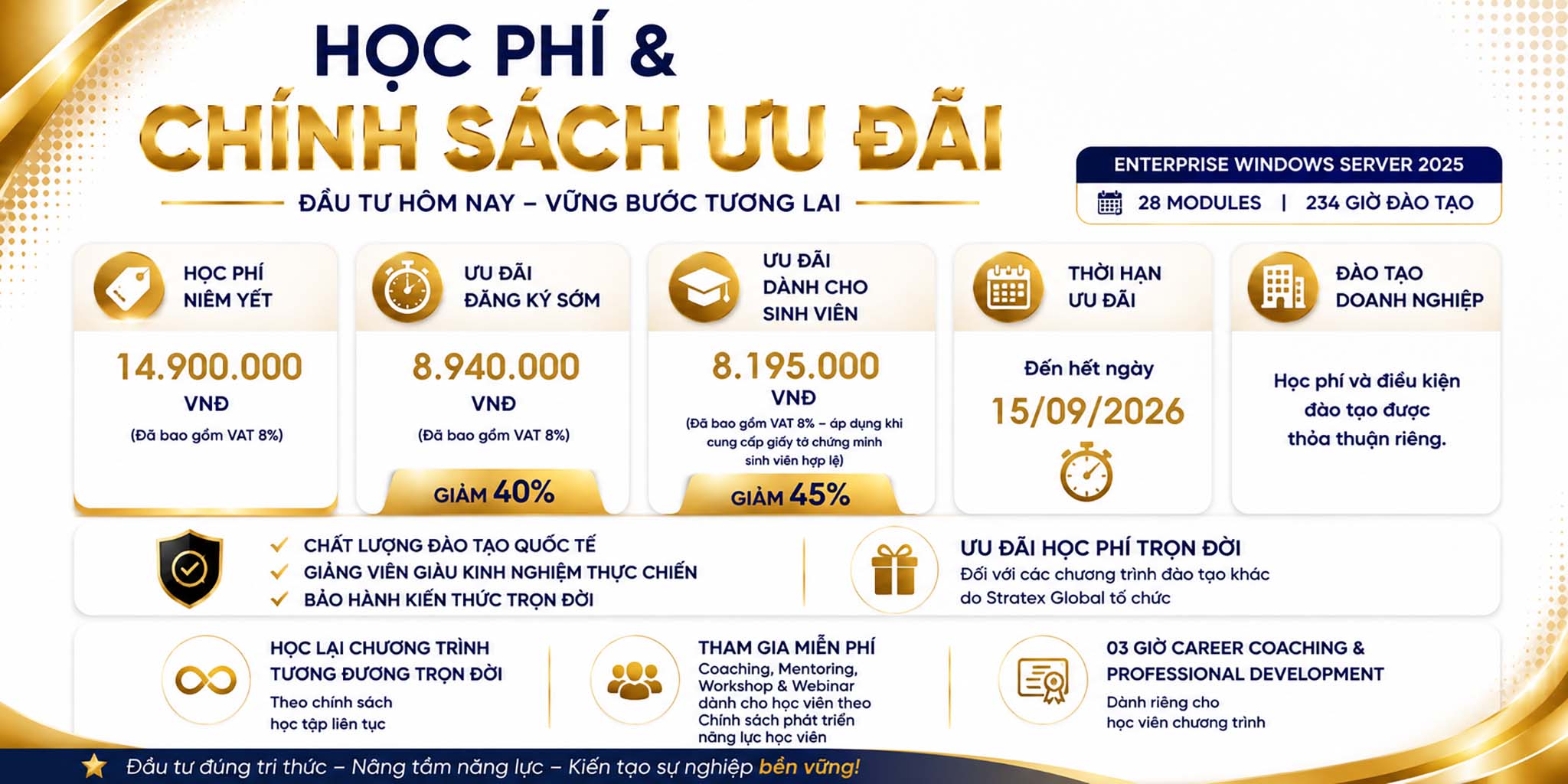
Học phí niêm yết: 10.900.000 VNĐ
(Đã bao gồm VAT 8%)
- Ưu đãi đăng ký sớm: 6.540.000 VNĐ
(Giảm 40% – đã bao gồm VAT 8%) - Ưu đãi dành cho sinh viên: 5.995.000 VNĐ
(Giảm 45% – đã bao gồm VAT 8%; áp dụng khi cung cấp giấy tờ chứng minh sinh viên hợp lệ) - Thời hạn ưu đãi: Đến hết ngày 08/09/2026
- Đào tạo doanh nghiệp: Học phí và điều kiện đào tạo được thỏa thuận riêng theo nhu cầu triển khai.
Đăng ký học
Chương trình đào tạo Enterprise Windows Server 2025
Mục tiêu khóa học
Mục tiêu của Enterprise Windows Server 2025 là phát triển toàn diện năng lực System Administration, System Engineering và Enterprise Infrastructure, giúp học viên từng bước làm chủ quá trình phân tích, thiết kế, triển khai, quản trị, bảo mật, tự động hóa, giám sát, tối ưu và phục hồi hạ tầng Windows Server doanh nghiệp.
Thông qua Enterprise Hands-on Labs, Enterprise Scenarios, Troubleshooting Challenges và Capstone Project xuyên suốt, chương trình hướng đến năng lực xây dựng và vận hành một hạ tầng Windows Server hoàn chỉnh, an toàn, ổn định, sẵn sàng cao và có khả năng phục hồi, đáp ứng yêu cầu vận hành thực tế của doanh nghiệp.
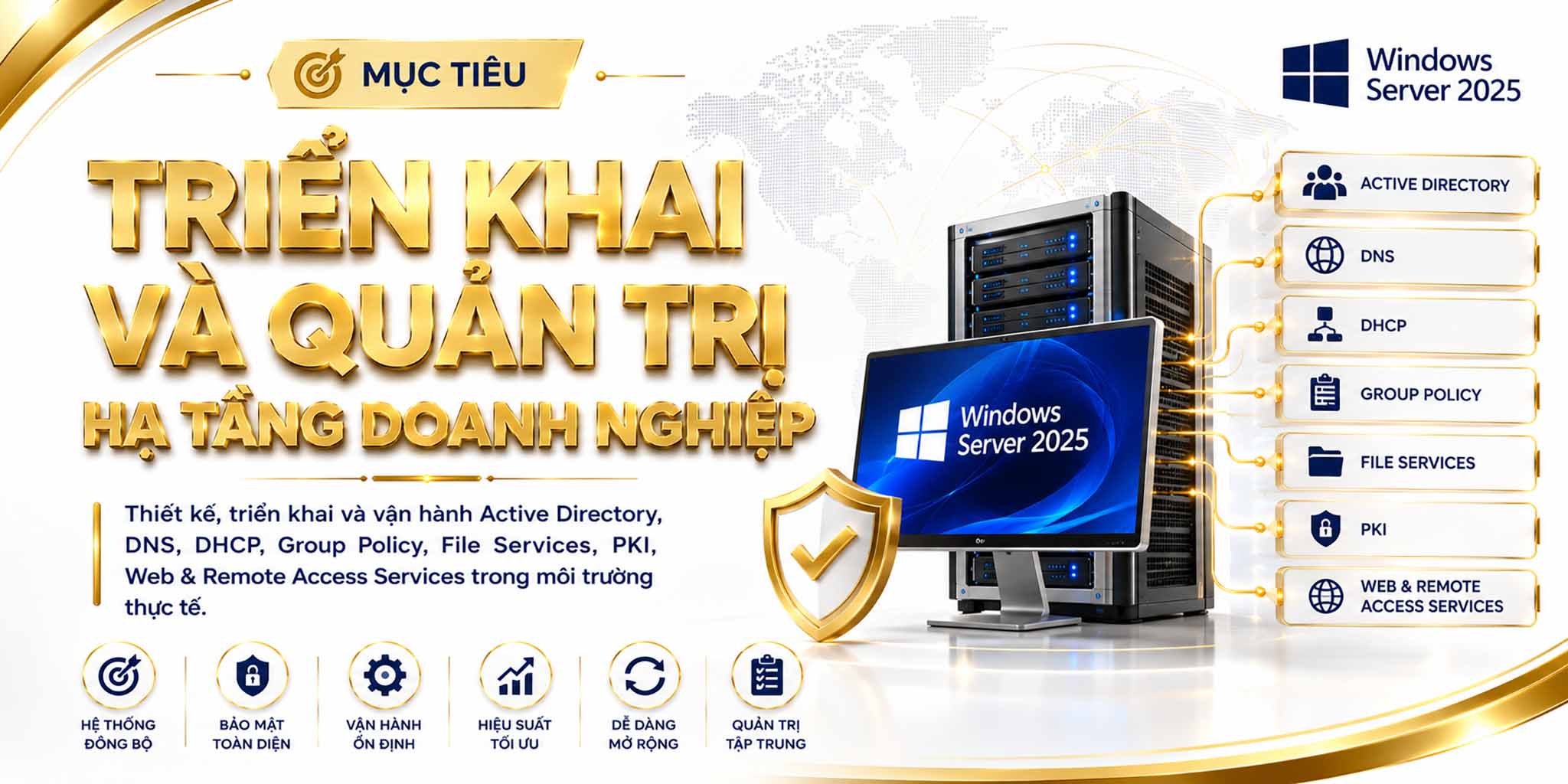
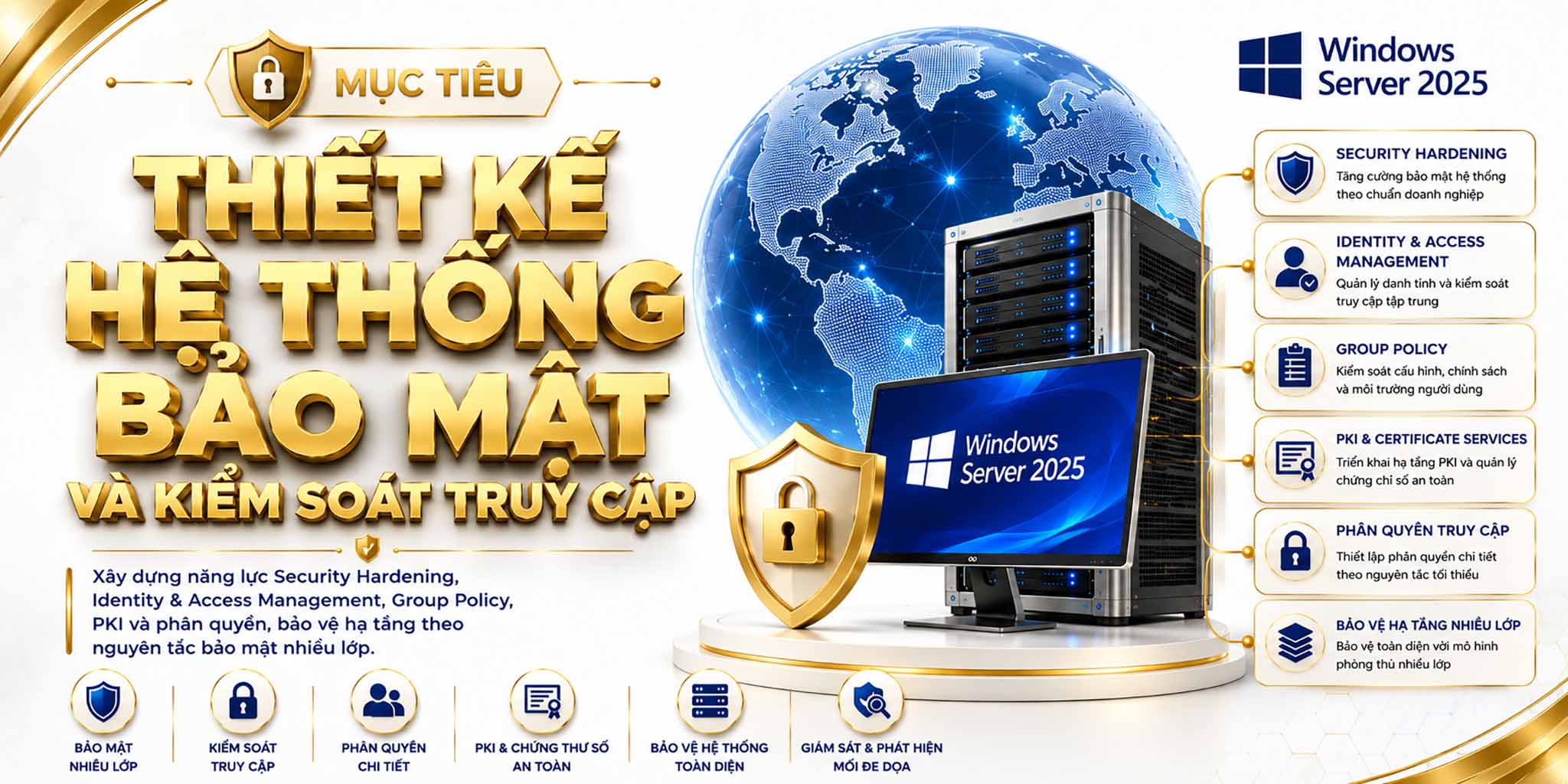
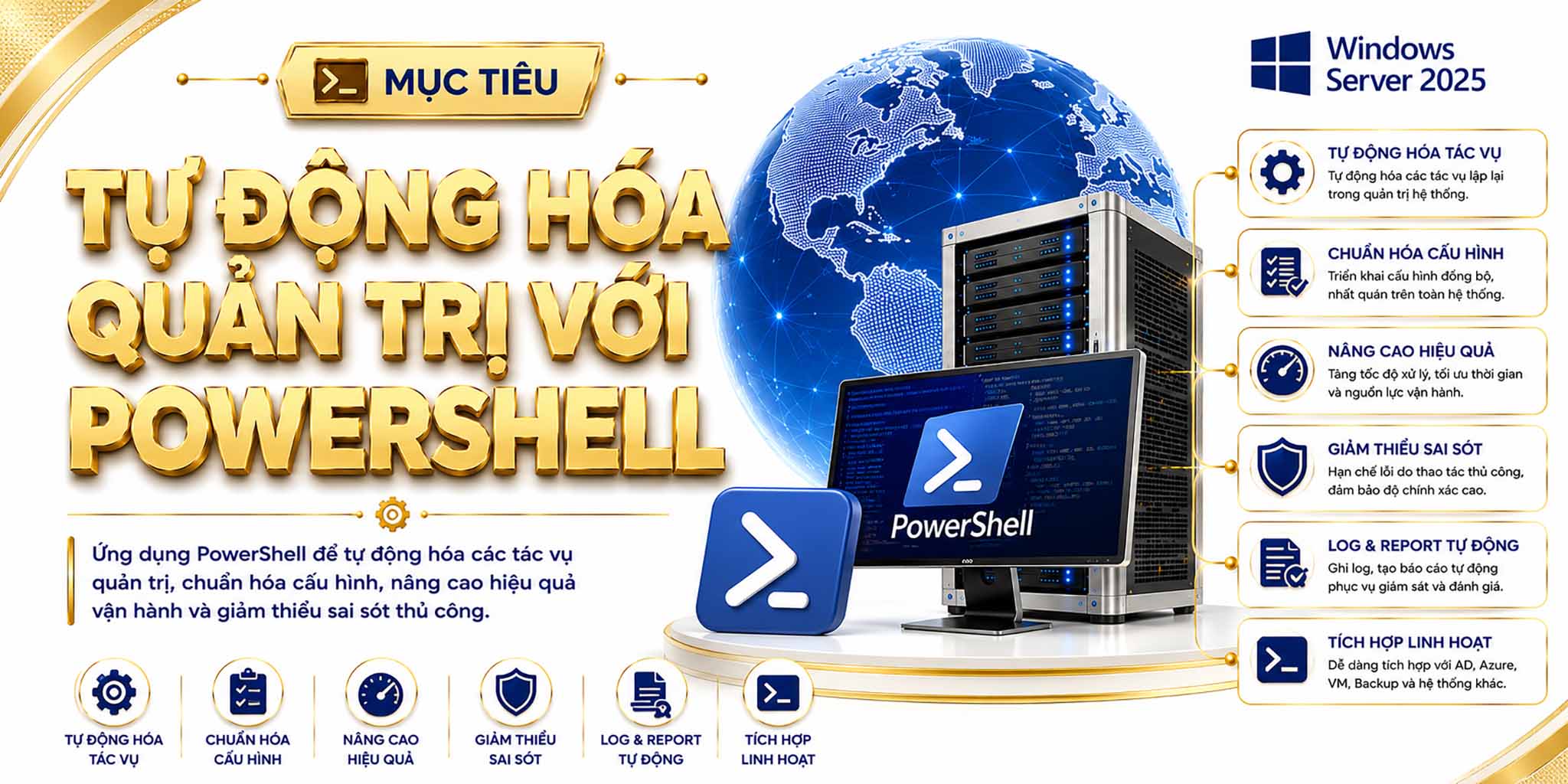
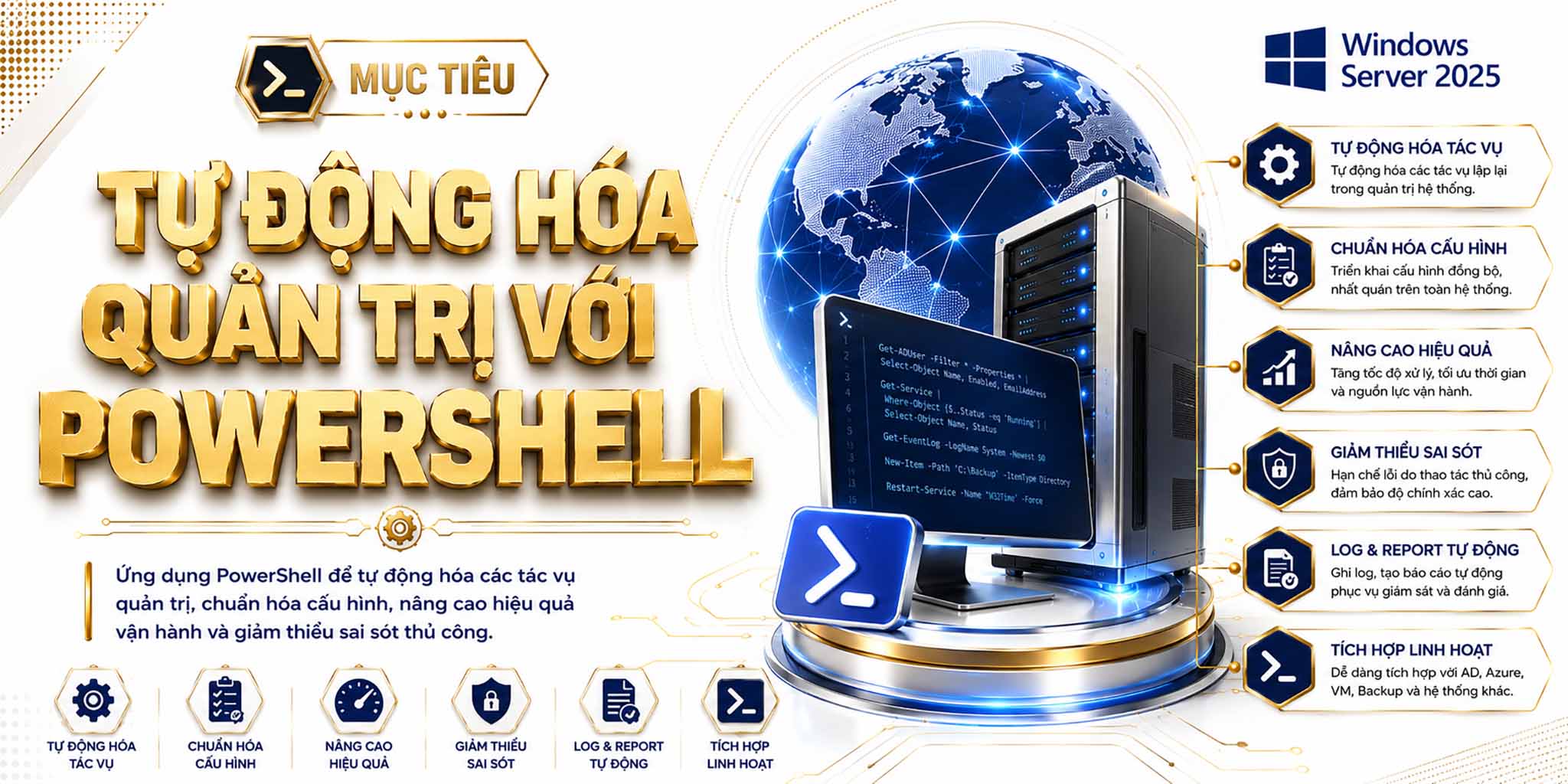
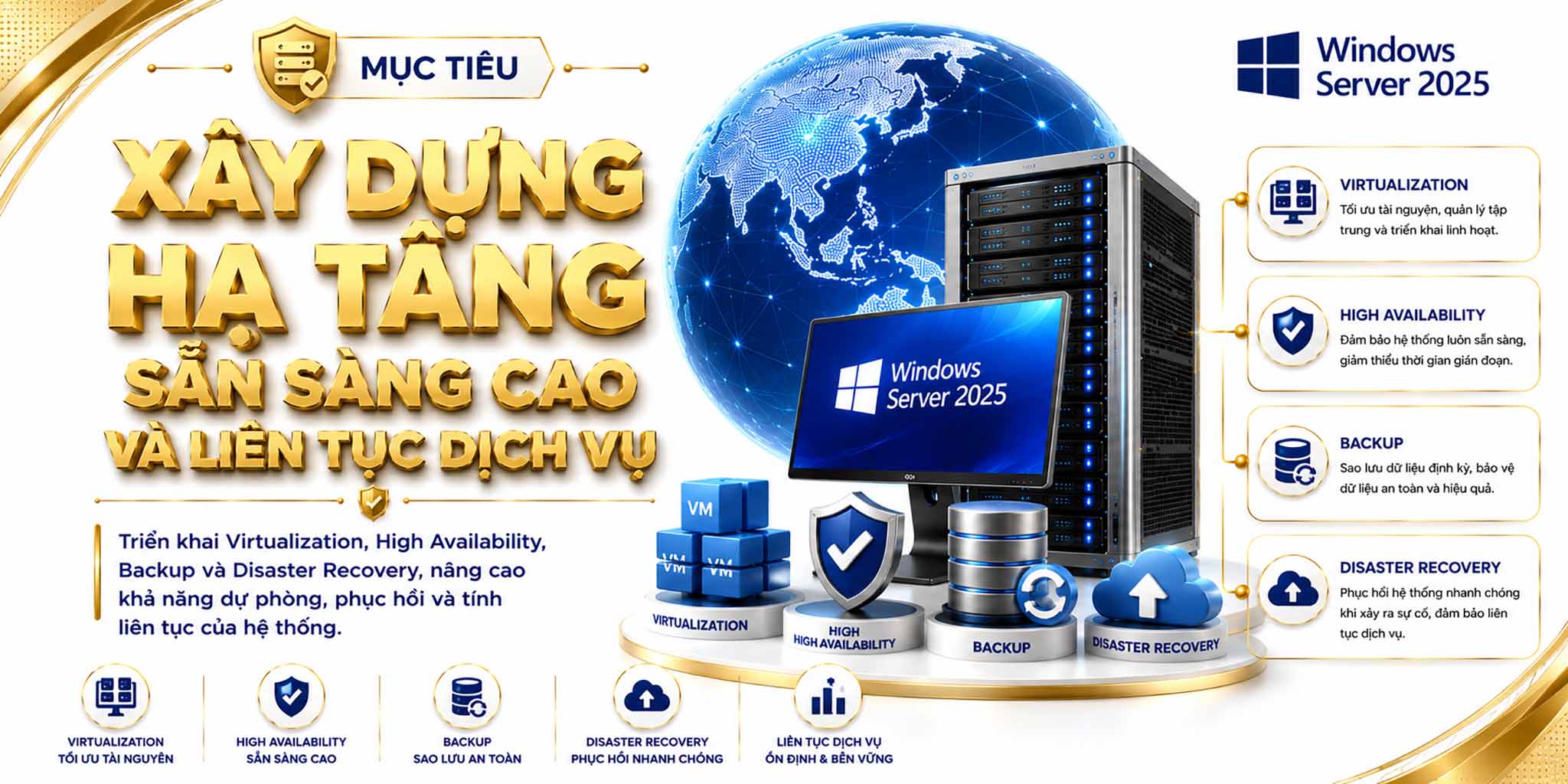
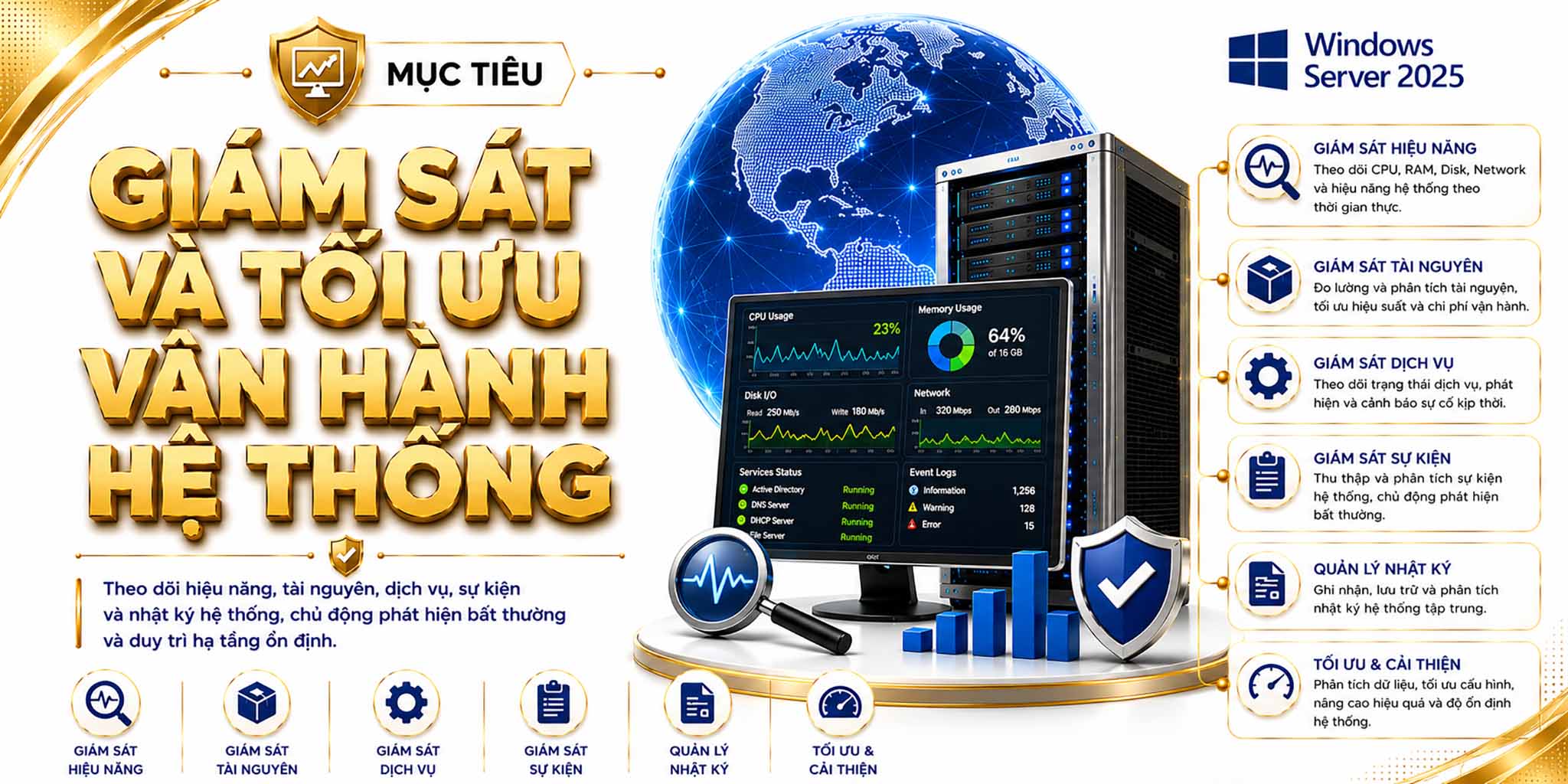
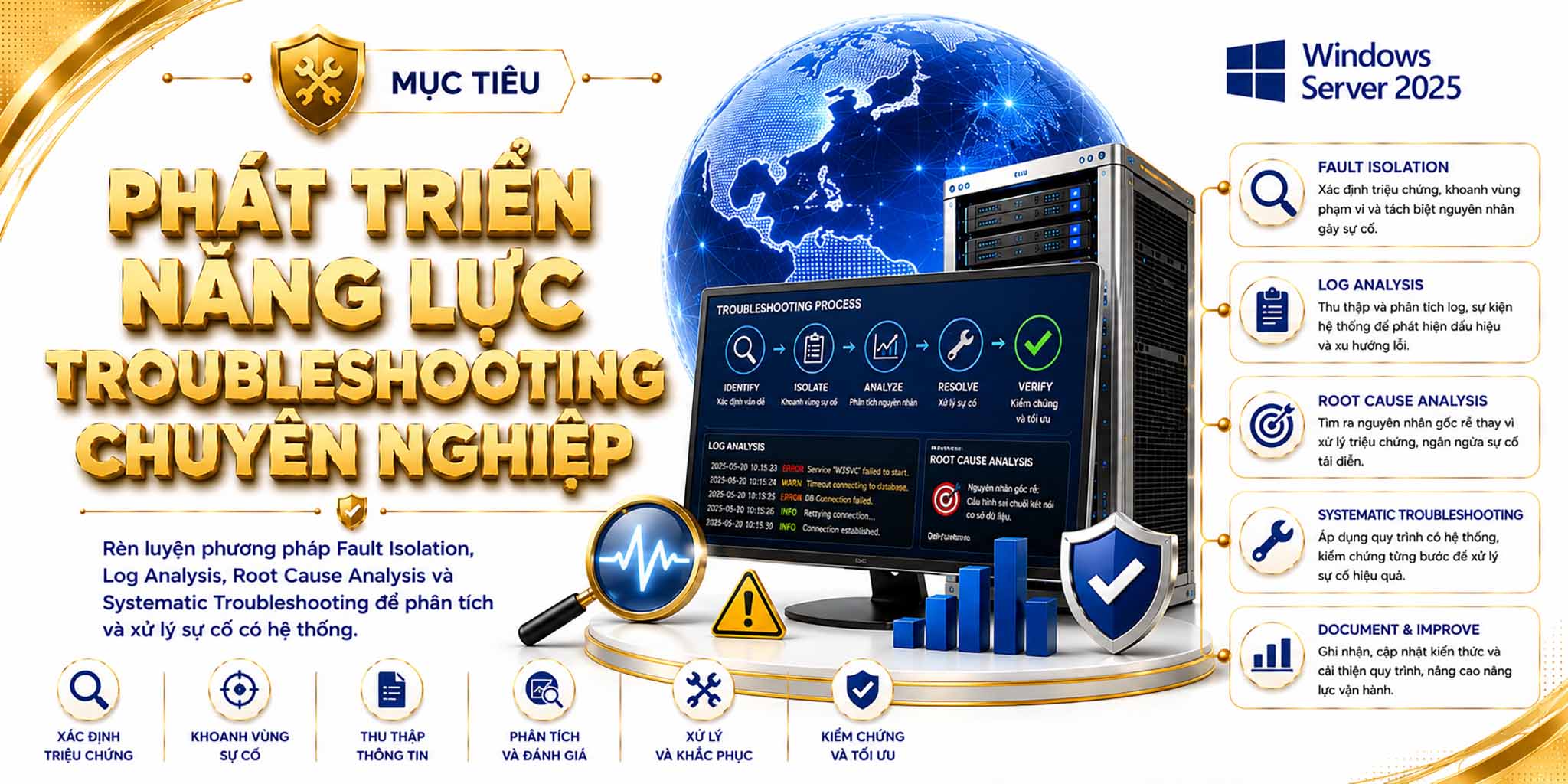
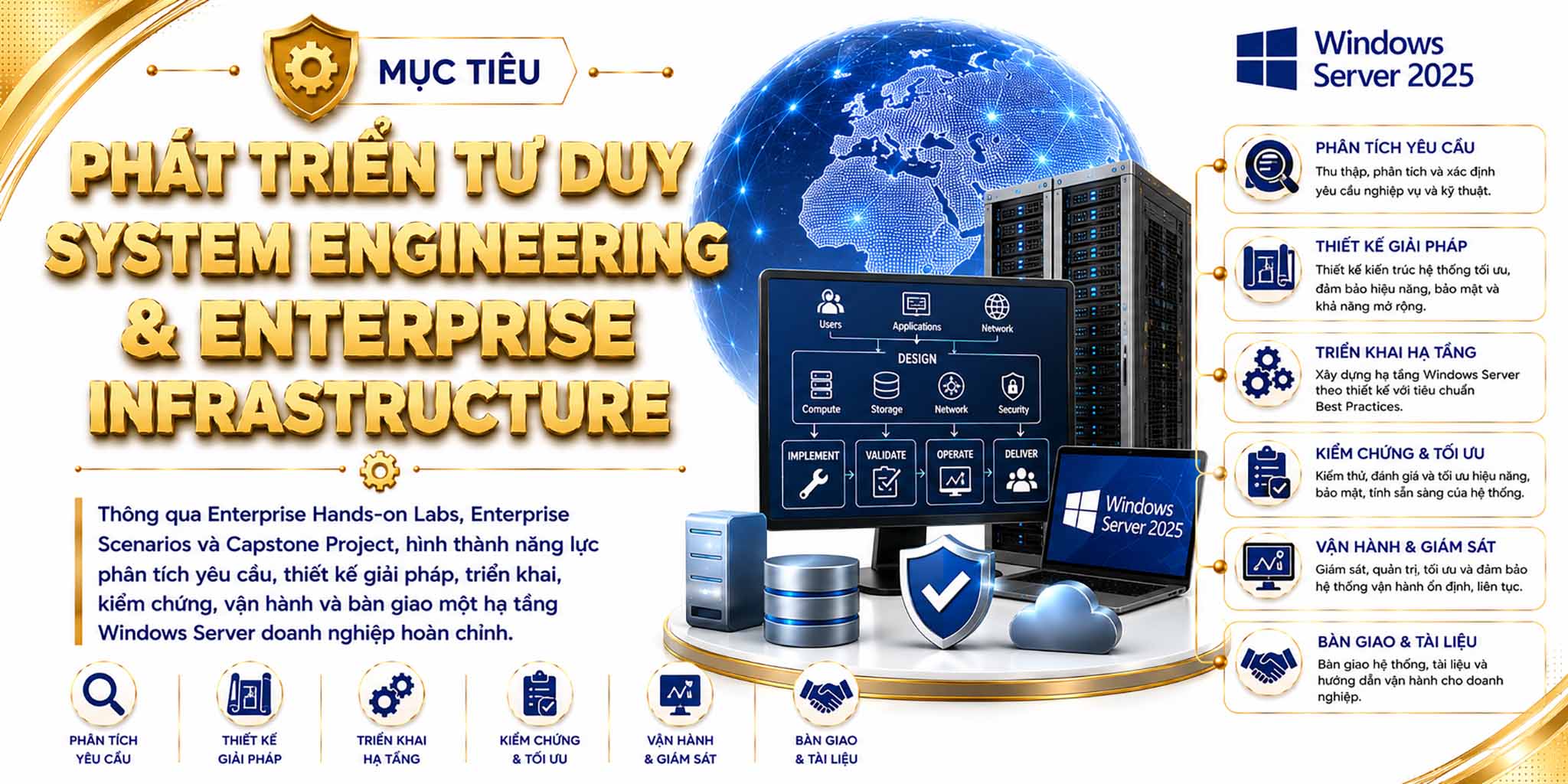
Điểm khác biệt của Enterprise Windows Server 2025 nằm ở cách toàn bộ 234 giờ đào tạo, 78 buổi học và 28 module được kiến trúc như một dự án hạ tầng doanh nghiệp xuyên suốt. Kiến thức và bài lab được tổ chức theo quan hệ kế thừa, giúp học viên từng bước xây dựng, mở rộng và hoàn thiện một hệ thống Windows Server thống nhất thay vì thực hiện các cấu hình rời rạc.
Thông qua Hands-on Labs, Enterprise Scenarios, Failure Simulation, Troubleshooting Challenges, Root Cause Analysis và Capstone Project, học viên trải nghiệm toàn bộ vòng đời hạ tầng từ thiết kế, triển khai và bảo mật đến tự động hóa, giám sát, tối ưu và phục hồi. Qua đó, chương trình phát triển tư duy System Engineering, năng lực giải quyết vấn đề và tác phong vận hành chuyên nghiệp trong môi trường doanh nghiệp.
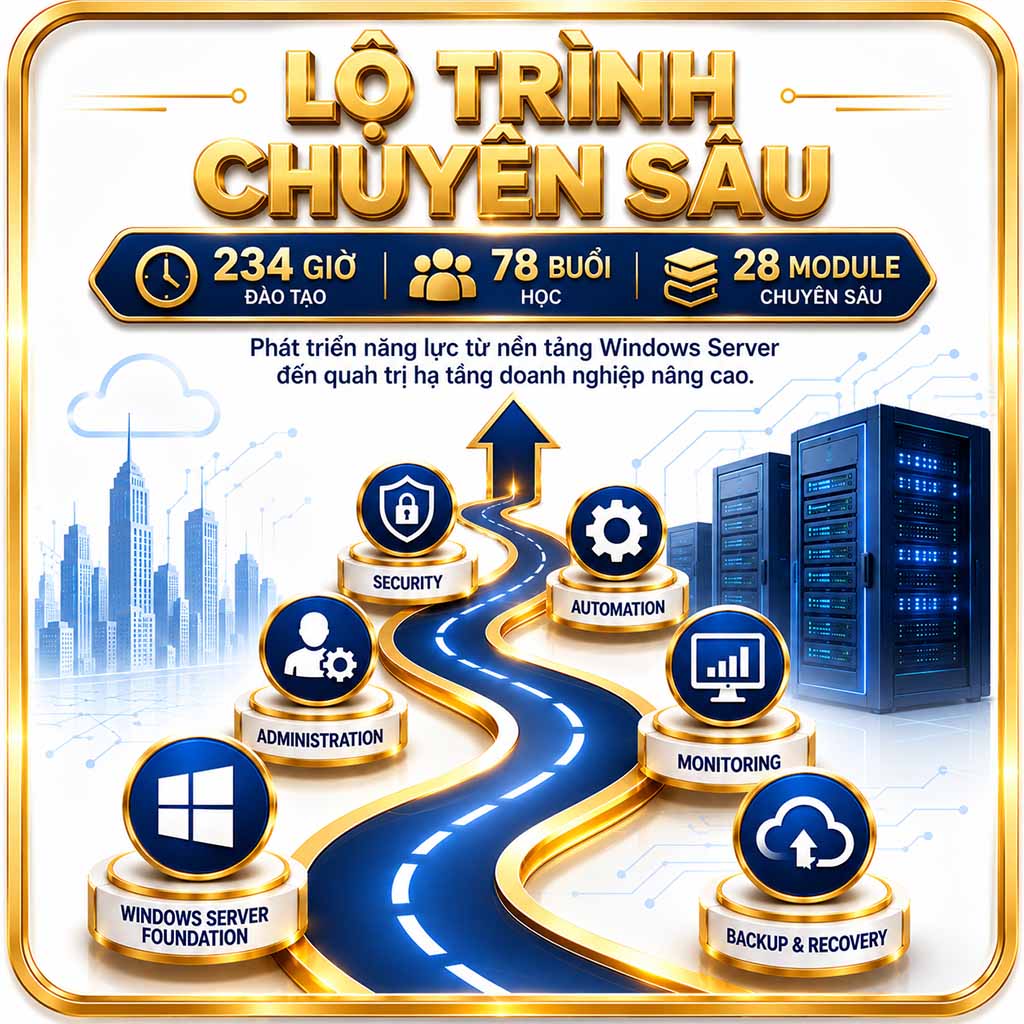
Lộ Trình Chuyên Sâu
Quy mô 234 giờ – 78 buổi – 28 module, phát triển năng lực từ nền tảng Windows Server đến quản trị hạ tầng doanh nghiệp nâng cao.
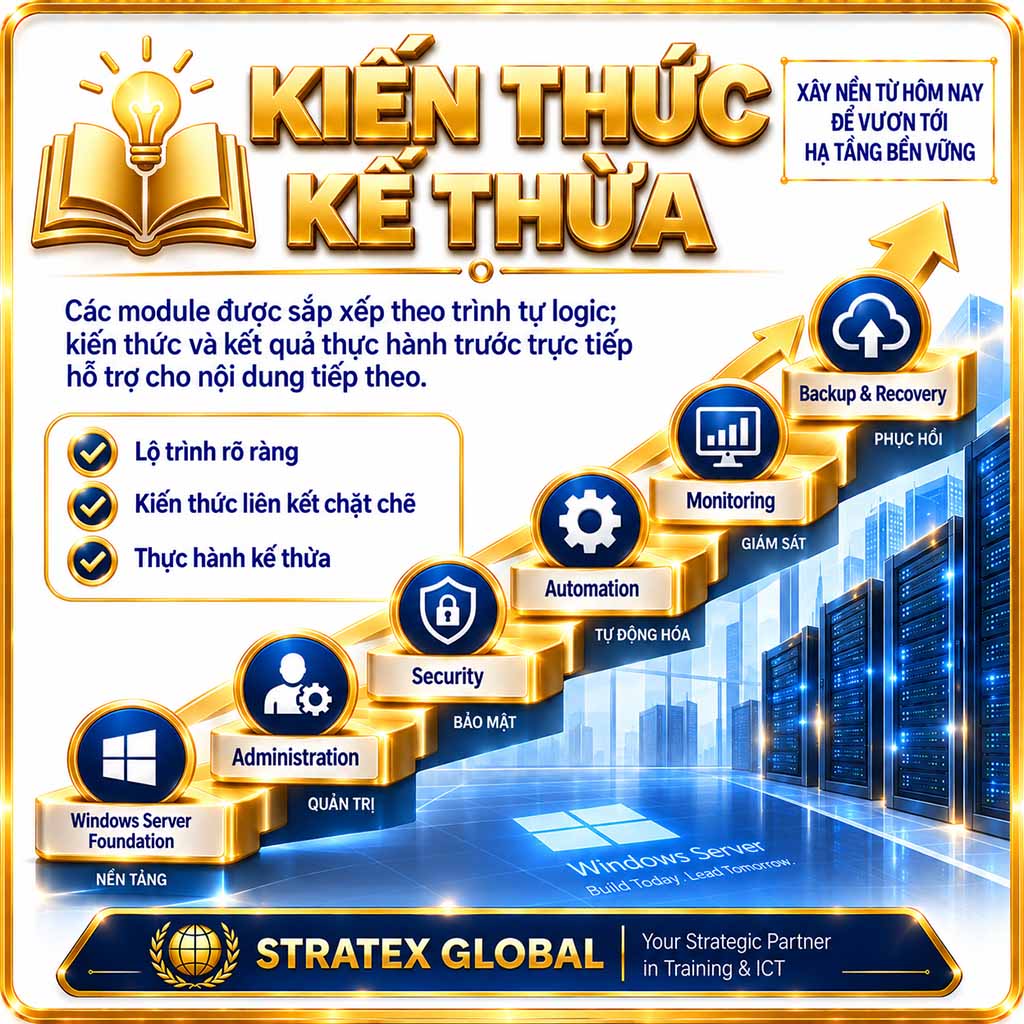
Kiến Thức Kế Thừa
Các module được sắp xếp theo trình tự logic; kiến thức và kết quả thực hành trước trực tiếp hỗ trợ cho nội dung tiếp theo.
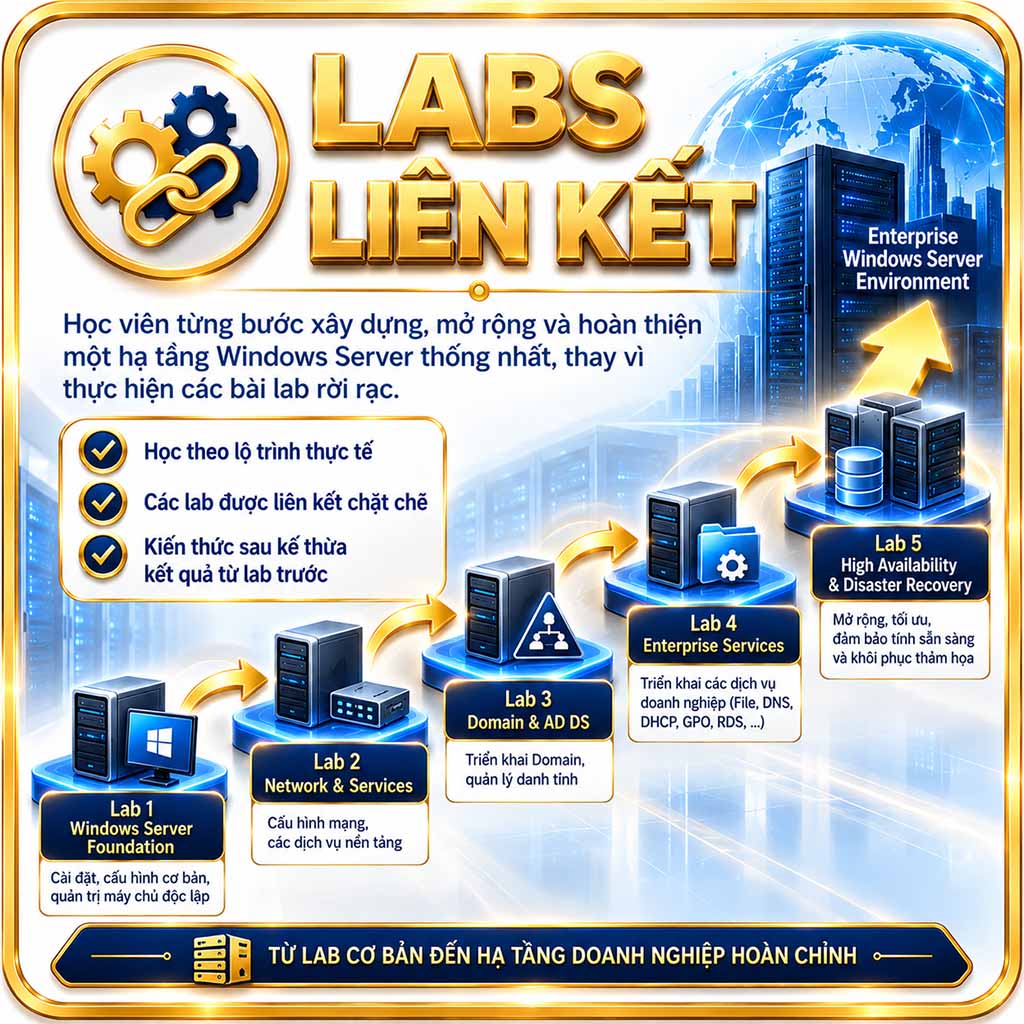
Labs Liên Kết
Học viên từng bước xây dựng, mở rộng và hoàn thiện một hạ tầng Windows Server thống nhất, thay vì thực hiện các bài lab rời rạc.
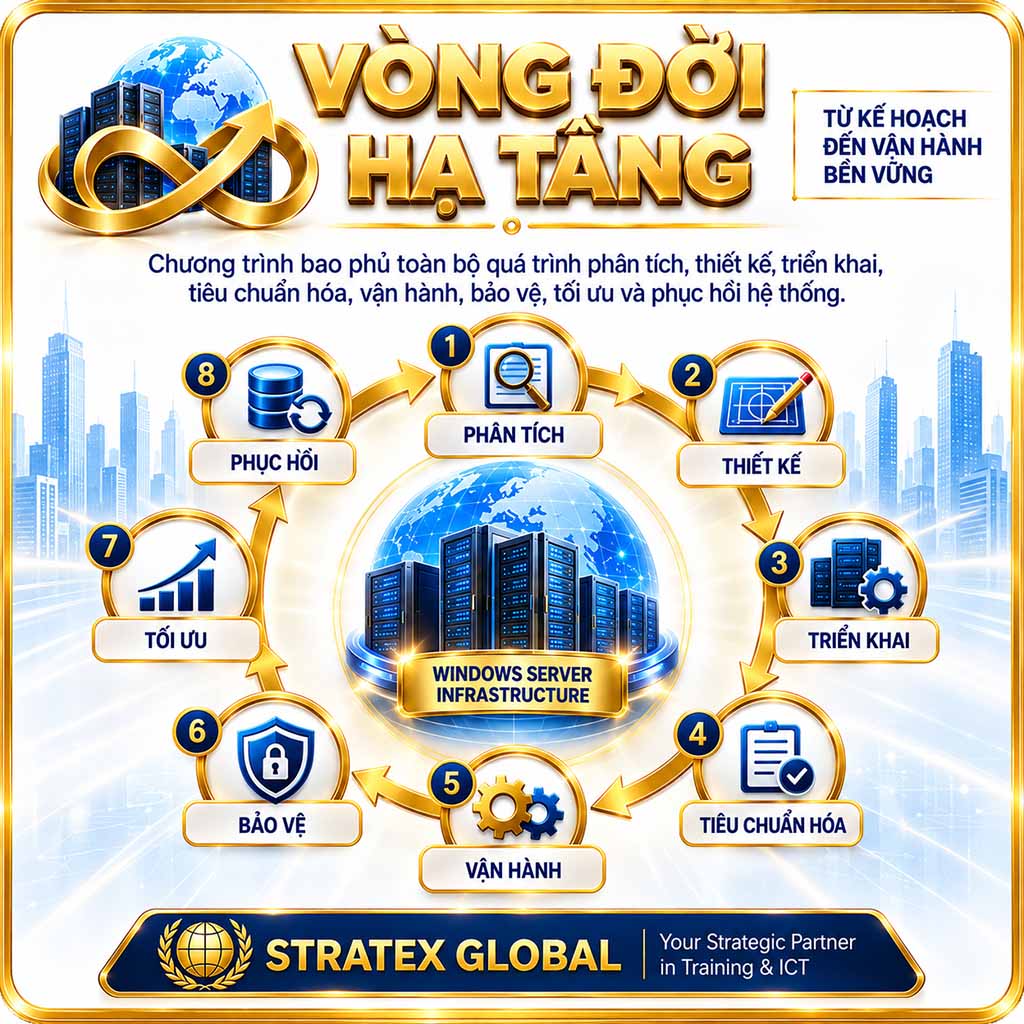
Vòng Đời Hạ Tầng
Chương trình bao phủ toàn bộ vòng đời hạ tầng: phân tích, thiết kế, triển khai, tiêu chuẩn hóa, vận hành, bảo mật, tối ưu và phục hồi.
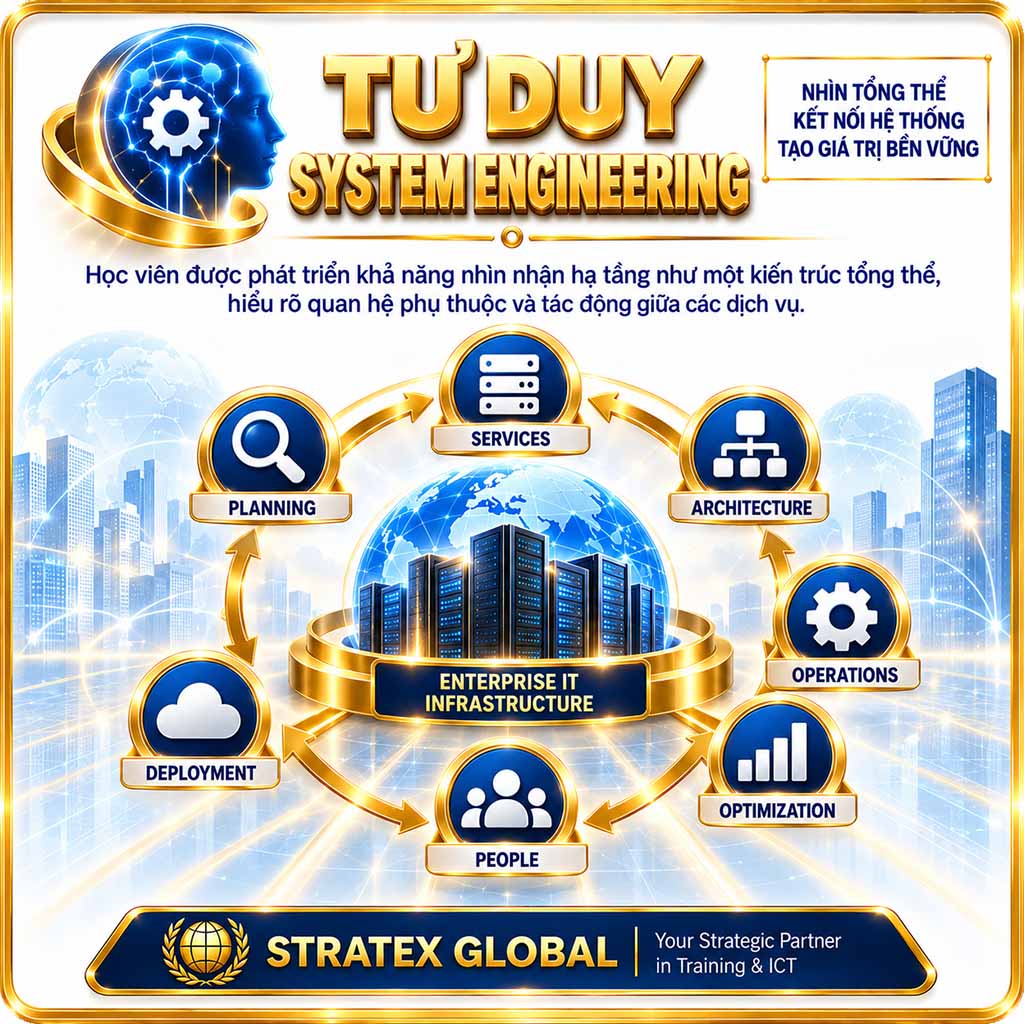
Tư Duy System Engineering
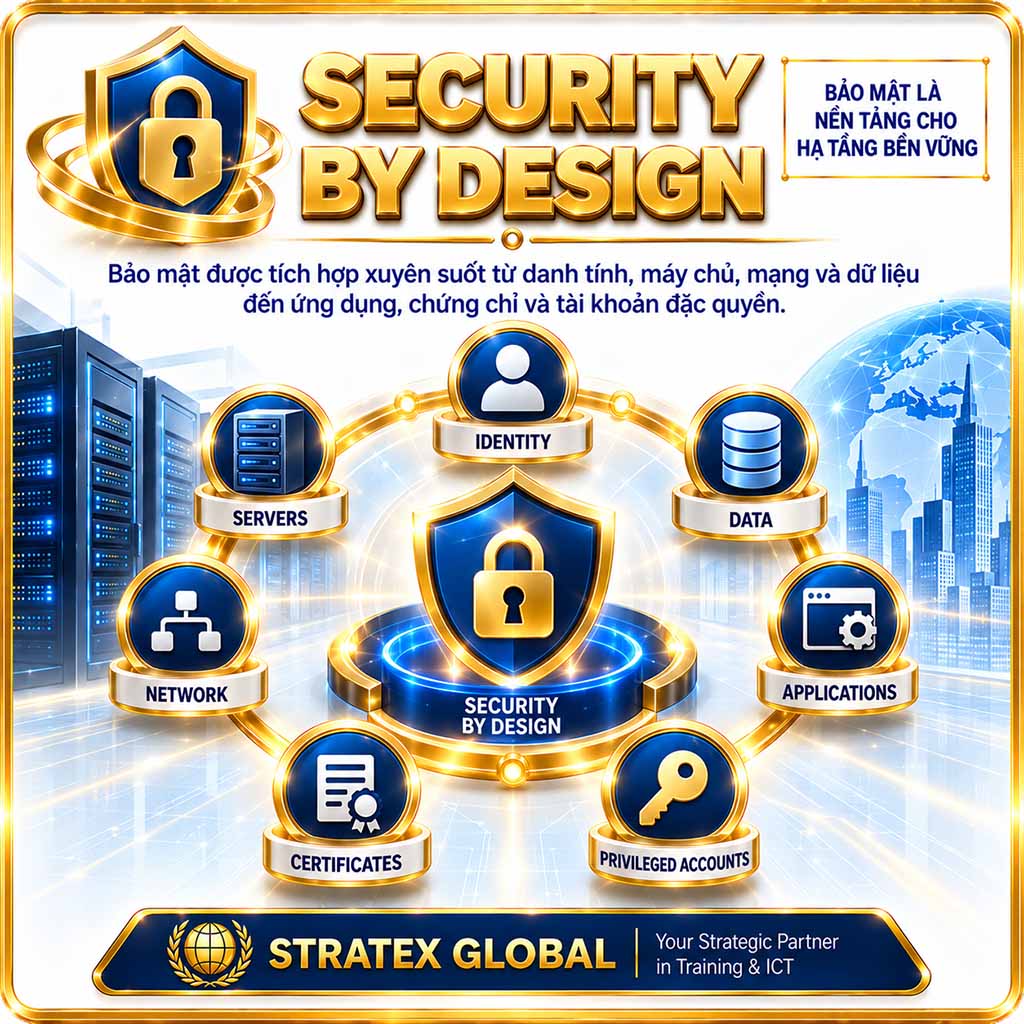
Security by Design
Bảo mật được tích hợp xuyên suốt trong toàn bộ kiến trúc, từ danh tính, máy chủ, mạng và dữ liệu đến ứng dụng, chứng chỉ số và tài khoản.
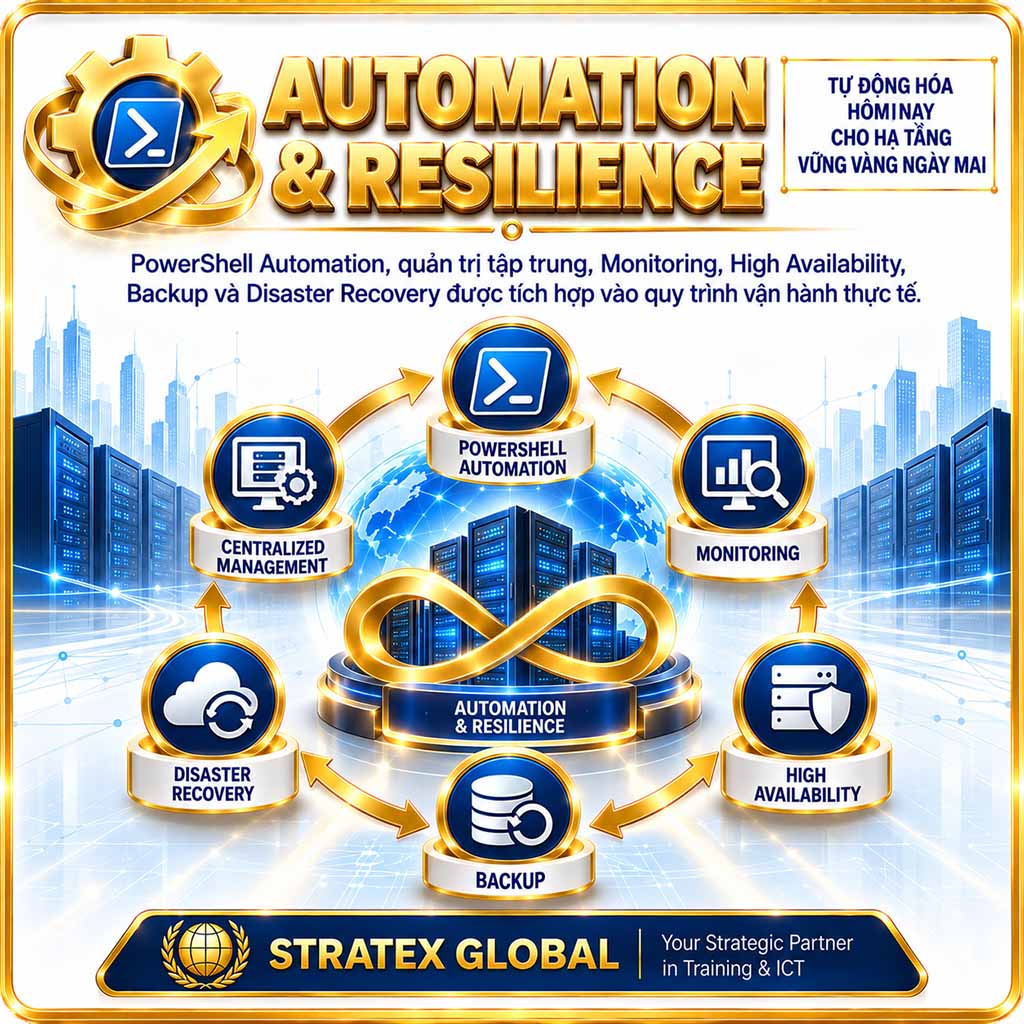
Automation & Resilience
PowerShell, quản trị tập trung, Monitoring, High Availability, Backup và Disaster Recovery được tích hợp vào quy trình vận hành thực tế.
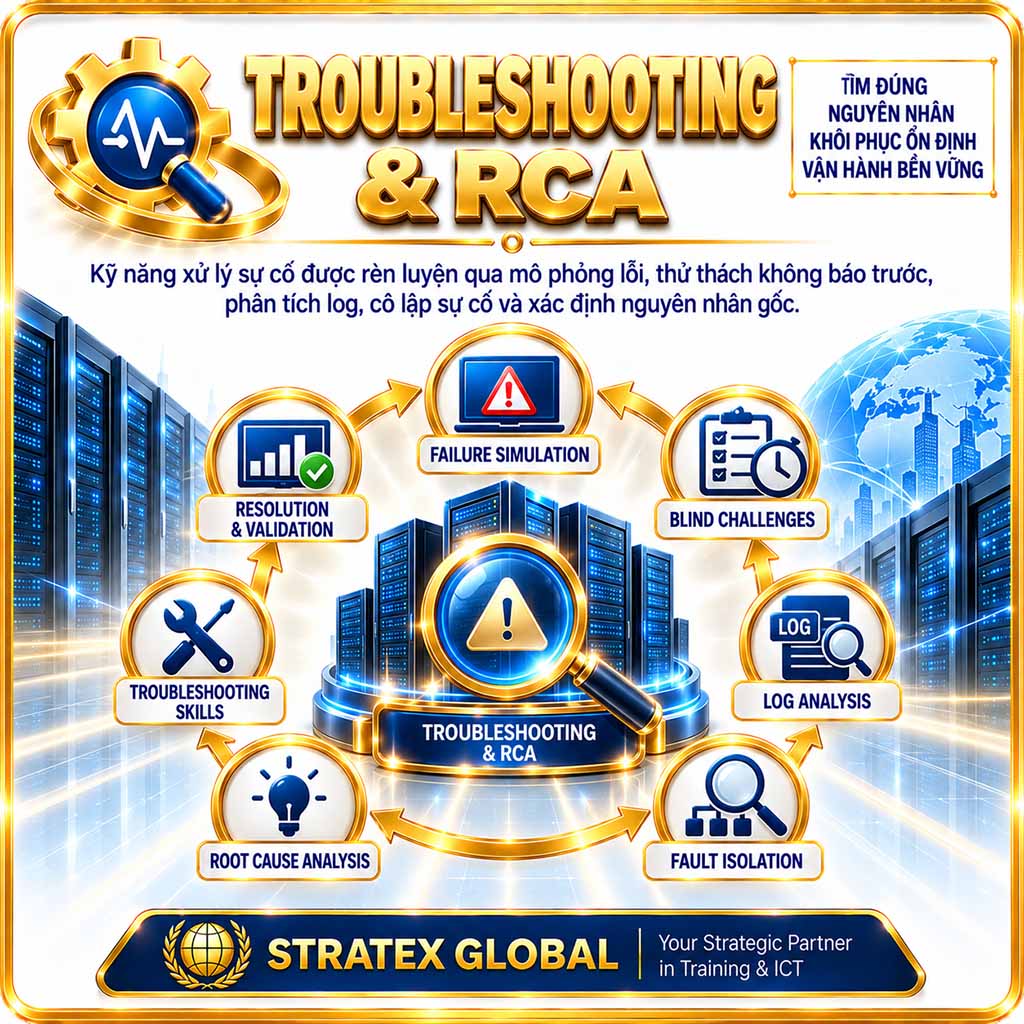
Troubleshooting & RCA
Kỹ năng xử lý sự cố được rèn luyện thông qua mô phỏng lỗi, thử thách không báo trước, phân tích log, cô lập sự cố và xác định nguyên nhân gốc.
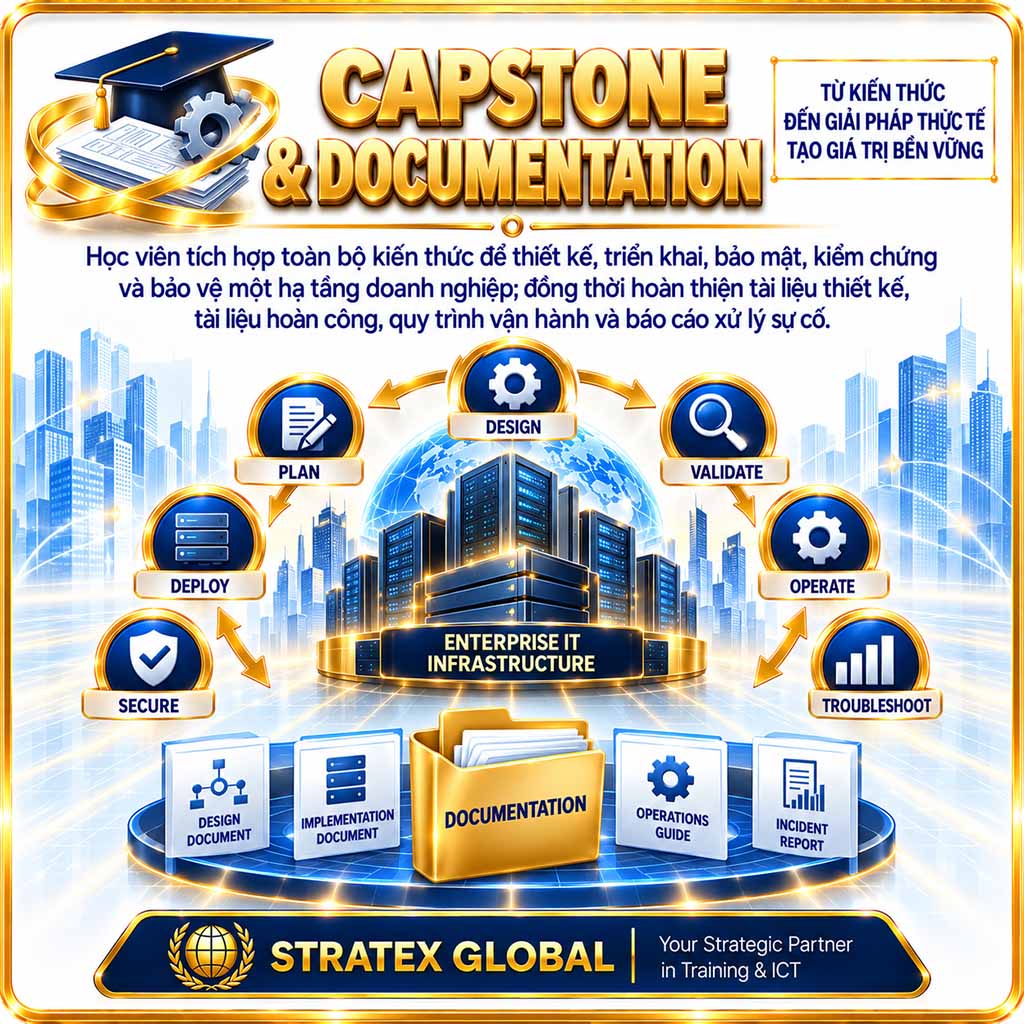
Capstone & Documentation
Học viên tích hợp toàn bộ kiến thức để thiết kế, triển khai, bảo mật và kiểm chứng hạ tầng doanh nghiệp; tài liệu thiết kế, vận hành và xử lý sự cố.
Điều kiện tham gia khóa học
Chương trình Enterprise Windows Server 2025 được thiết kế theo lộ trình từ Windows Server Fundamentals đến Enterprise Infrastructure Engineering, vì vậy không yêu cầu kinh nghiệm chuyên sâu hoặc chứng chỉ Windows Server đầu vào. Học viên chỉ cần có kỹ năng sử dụng máy tính và hệ điều hành Windows cơ bản, máy tính hỗ trợ ảo hóa với tối thiểu 32 GB RAM, 300 GB dung lượng SSD trống và kết nối Internet ổn định; cấu hình 64 GB RAM được khuyến nghị cho các mô hình nâng cao. Chương trình đặc biệt đề cao sự tham gia nghiêm túc vào Connected Hands-on Labs, Enterprise Scenarios, Troubleshooting Challenges và Enterprise Capstone Project, qua đó giúp học viên từng bước phát triển nền tảng quản trị vững chắc, năng lực thực hành và tư duy System Engineering trong môi trường hạ tầng doanh nghiệp.
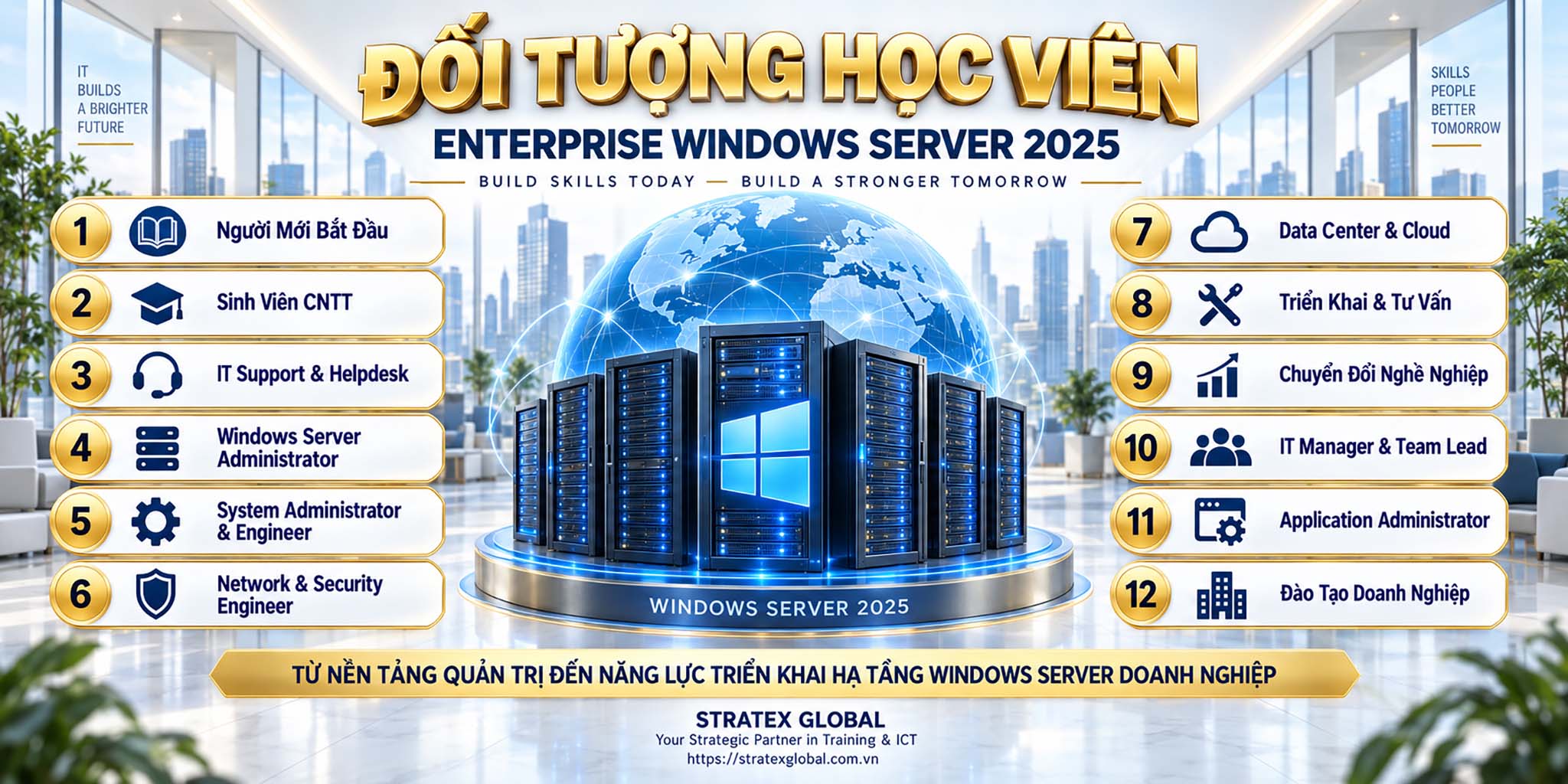
Đối tượng học viên

Người Mới Bắt Đầu
Người muốn xây dựng nền tảng quản trị hệ thống bài bản và phát triển chuyên môn trong lĩnh vực Windows Server.
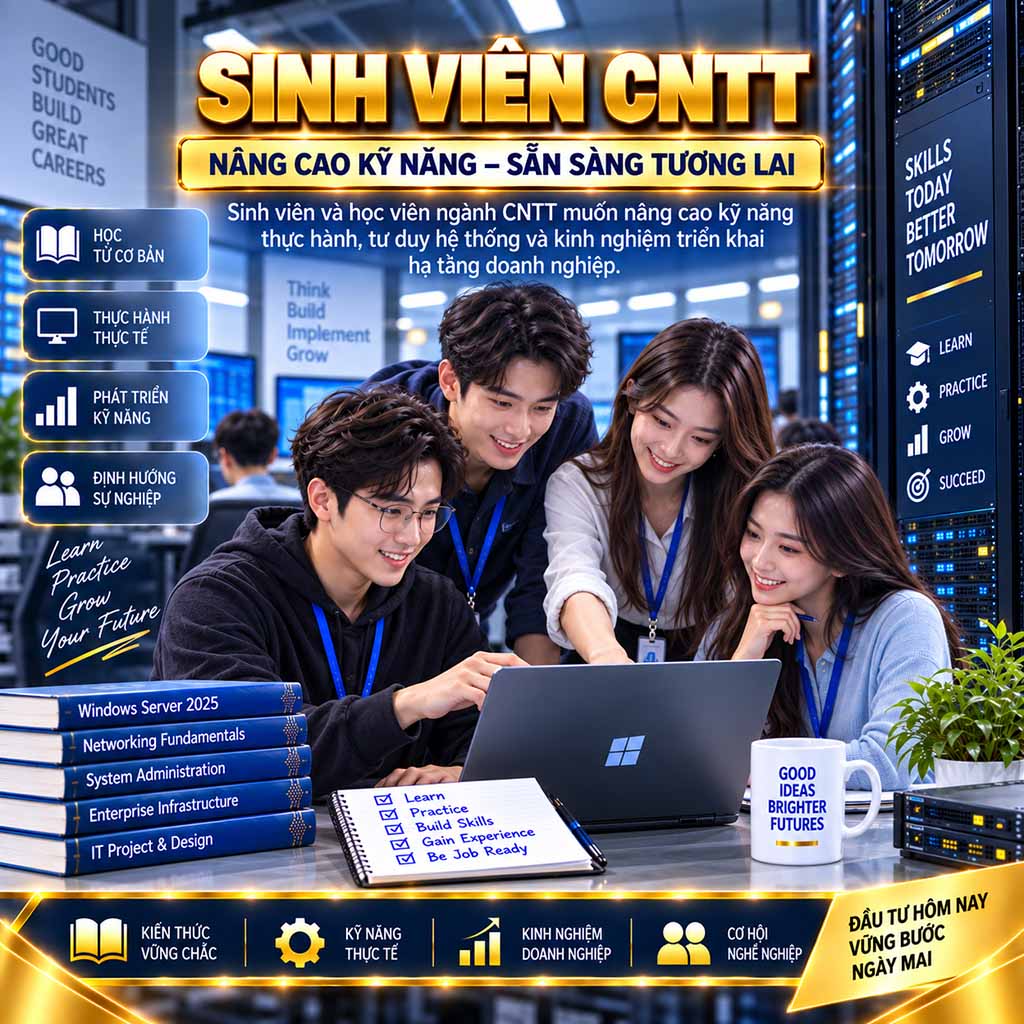
Sinh Viên CNTT
Sinh viên và học viên ngành CNTT muốn nâng cao kỹ năng thực hành, tư duy hệ thống và kinh nghiệm triển khai hạ tầng doanh nghiệp.
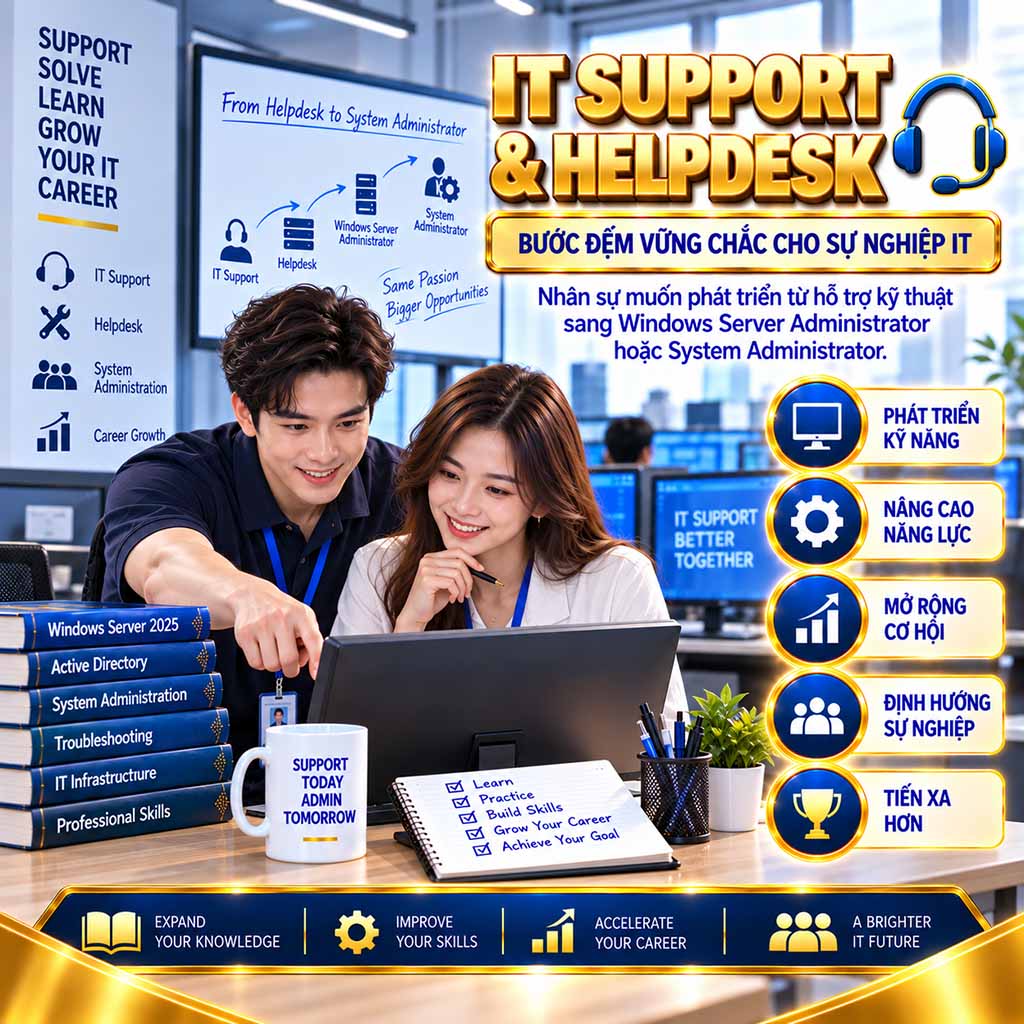
IT Support & Helpdesk
Nhân sự muốn phát triển từ hỗ trợ kỹ thuật sang Windows Server Administrator hoặc System Administrator.
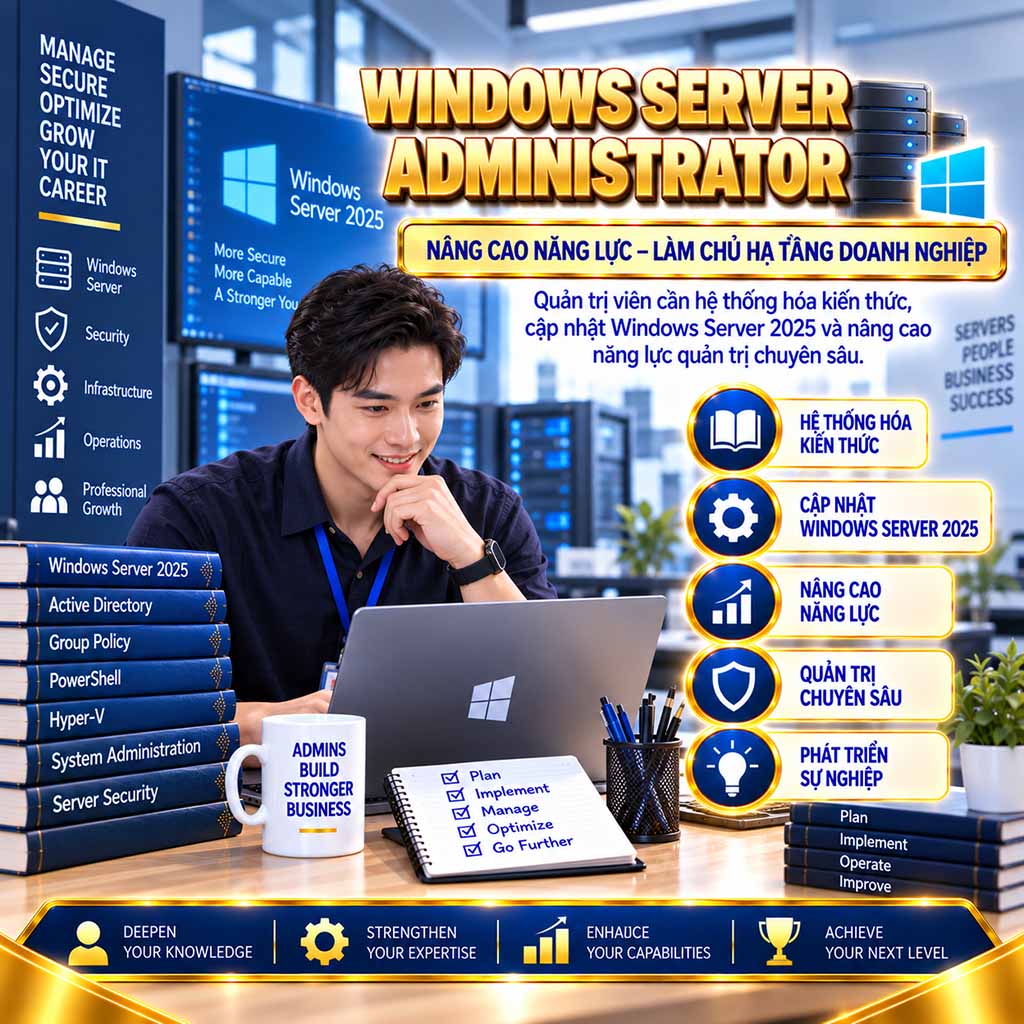
Windows Server Administrator
Quản trị viên cần hệ thống hóa kiến thức, cập nhật Windows Server 2025 và nâng cao năng lực quản trị chuyên sâu.
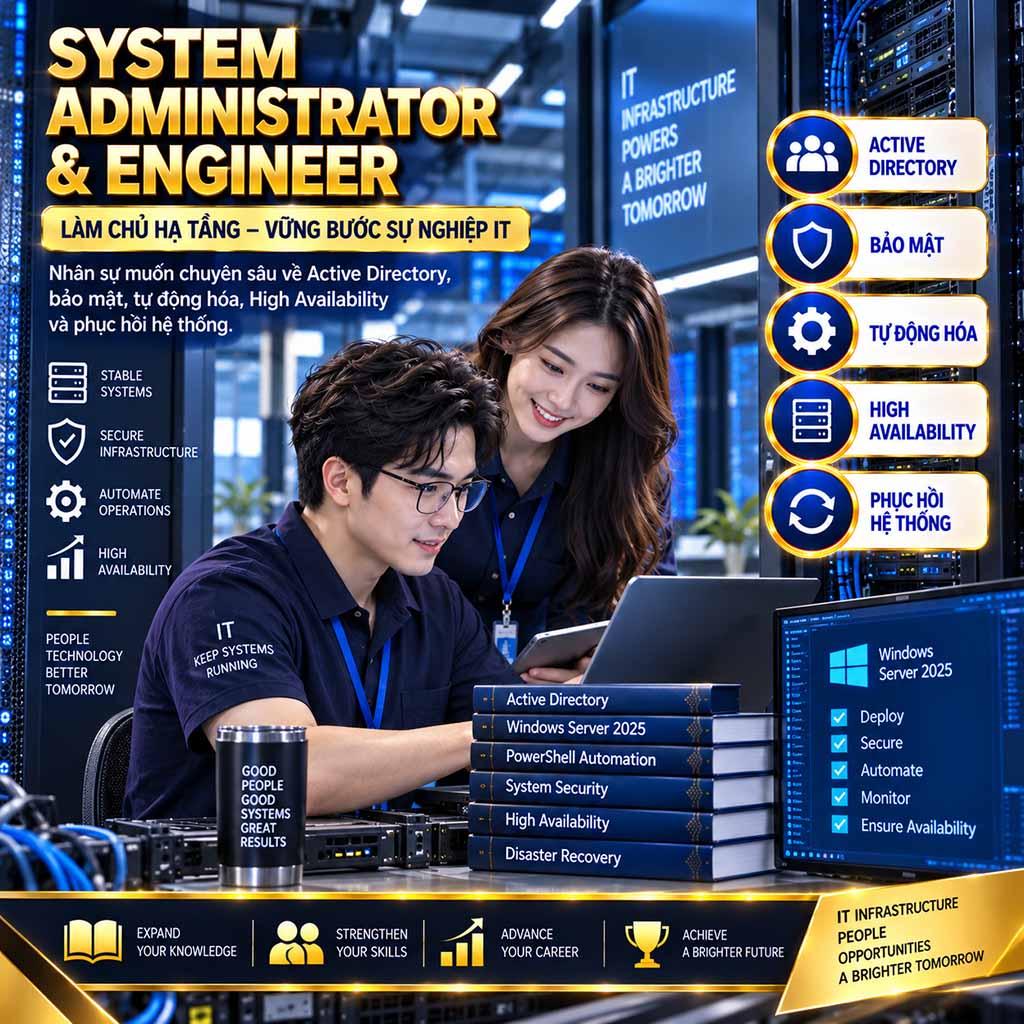
System Administrator
Nhân sự muốn chuyên sâu về Active Directory, bảo mật, tự động hóa, High Availability và phục hồi hệ thống.
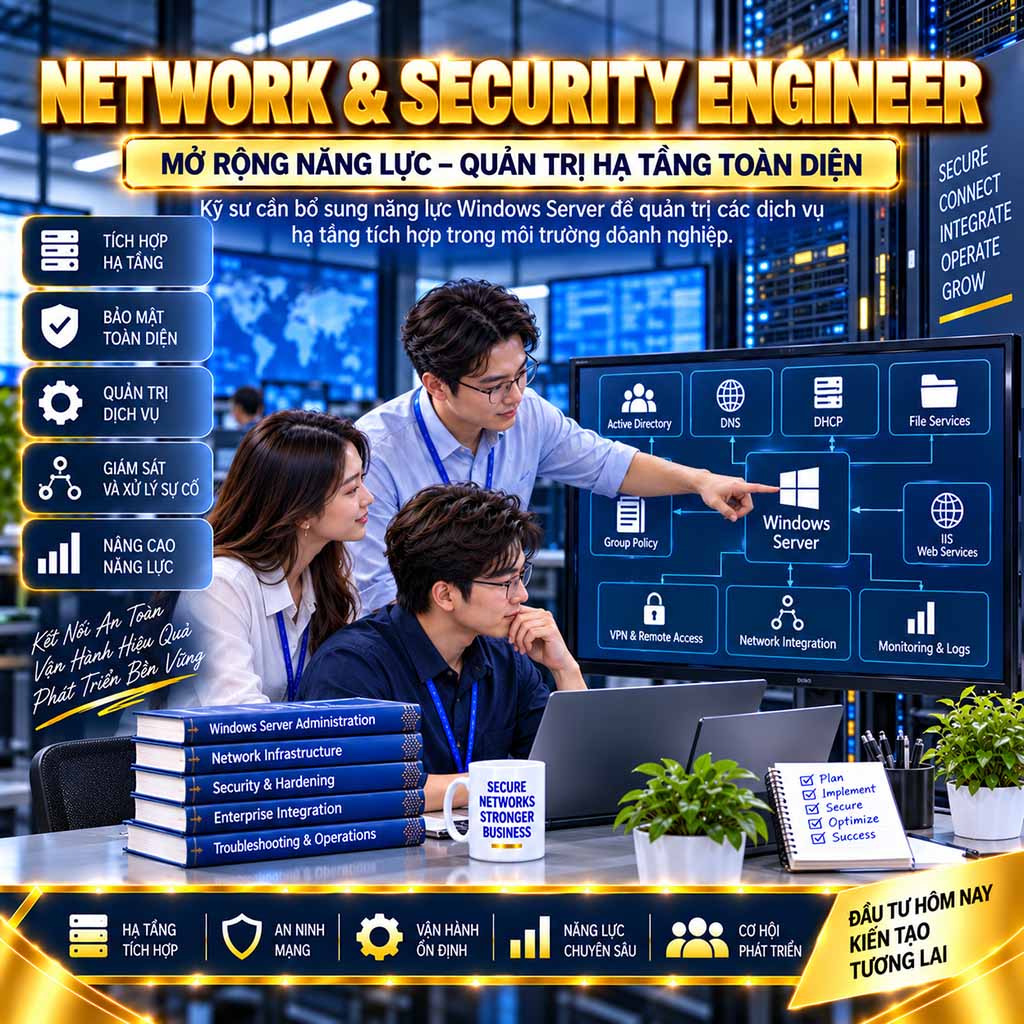
Network & Security Engineer
Kỹ sư cần bổ sung năng lực Windows Server để quản trị các dịch vụ hạ tầng tích hợp trong môi trường doanh nghiệp.
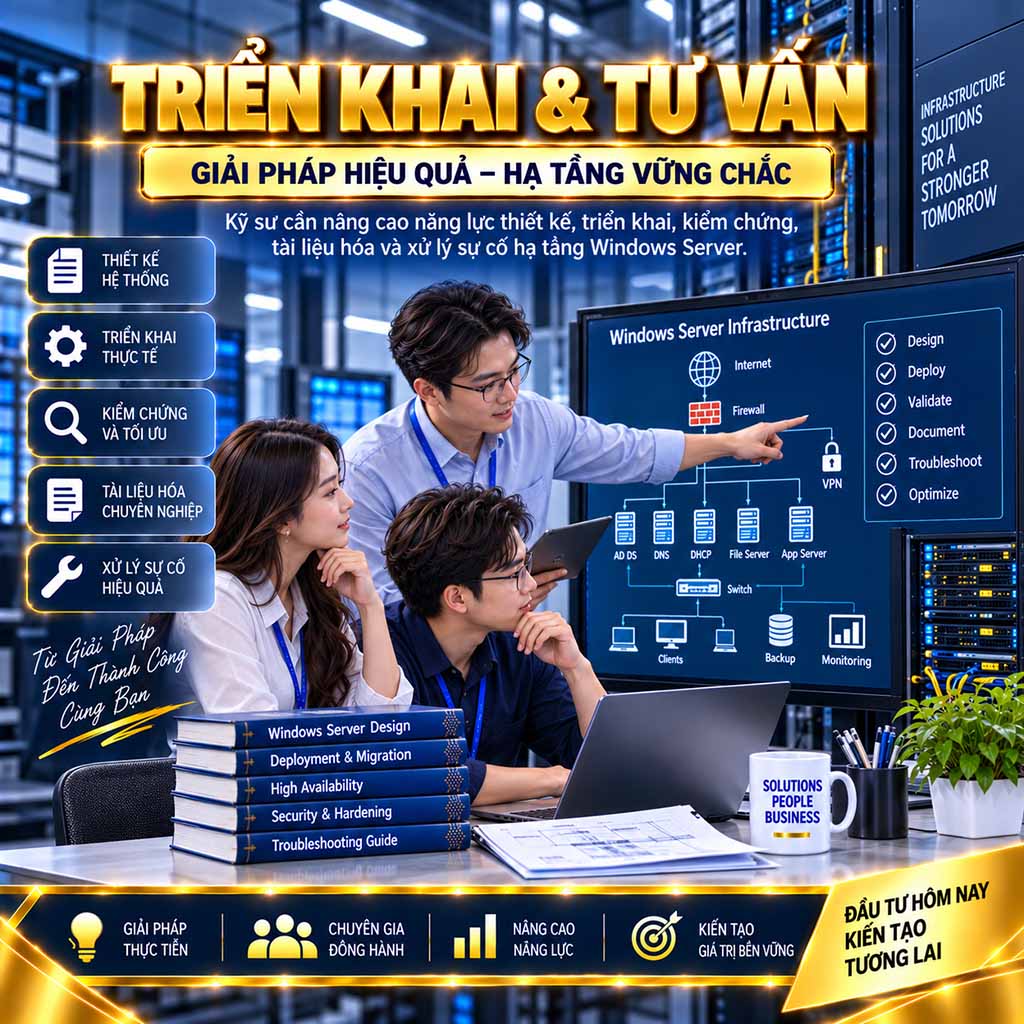
Triển Khai & Tư Vấn
Kỹ sư cần nâng cao năng lực thiết kế, triển khai, kiểm chứng, tài liệu hóa và xử lý sự cố hạ tầng Windows Server.

Chuyển Đổi Nghề Nghiệp
Người định hướng phát triển sang System Administration, Systems Engineering hoặc Enterprise Infrastructure.

Đào Tạo Doanh Nghiệp
Doanh nghiệp cần chuẩn hóa và phát triển năng lực triển khai, quản trị, bảo mật, tự động hóa và xử lý sự cố cho đội ngũ CNTT.
Các câu hỏi thường gặp
Được xây dựng như một nguồn thông tin tham chiếu toàn diện, hệ thống 40 câu hỏi thường gặp giúp học viên tiếp cận chương trình Enterprise Windows Server 2025 một cách rõ ràng, minh bạch và có hệ thống. Nội dung giải đáp đầy đủ những vấn đề quan trọng về mục tiêu đào tạo, đối tượng tham gia, điều kiện đầu vào, thời lượng, phương pháp học tập, môi trường thực hành, các công nghệ trọng tâm, yêu cầu thiết bị, Enterprise Capstone Project, chuẩn đầu ra và định hướng nghề nghiệp. Qua đó, học viên có thể đánh giá chính xác mức độ phù hợp, chuẩn bị đầy đủ trước khi tham gia và lựa chọn một lộ trình phát triển năng lực Windows Server phù hợp với mục tiêu chuyên môn dài hạn.
Đây là chương trình đào tạo chuyên sâu về thiết kế, triển khai, quản trị, bảo mật, tự động hóa, giám sát và xử lý sự cố hạ tầng Windows Server trong môi trường doanh nghiệp.
Chương trình hướng đến việc giúp học viên xây dựng và vận hành một hạ tầng Windows Server hoàn chỉnh, bảo đảm tính bảo mật, ổn định, sẵn sàng cao, khả năng mở rộng và tính liên tục của dịch vụ.
Kiến thức và bài lab được tổ chức theo quan hệ kế thừa. Học viên từng bước xây dựng, mở rộng và hoàn thiện một hệ thống doanh nghiệp thống nhất thay vì thực hiện những bài lab riêng lẻ.
Chương trình phù hợp với người mới học quản trị hệ thống, sinh viên CNTT, IT Support, Helpdesk, Windows Server Administrator, System Administrator, Systems Engineer, Network Engineer và nhân sự Data Center hoặc IT Infrastructure.
Có. Chương trình bắt đầu từ kiến thức nền tảng và phát triển dần đến cấp độ nâng cao. Học viên chỉ cần có kỹ năng sử dụng máy tính và Windows cơ bản.
Có. Chương trình giúp sinh viên bổ sung năng lực thực hành, tư duy hệ thống và kinh nghiệm triển khai hạ tầng gần với môi trường doanh nghiệp.
Có. Đây là lộ trình phù hợp để phát triển từ công việc hỗ trợ người dùng sang quản trị máy chủ, quản trị hệ thống và kỹ thuật hạ tầng.
Có. Chương trình giúp hệ thống hóa kiến thức, cập nhật Windows Server 2025 và mở rộng năng lực về bảo mật, tự động hóa, tính sẵn sàng cao, giám sát và khôi phục hệ thống.
Không. Kiến thức cơ bản về phần cứng, hệ điều hành và mạng máy tính sẽ giúp học viên tiếp cận chương trình thuận lợi hơn, nhưng không yêu cầu kinh nghiệm quản trị Windows Server chuyên sâu.
Học viên nên hiểu các khái niệm cơ bản như địa chỉ IP, subnet mask, default gateway và DNS. Những nội dung mạng cần thiết cho Windows Server sẽ tiếp tục được hệ thống hóa trong chương trình.
Học viên chỉ cần có khả năng đọc hiểu các thuật ngữ kỹ thuật tiếng Anh cơ bản để làm việc với giao diện hệ thống, câu lệnh và tài liệu chuyên ngành.
Chương trình gồm 234 giờ đào tạo – 78 buổi × 3 giờ, được tổ chức trong khoảng 06 tháng.
Chương trình dự kiến học 03 buổi mỗi tuần, mỗi buổi kéo dài 03 giờ. Lịch học cụ thể được công bố theo từng lớp khai giảng.
Chương trình được tổ chức theo hình thức Online Live Training, học và tương tác trực tiếp với giảng viên theo lịch cố định.
Có. Học viên tự triển khai mô hình lab trên máy tính cá nhân, thực hiện cấu hình, kiểm chứng và xử lý sự cố dưới sự hướng dẫn trực tiếp của giảng viên.
Điện thoại hoặc máy tính bảng chỉ phù hợp để theo dõi nội dung. Học viên cần sử dụng máy tính có cấu hình đáp ứng yêu cầu để triển khai và hoàn thành các bài lab.
Chương trình gồm 28 module, được phát triển từ Windows Server Fundamentals đến Enterprise Infrastructure và kết thúc bằng Enterprise Windows Server Infrastructure Capstone Project.
Chương trình được phát triển theo hai giai đoạn chính: Local Server Administration và Domain & Enterprise Infrastructure Administration. Kiến thức của phần đầu tạo nền tảng trực tiếp cho phần sau.
Nội dung và bài lab được xây dựng trên Windows Server 2025, trọng tâm là phiên bản Desktop Experience để phù hợp với lộ trình đào tạo và môi trường thực hành.
Có. Học viên được giới thiệu, so sánh và tiếp cận phương pháp quản trị Server Core, nhưng phần lớn bài lab chính được thực hiện trên Windows Server 2025 Desktop Experience.
Chương trình được xây dựng trên hệ thống kiến thức quản trị Windows Server cốt lõi, cập nhật theo Windows Server 2025 và mở rộng theo yêu cầu triển khai, bảo mật, tự động hóa, giám sát, duy trì tính sẵn sàng và phục hồi hạ tầng trong môi trường doanh nghiệp hiện đại.
Không. Chương trình không được thiết kế theo cấu trúc của một kỳ thi hoặc chứng chỉ cụ thể. Trọng tâm đào tạo là phát triển năng lực phân tích, thiết kế, triển khai, quản trị, bảo mật, vận hành và xử lý sự cố hệ thống Windows Server, thông qua các bài lab liên kết, tình huống doanh nghiệp và dự án tích hợp thực tế.
Chương trình lấy thực hành làm trọng tâm. Lý thuyết được sử dụng để giải thích kiến trúc và nguyên lý, sau đó được kiểm chứng thông qua Hands-on Labs và các tình huống doanh nghiệp.
Kết quả của bài lab trước được tiếp tục sử dụng và mở rộng trong những bài lab sau, tạo thành một hệ thống Windows Server doanh nghiệp xuyên suốt toàn chương trình.
Học viên từng bước xây dựng hệ thống máy chủ, mạng, storage, domain, identity, DNS, DHCP, Group Policy, file services, PKI, web services, remote access, monitoring, backup và high availability.
Có. Đây là các thành phần trọng tâm, được triển khai từ kiến trúc cơ bản đến quản trị, dự phòng, bảo mật, giám sát và troubleshooting nâng cao.
Có. Học viên được triển khai Windows Admin Center và sử dụng nền tảng này để quản trị tập trung máy chủ, storage, network, firewall, certificates, events và updates.
Có. Học viên được triển khai IIS, HTTPS, Authentication, Authorization, Web Farm, Reverse Proxy, AD FS và Web Application Proxy để công bố ứng dụng nội bộ ra mạng bên ngoài.
Có. Nội dung bao gồm RRAS, Remote-Access VPN, Site-to-Site VPN, NPS/RADIUS, RD Session Host, RD Web Access, RemoteApp, RD Gateway và RDS Farm.
Có. Học viên được học quản trị Hyper-V, Live Migration, Storage Migration, Hyper-V Replica, Failover Clustering, Cluster Shared Volumes và Highly Available Virtual Machines.
Không. Các bài lab cốt lõi được xây dựng trong môi trường doanh nghiệp giả lập và không yêu cầu tài khoản Azure trả phí hoặc tên miền Internet thật. Nếu có nội dung mở rộng, giảng viên sẽ hướng dẫn phương án phù hợp.
Máy tính cần hỗ trợ công nghệ ảo hóa, có tối thiểu 32 GB RAM và ổ cứng SSD còn trống từ 300 GB. Khuyến nghị 64 GB RAM để triển khai đầy đủ các mô hình nâng cao.
Học viên vẫn có thể theo dõi nội dung nhưng sẽ gặp hạn chế khi chạy đồng thời nhiều máy chủ. Cần giảm số lượng máy ảo, chia nhỏ mô hình hoặc sử dụng thêm tài nguyên thực hành phù hợp.
Có. Ngay từ module đầu tiên, học viên được hướng dẫn thiết kế topology, quy hoạch địa chỉ IP, chuẩn hóa tên máy, tạo máy ảo và xây dựng chiến lược khôi phục môi trường lab.
Giảng viên sẽ cung cấp danh sách phần mềm, bộ cài và yêu cầu chuẩn bị trước khóa học. Học viên có trách nhiệm sử dụng phần mềm và hệ điều hành phù hợp với các điều khoản bản quyền áp dụng.
Có. Với quy mô và độ sâu của chương trình, học viên cần dành thêm thời gian ngoài giờ để hoàn thiện bài lab, củng cố kiến thức và chuẩn bị cho các bài thực hành nâng cao.
Có. Troubleshooting được tích hợp xuyên suốt thông qua mô phỏng lỗi, phân tích log, cô lập sự cố, Blind Troubleshooting Challenge và Root Cause Analysis.
Học viên thực hiện project tại nhà, tích hợp kiến thức của toàn chương trình để thiết kế và triển khai một hạ tầng Windows Server doanh nghiệp. Buổi cuối dành cho trình bày, phản biện, xử lý sự cố trực tiếp và nghiệm thu project.
Học viên có khả năng triển khai, quản trị, bảo mật, tự động hóa, giám sát, sao lưu, phục hồi và xử lý sự cố một hệ thống Windows Server doanh nghiệp có nhiều dịch vụ tích hợp.
Chương trình phát triển nền tảng năng lực cần thiết cho các vị trí Windows Server Administrator, System Administrator, Systems Engineer, Infrastructure Engineer và Enterprise Infrastructure Engineer, tùy thuộc vào kinh nghiệm và năng lực thực tế của từng học viên.